
Photos
Dutch baby for breakfast. It is really great with Meyer lemons (from the backyard tree; which is great as we can’t get Meyers in town).


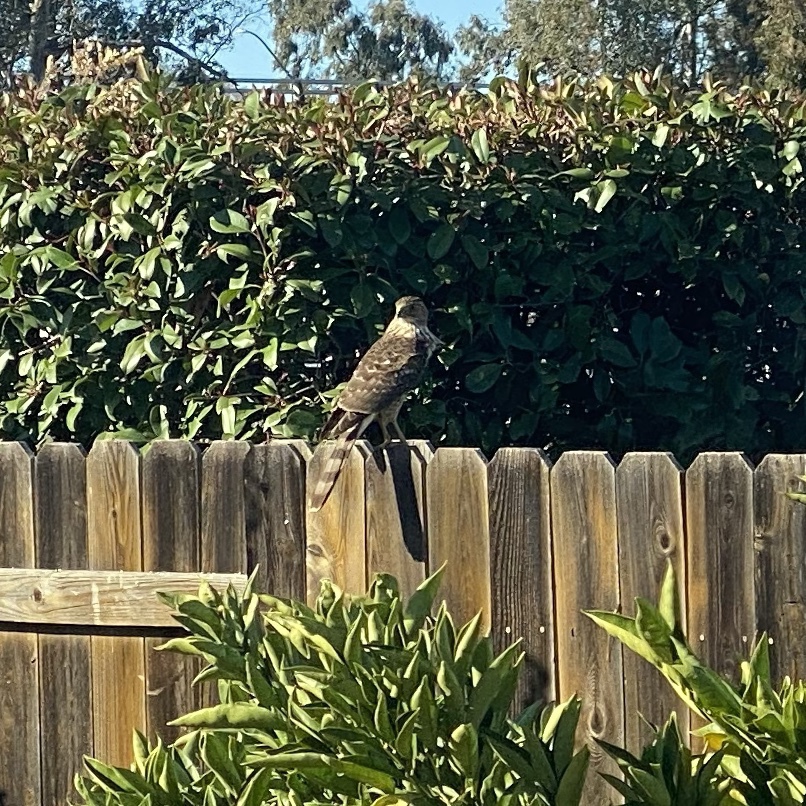
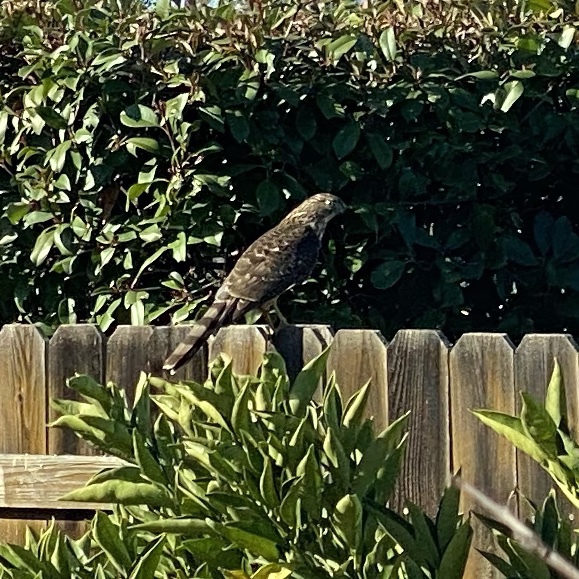
Possibly a Cooper’s Hawk casing out bird feeder and really freaking out the House Sparrows and White Crowns. We’re honored to have a hawk visit our backyard. Amazing.
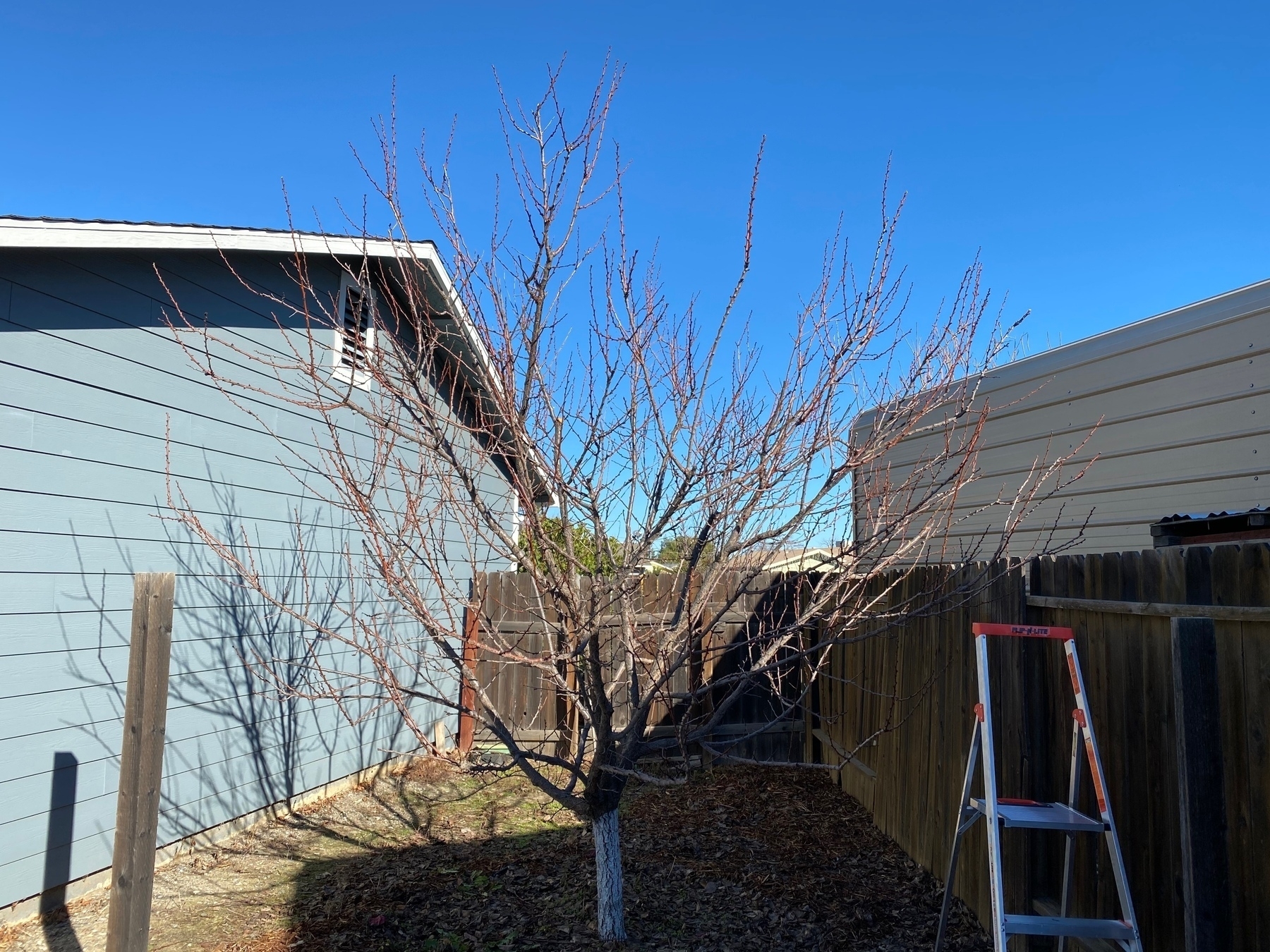
Pruned the apricot today. I only kind of know what I’m doing. It looks about right to me. Every year I open it up a bit more and reduce its height. I let it get too big. Before and after.

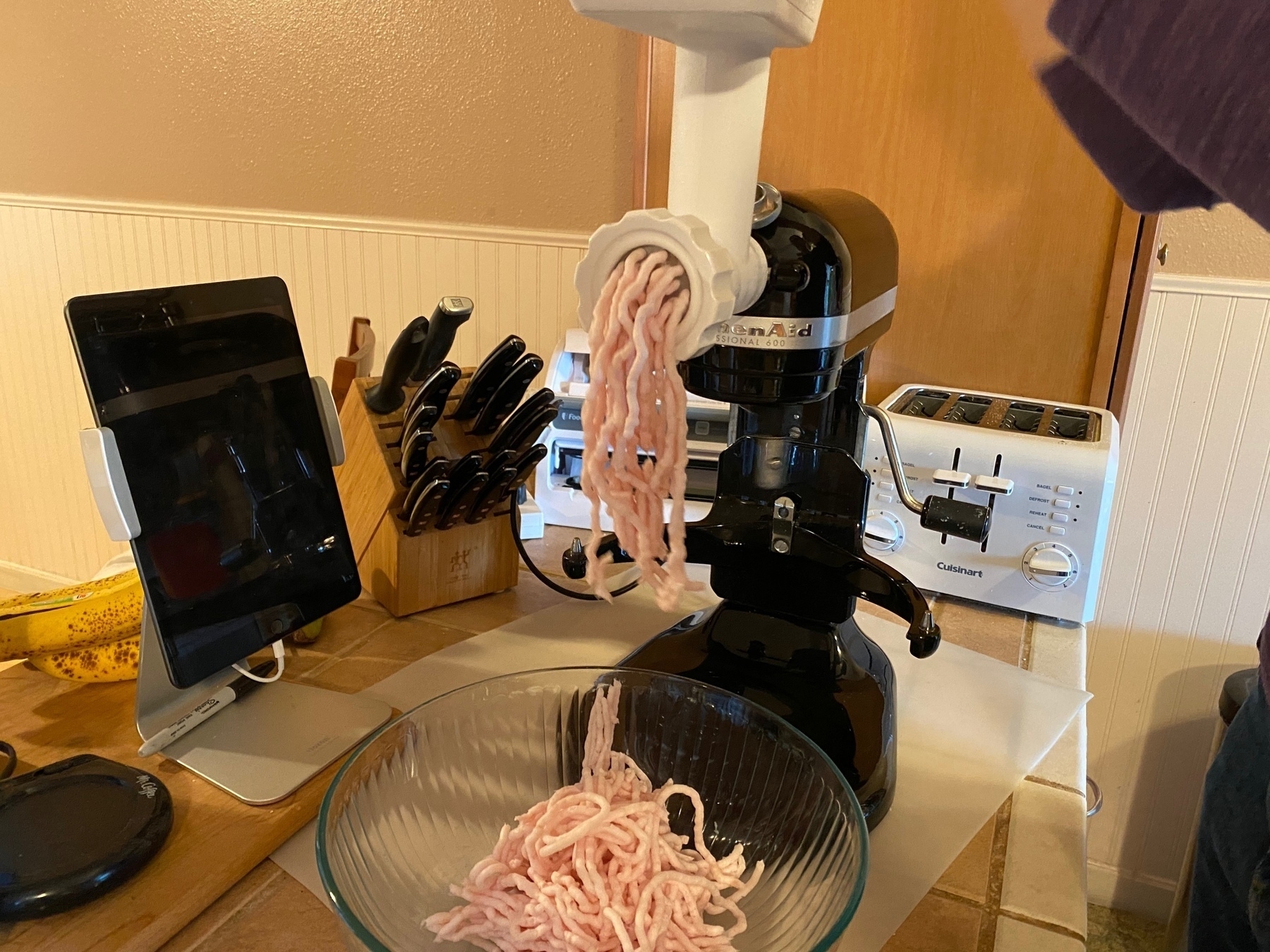
My partner is making beef salami but this time with added pork fat and more spices— the last batch was too dry and too smoky (will smoke less this time).

A Peaceable Washington D.C. in 2015
I’ve been looking through photos of my work trip to Washington D.C. in 2015. Insurrection against the Constitution at the Capitol was not a thought and I felt safe, secure.
Near the Washington Monument, looking towards the White House:

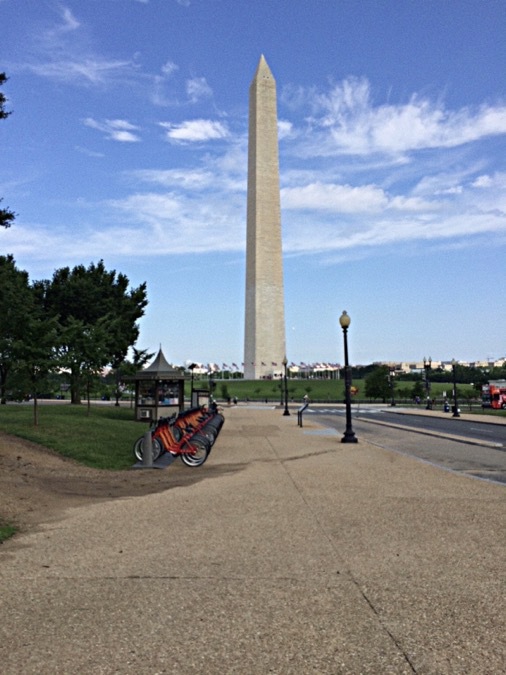
The Washington Monument:
The Yates Building, U.S. Forest Service HQ:

Looking toward the U.S. Capitol, under extensive renovations:

Ultramafic rocks at the Smithsonian:
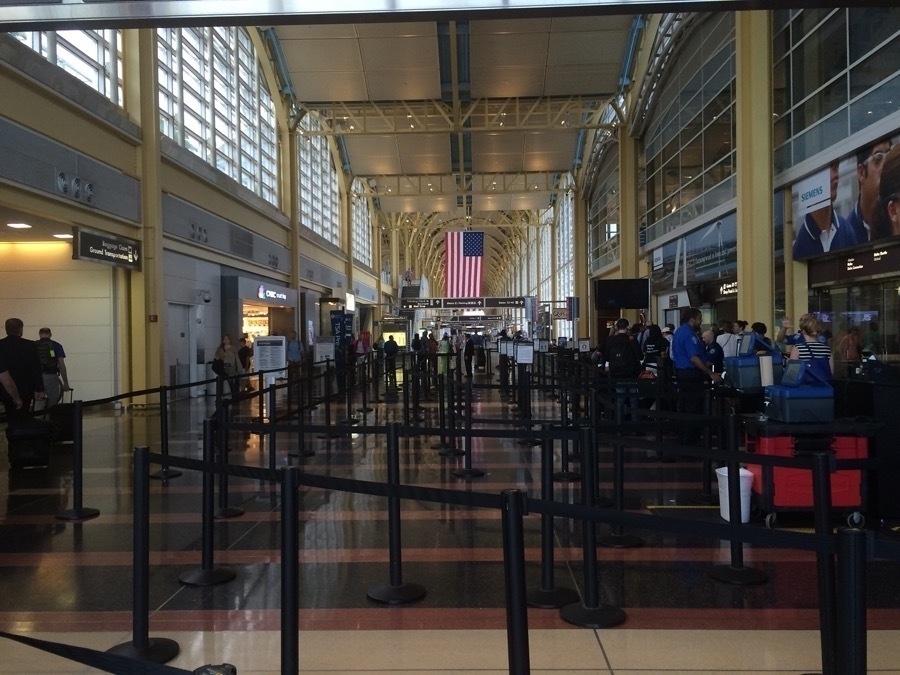
Ronald Reagan Washington National Airport:
Bibimbap!!

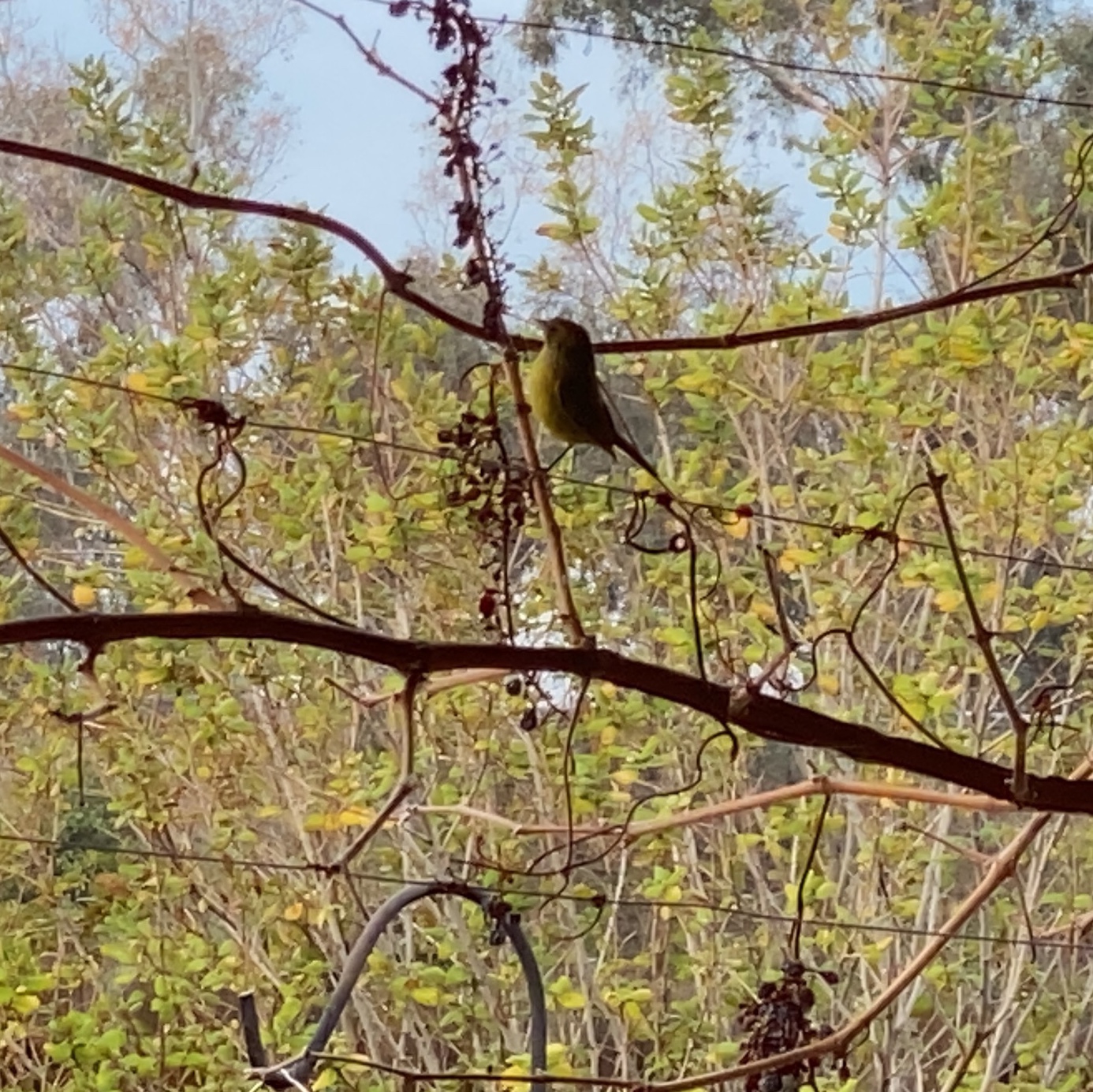
Lesser Gold Finch picking at raisins that are softened from the rain and dew.
Installed Logitech Circle View Doorbell Chime-Kit and Hardware Doorbell Chime
Why did I decide to install the chime-kit and doorbell chime after I installed the Logitech doorbell (and it worked fine)? Netatmo released their doorbell and in their FAQ they wrote this about why a chime is required (Logitech never explained but they require it despite their doorbell seemingly working without one):
The Smart Video Doorbell was specially designed to replace your existing doorbell and, therefore, to work with an existing wired chime. This chime is required in your installation because it creates a charge in the doorbell circuit. When someone presses the doorbell button, a switch closes the doorbell circuit causing electricity to flow through the circuit to activate your chime. Without a chime, when the switch closes the circuit, a short circuit would occur and cause damage to your Smart Video Doorbell.
After reading that, I decided to protect the doorbell investment by spending a little bit more time and $15 to install the chime-kit and hardware chime.
Installing the hardware chime and then the Logitech chime-kit in the garage was easy though I accidentally cut the transformer to doorbell wire; wire nut to the rescue. I did check to see if the doorbell would work with only the chime-kit installed and its switch set to no doorbell – it did. In fact, when I cut power to it, a green LED stayed lit up in the chime-kit above the switch, suggesting it keeps a charge like a hardware doorbell chime. However I don’t know definitively if that chime-kit charge would resolve possible shorting issues on doorbell press. With the chime-kit I can toggle the hardware chime to ring or not via the Home app — I have no idea how Logitech made that work. The chime-kit has a switch for analog chime, digital hardware, no chime, and analog chime.
So far the Logitech doorbell has been great with a perfect view of the front yard and super reliable notifications with videos. Video is pretty sharp and its HDR does work — the shaded porch and bright streetscape are all well exposed. It does well at night with just the almost-bug friendly amber porch light so I’ve disabled the doorbell light to keep light pollution to a minimum. That built-in light does not illuminate far so it is only useful when someone is at the door. So I wish I could set up an automation to turn on the extra light when it detects somebody at the door. I do recommend setting up Activity Zones on an iPad (easier to draw them on a larger video feed vs iPhone) to help minimize notifications. Turns out our street has more vehicle traffic than I realized. I’m very happy I patiently waited for a HomeKit Secure Video doorbell like this. If you think activity zones might limit what the HomeKit home hub detects, it seems as if when there’s motion detected in an activity zone, the HomeKit hub analyzes the entire scene for people, animals and vehicles.
Our data usage for uploads has gone down dramatically now that our Nest Outdoor IQ no longer has Nest Aware and is only useful for on-demand delayed “live” video feeds.
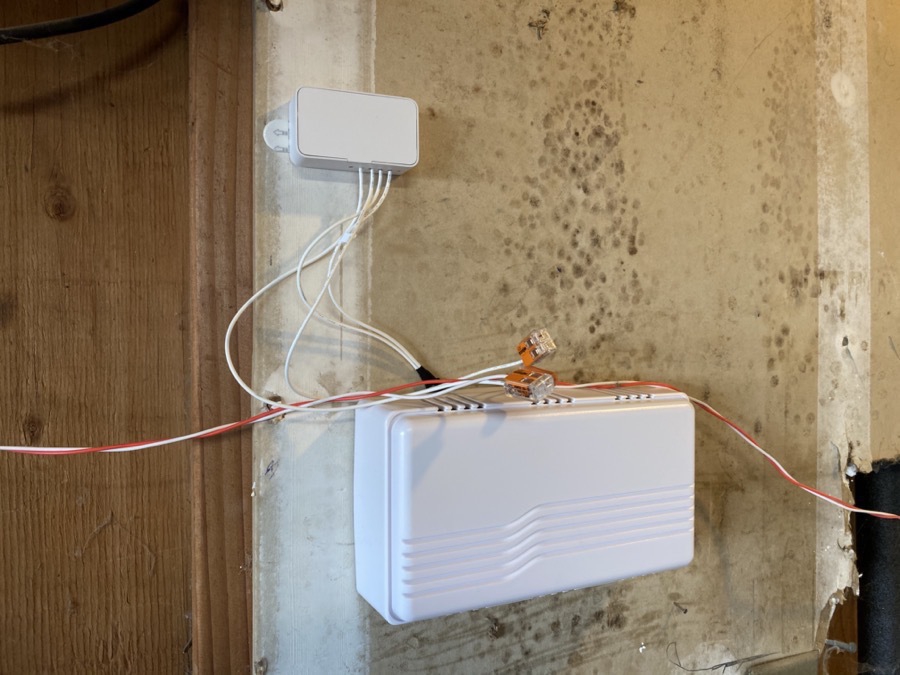
Logitech Chime-Kit at the top and the new hardware chime at the bottom. The included wire splices are nice.
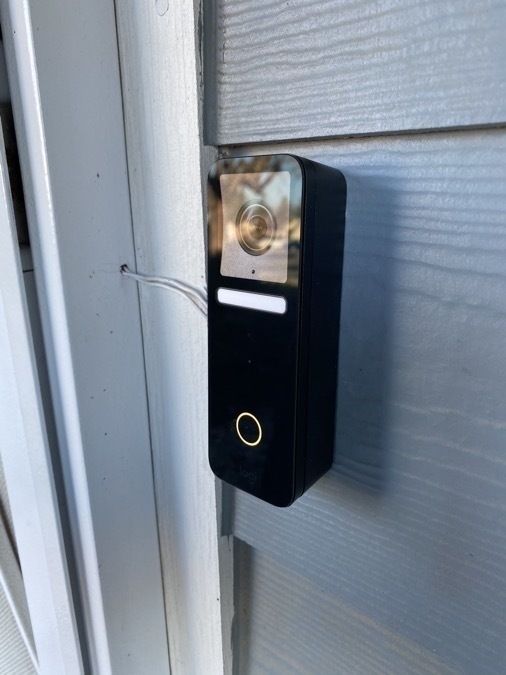
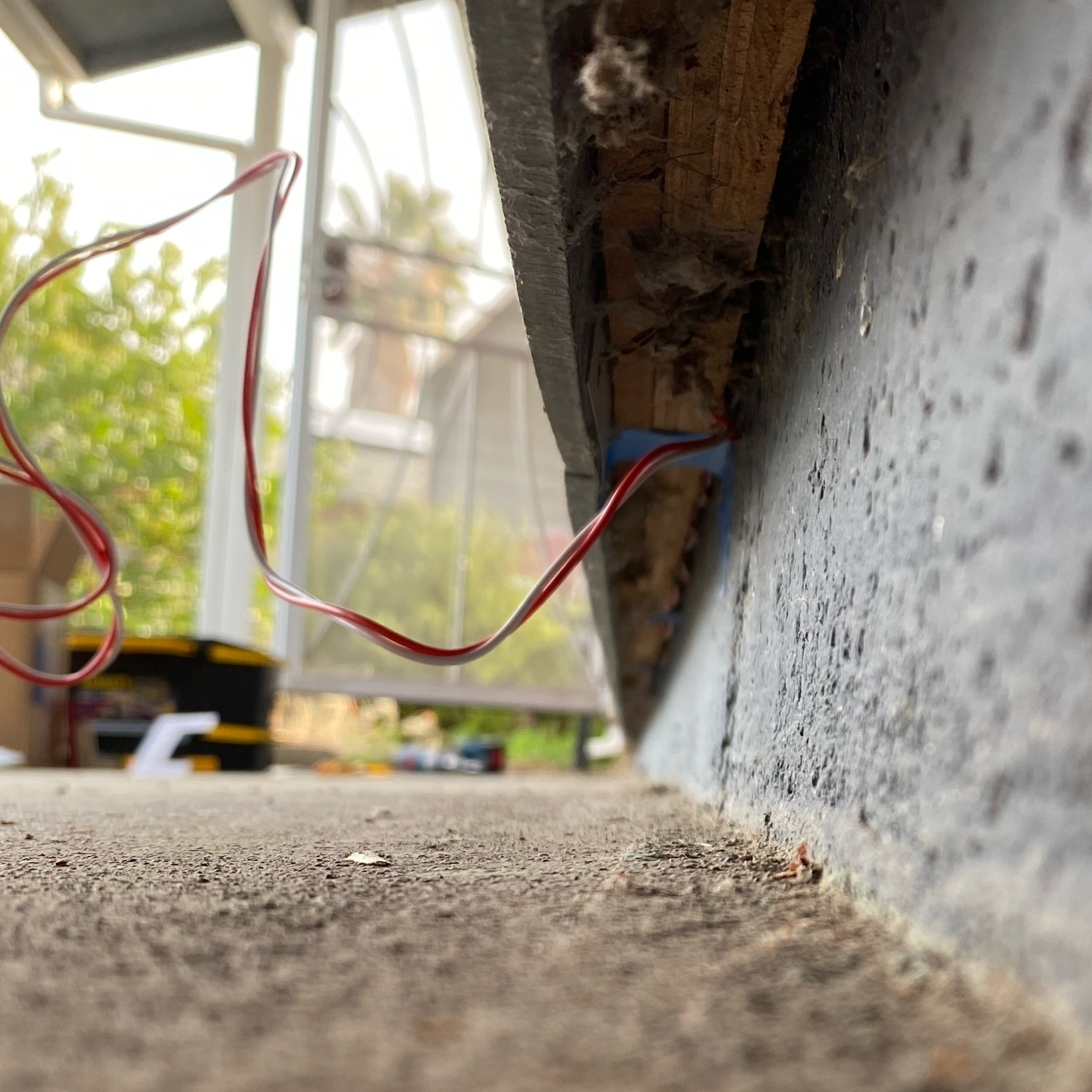
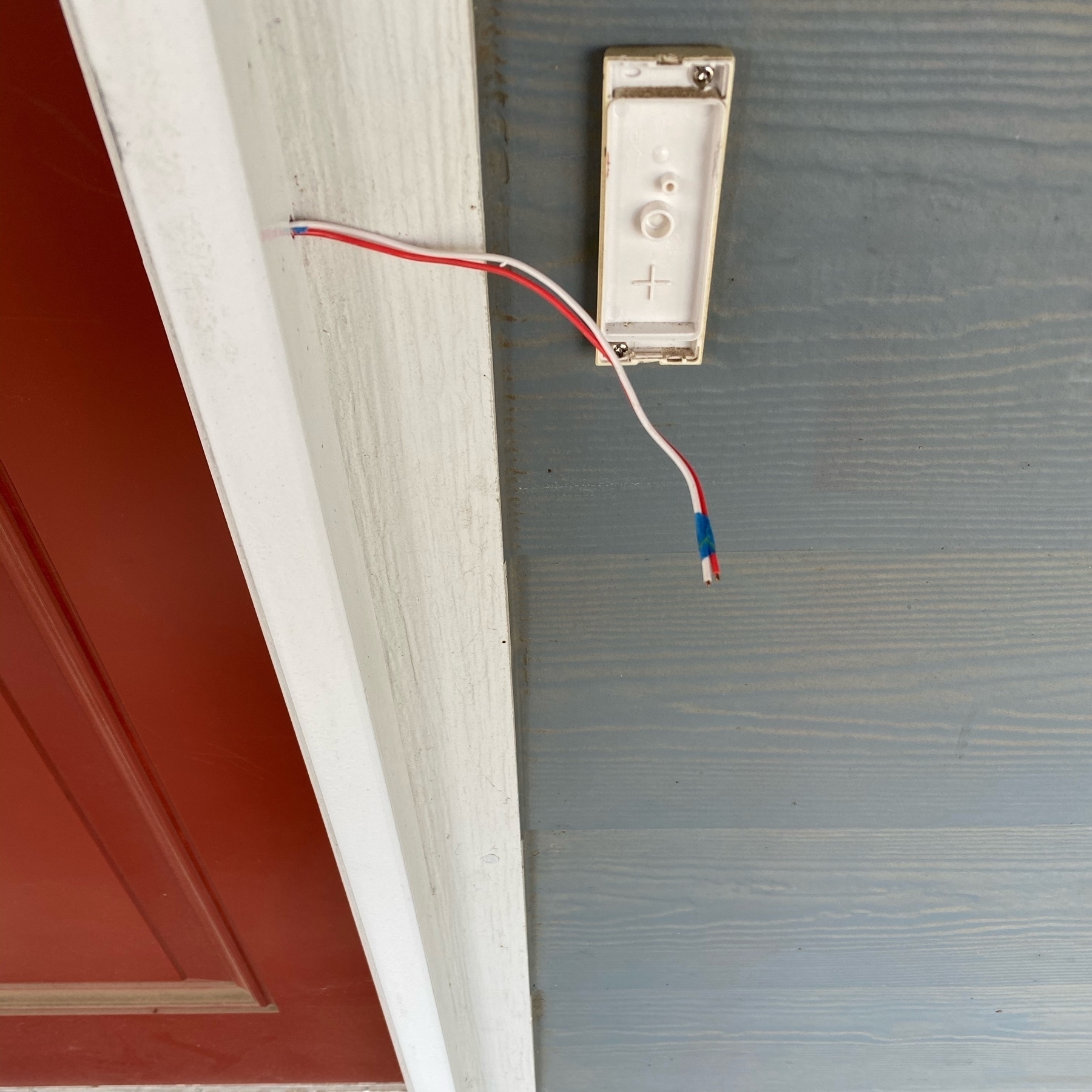
Logitech Circle View Doorbell installed on cement fiber board lap siding, doorbell wire routed through a security door frame and then along the foundation, tucked out of sight between cement foundation and sheathing. I used foam as a spacer behind the straight mount to create space for the wire to come in through the side of the mount. The mounts are made for doorbell wire coming out of a wall, so creative thinking was necessary. Notice how the Logitech logo at the bottom is barely visible. Compare that to a Ring doorbell or the new Netatmo! I love that Logitech decided to not make their logo stand out.
Logitech Circle View Doorbell and new transformer w/junction box successfully installed! I replaced an unused garage outlet with a proper junction box for enough cable slack. Cables are clamped. 👋 old wireless doorbell! 👋 Nest Aware!
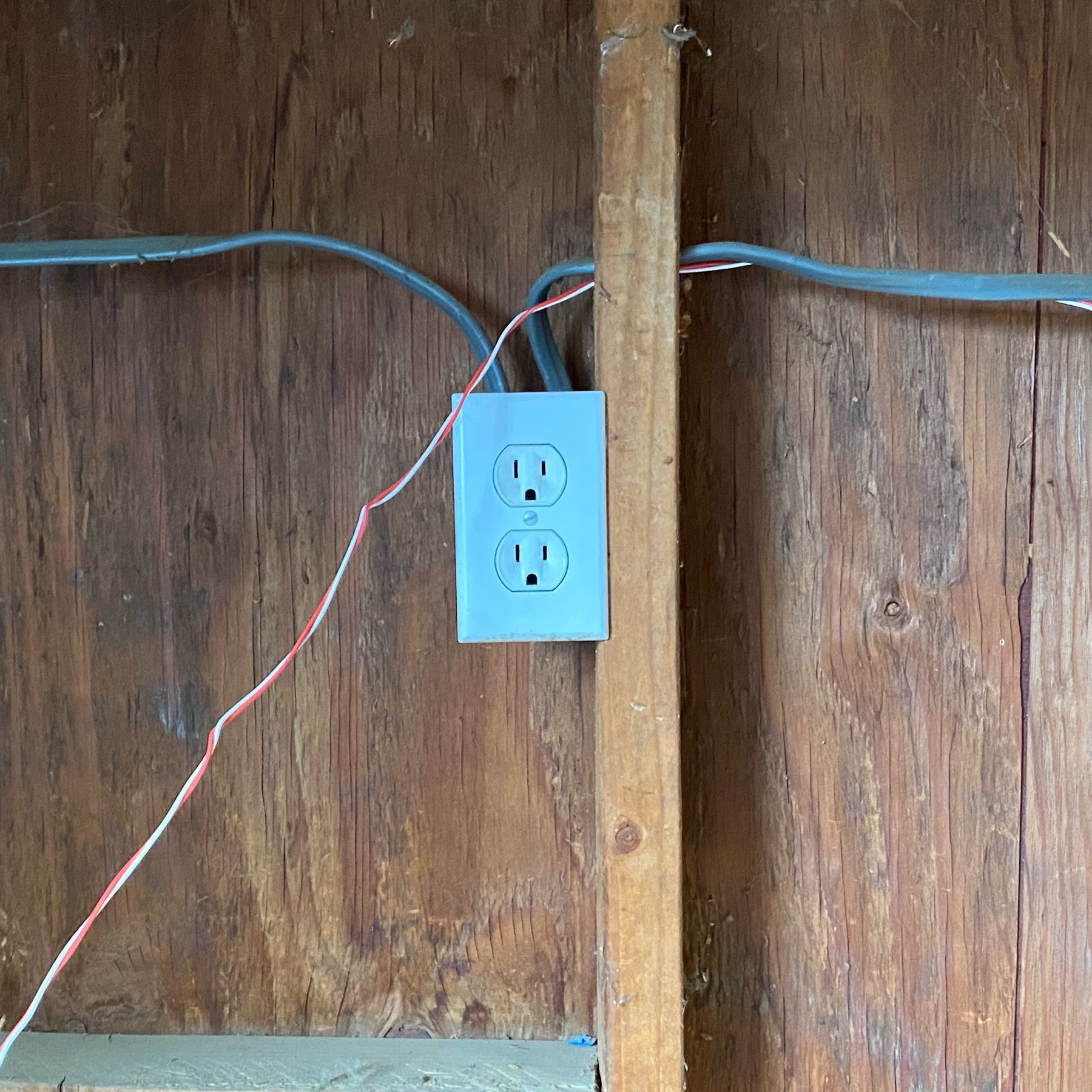
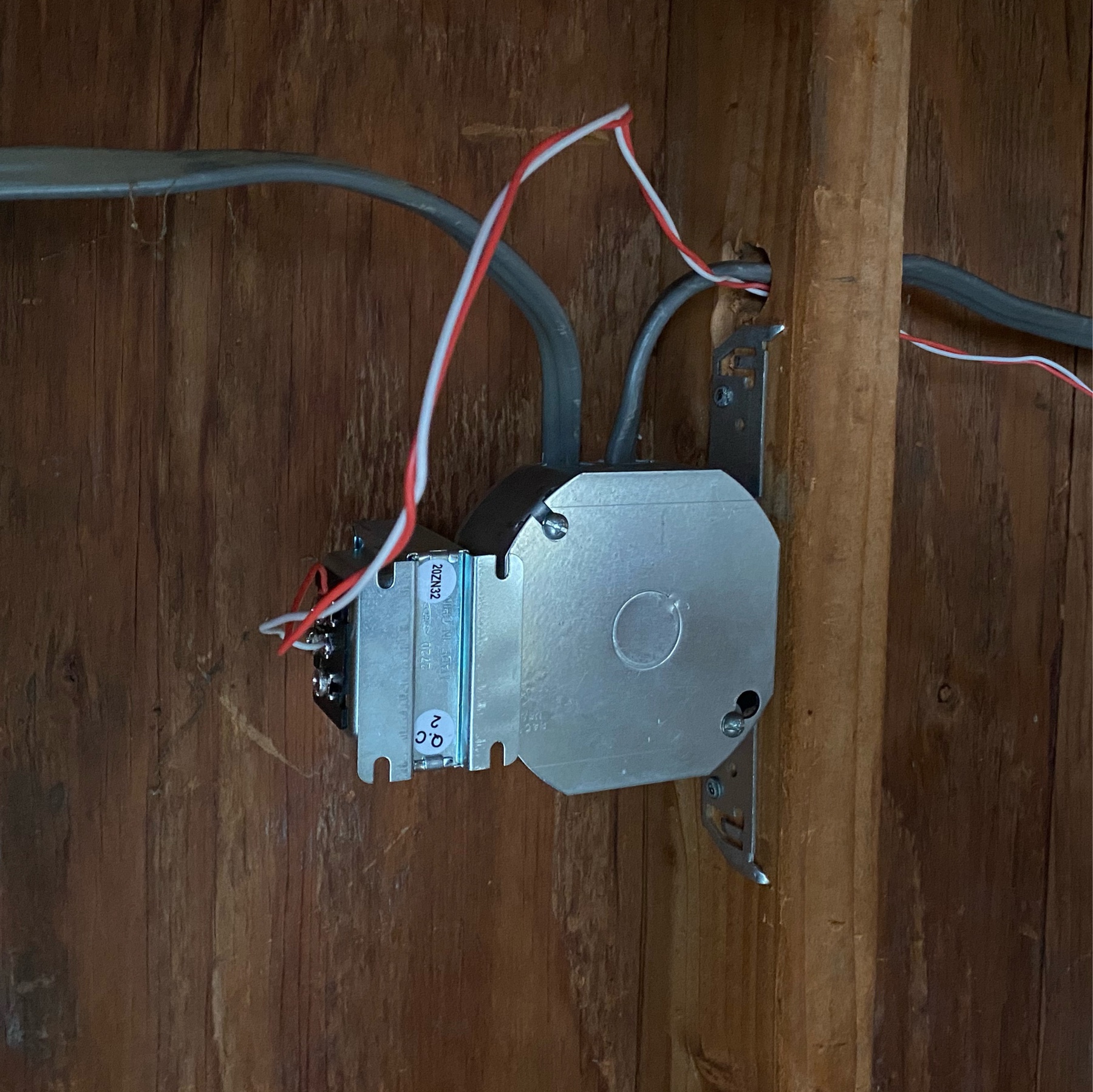
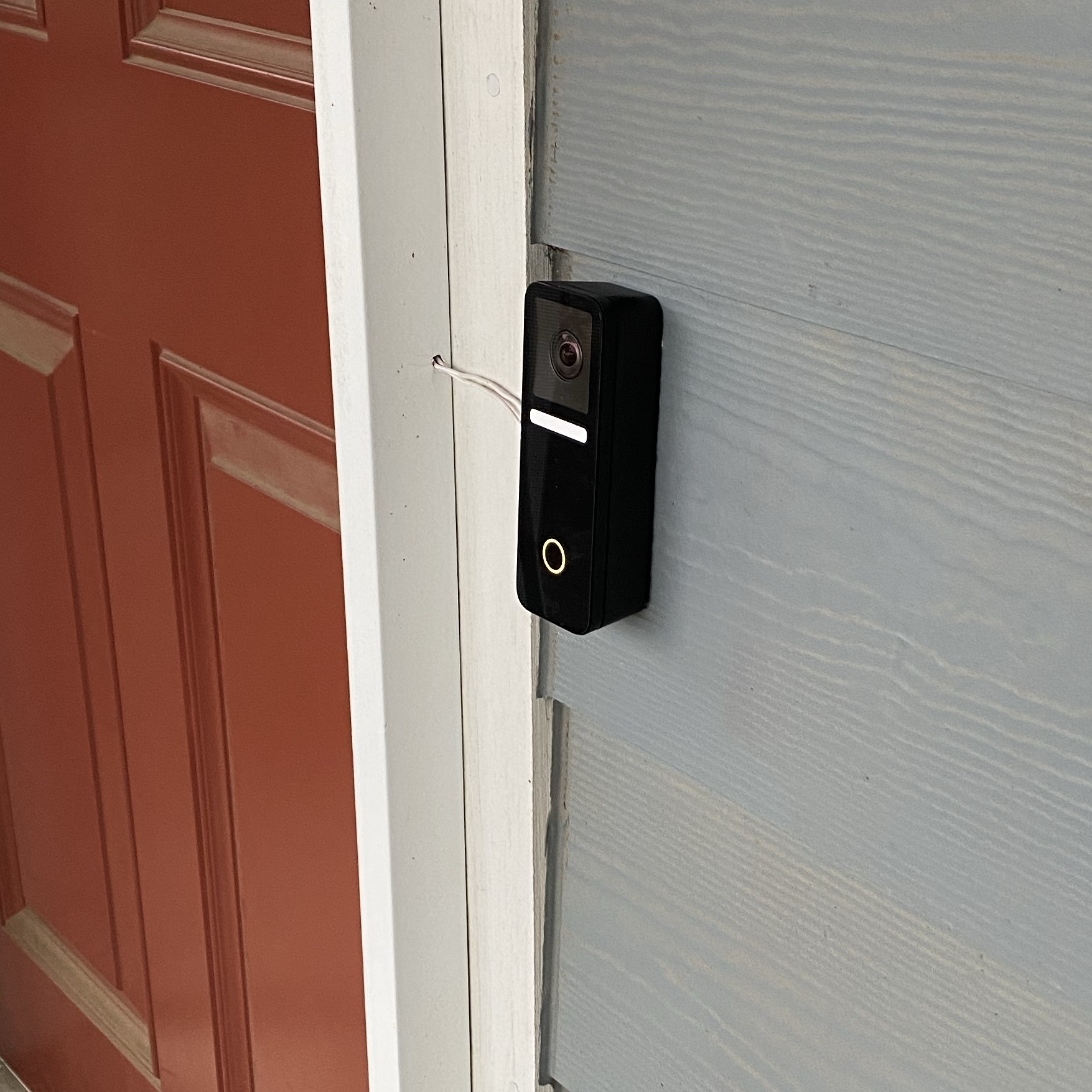

I routed the new doorbell wire from the garage, along the foundation tucked under the sheathing, then up the hollow frame of a security door, then through a hole I drilled. The doorbell will replace an old wireless one. Hope tomorrow I’ll successfully install the transformer.
Backlit senescing cultivated hybridized California grapes (“Roger’s Red”). So far the Northern Mockingbirds are its prime visitors for raisins. We’ve seen Lesser Gold Finches seemingly drinking water or eating bugs out of the raisin’s nooks and crannies.

Logitech Circle View Doorbell Initial Thoughts
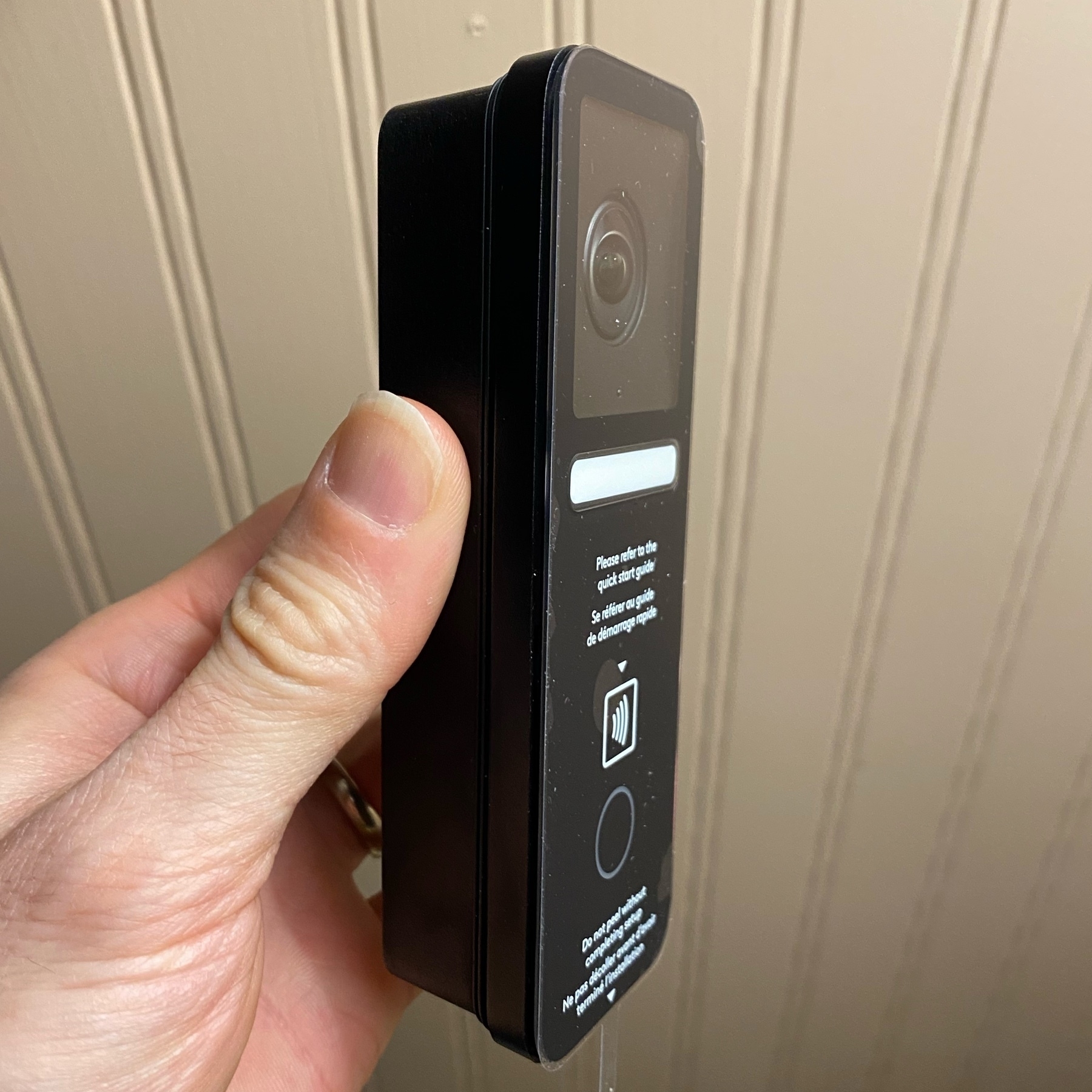
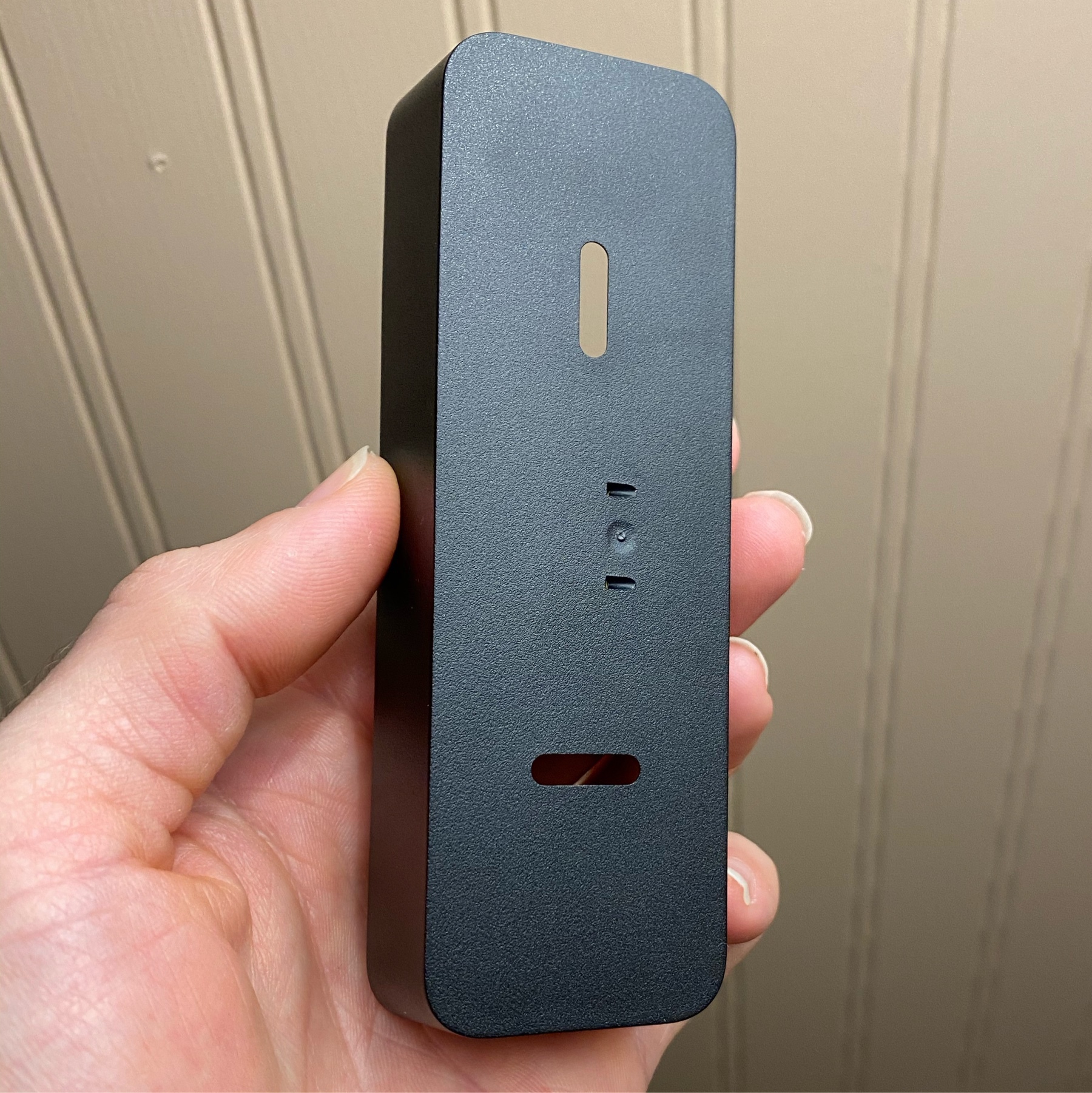
Got a Logitech Circle View doorbell. I haven’t mounted it yet but I’m already pretty happy with it after setting it up and testing it. It can power up using USB with 2A power. Logitech says it needs a hardware chime but it doesn’t! It indeed has HDR video for dealing with shadows and sun. It looks nice with a very minimal branding logo on it. The HomeKit Secure Video function works well. The night vision light (white rectangle on first photo) is unexpectedly very bright. Its straight mount (second photo) is made to sit flush against an exterior wall with the expectation that doorbell wires are routed through a hole in the wall. Since I don’t have an existing doorbell wire, and will be routing the wire externally, I’ll need to shim a gap behind the mount to pass wires through its side. The real effort will be in disguising the wires and installing the transformer on a new electrical junction box in the garage. I can’t wait to stop paying Google for an Outdoor IQ’s Nest Aware subscription that currently monitors the entrance.
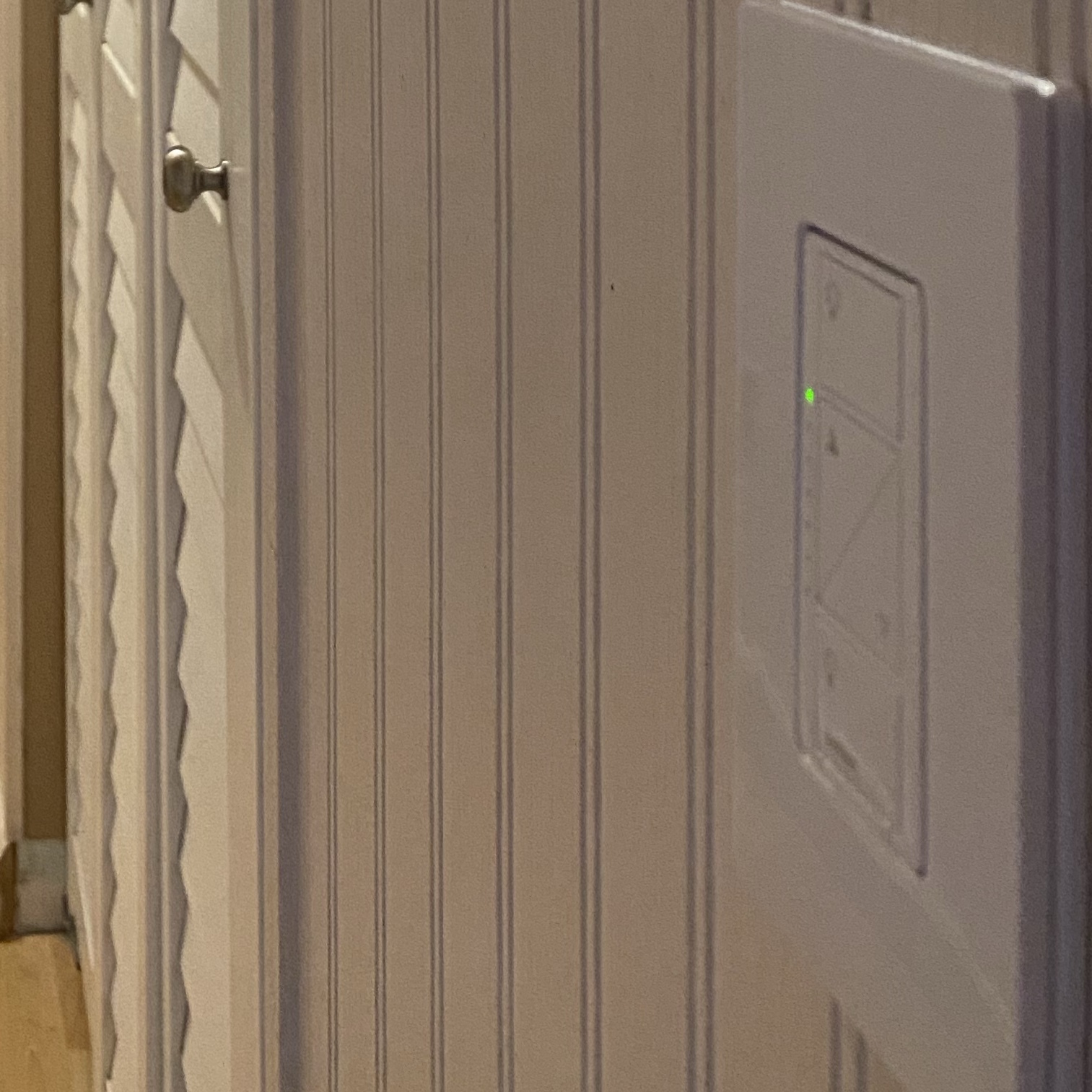
I installed a Lutron Caseta in-wall dimmer switch for the hallway today. Before it was wired as a 3-way so one switch is now a wired dimmer and the other switch is now a Pico remote (with adapter for switch box install). Real nice. Caseta is solid for home automation w/HomeKit.
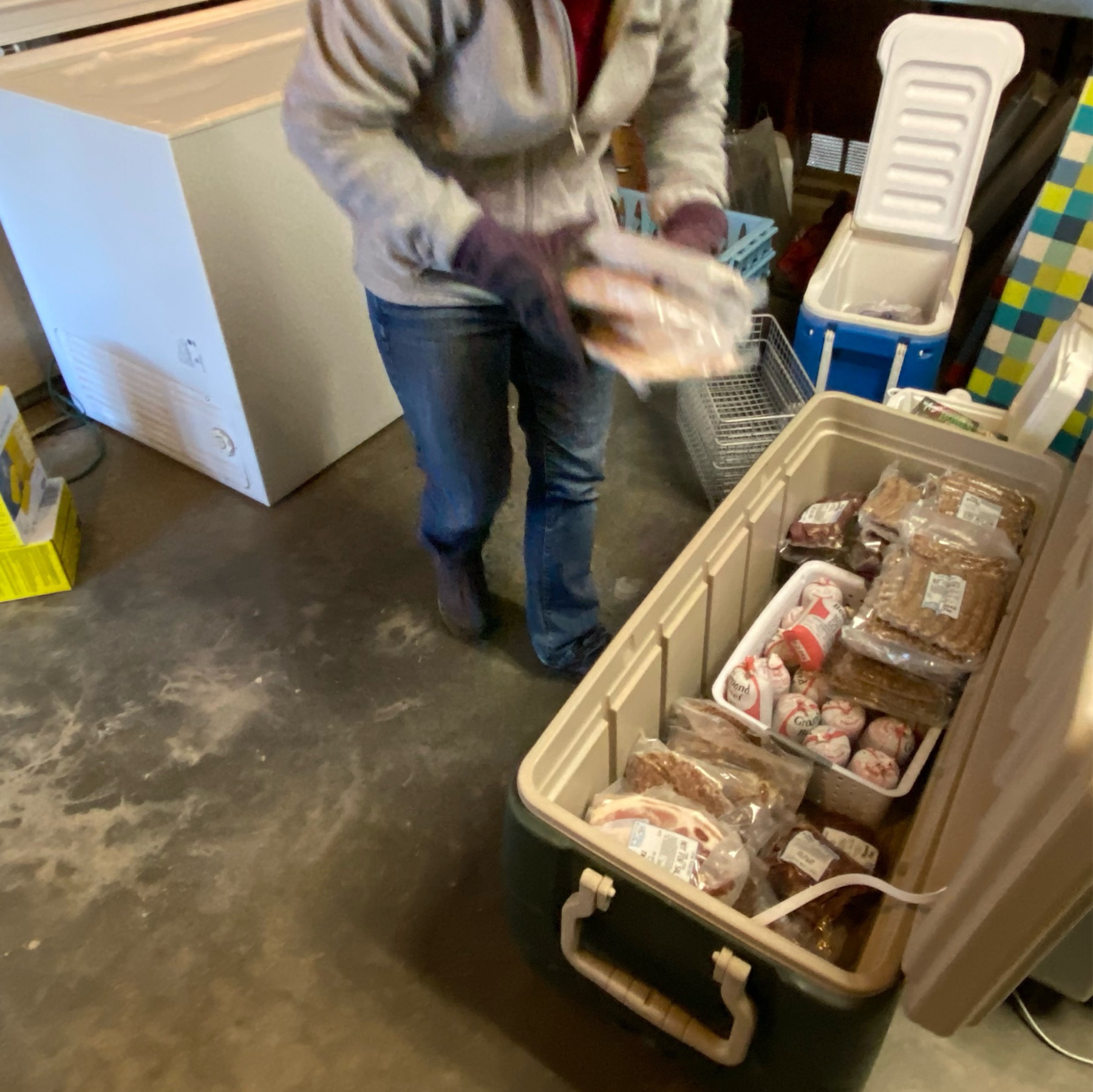
Annual chest freezer de-icing, cleaning, inventory, and organizing. This year it’s especially important since we’re about to get a 1/2 Table Mountain Ranch Beef. So excited!
We had a lot of left over brisket so some went into disco fries.

Tonight’s brisket prepared by my partner using Sous Vide for literally fork tender meat and then finished with convection bake for decadent crust/bark.


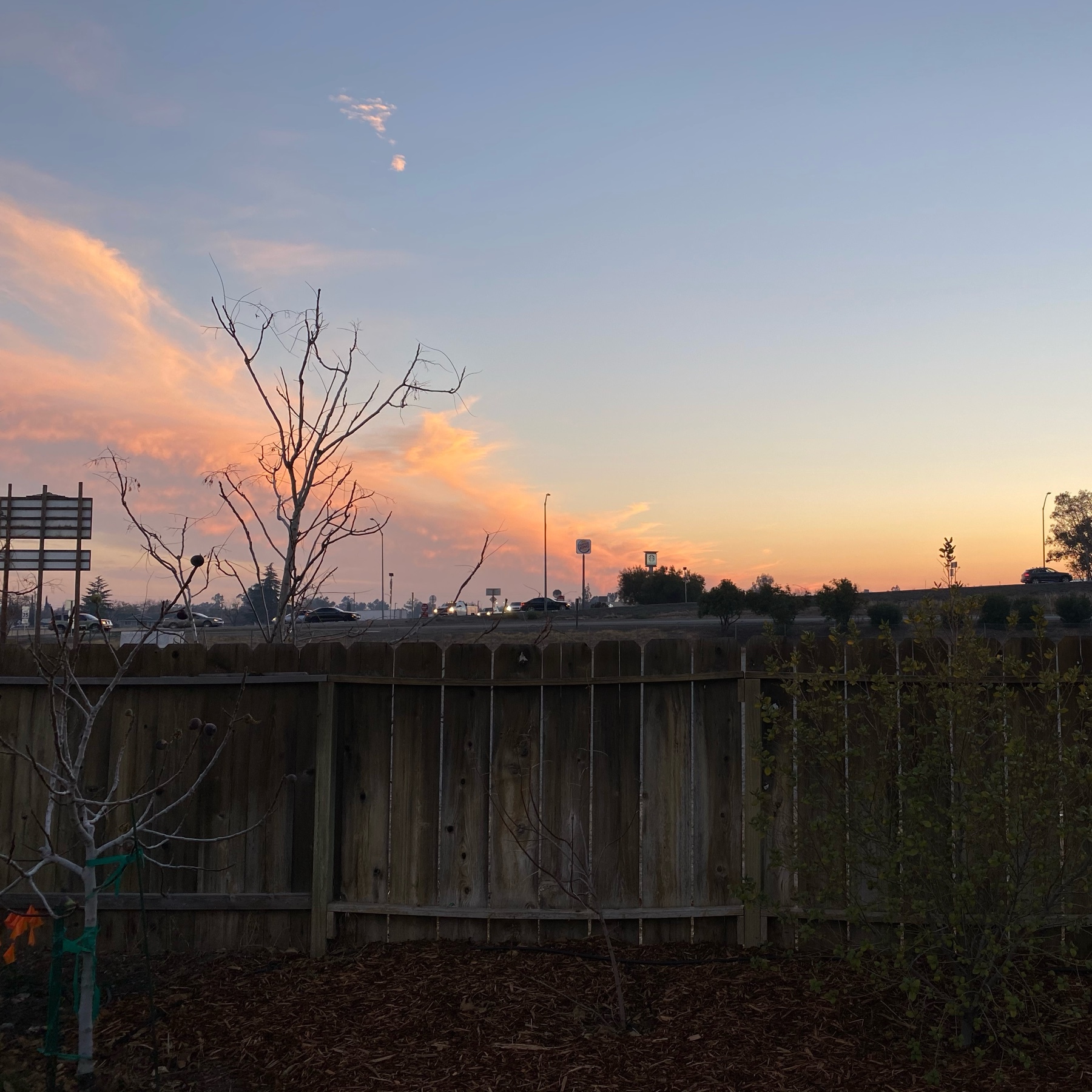
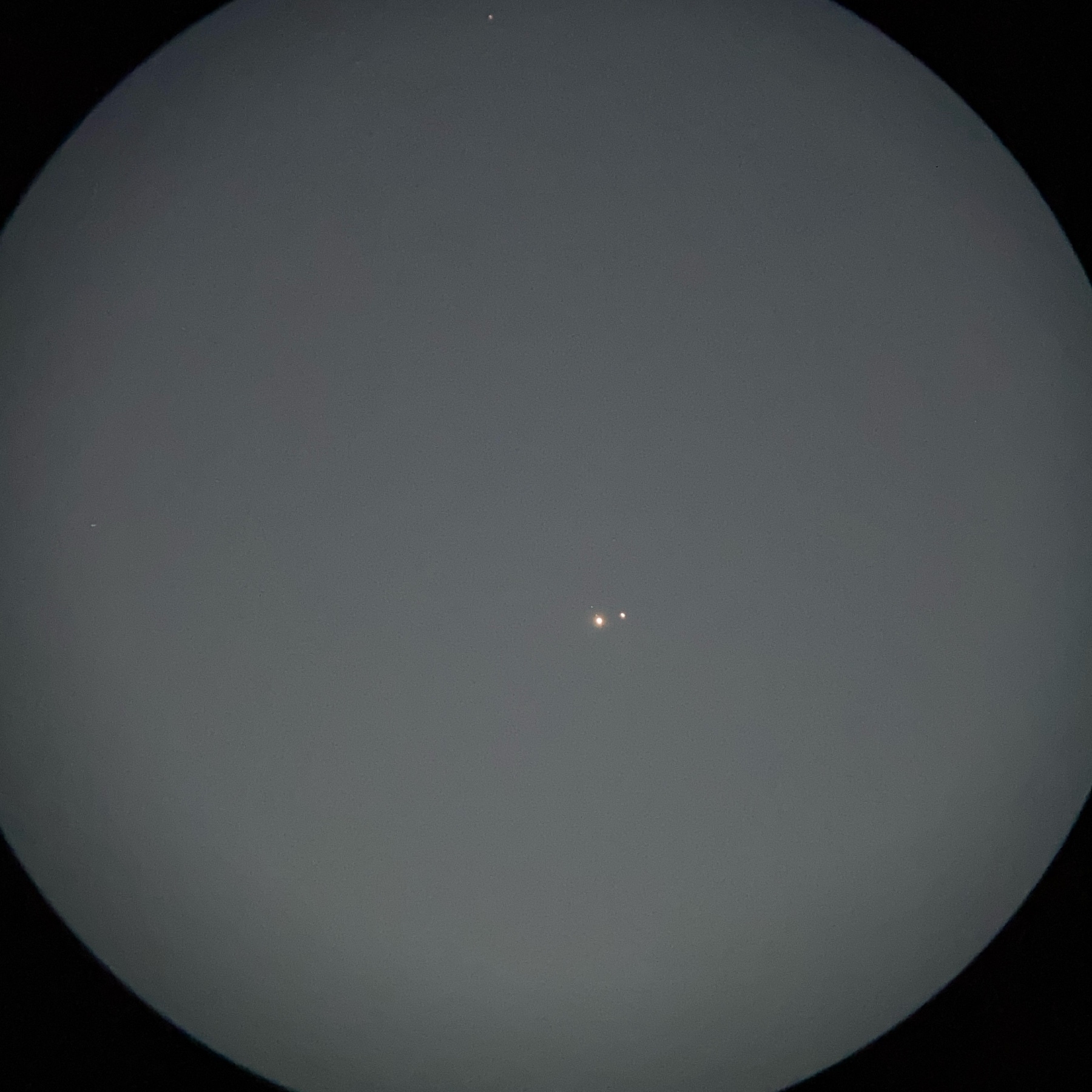
The preceding sunset was way more picturesque than Jupiter and Saturn 😜
Here’s Jupiter and Saturn through a pair of high powered 9x63 binoculars.
The front yard California fuchsias (Epilobium canum) are still flowering and providing forage to the hummingbirds. I really need to cut these back but…. the hummingbirds! And other small pollinators!

And here’s the final caramel. They’re perfect. 🤗