Our home heat and air conditioning is 18 years old. We were planning on replacing it with a heat pump & now with the Inflation Reduction Act passing & Europe going all in on heat pumps, it’s time to get in on this before supply becomes a bigger problem.
Guess my endless tweaks to my drip schedules with the Rachio sprinkler controller are paying off. We used 9000 gallons last two months (150 gallons per day in & outdoor). I even added emitters this year! Last year that period had 14000 gallons.
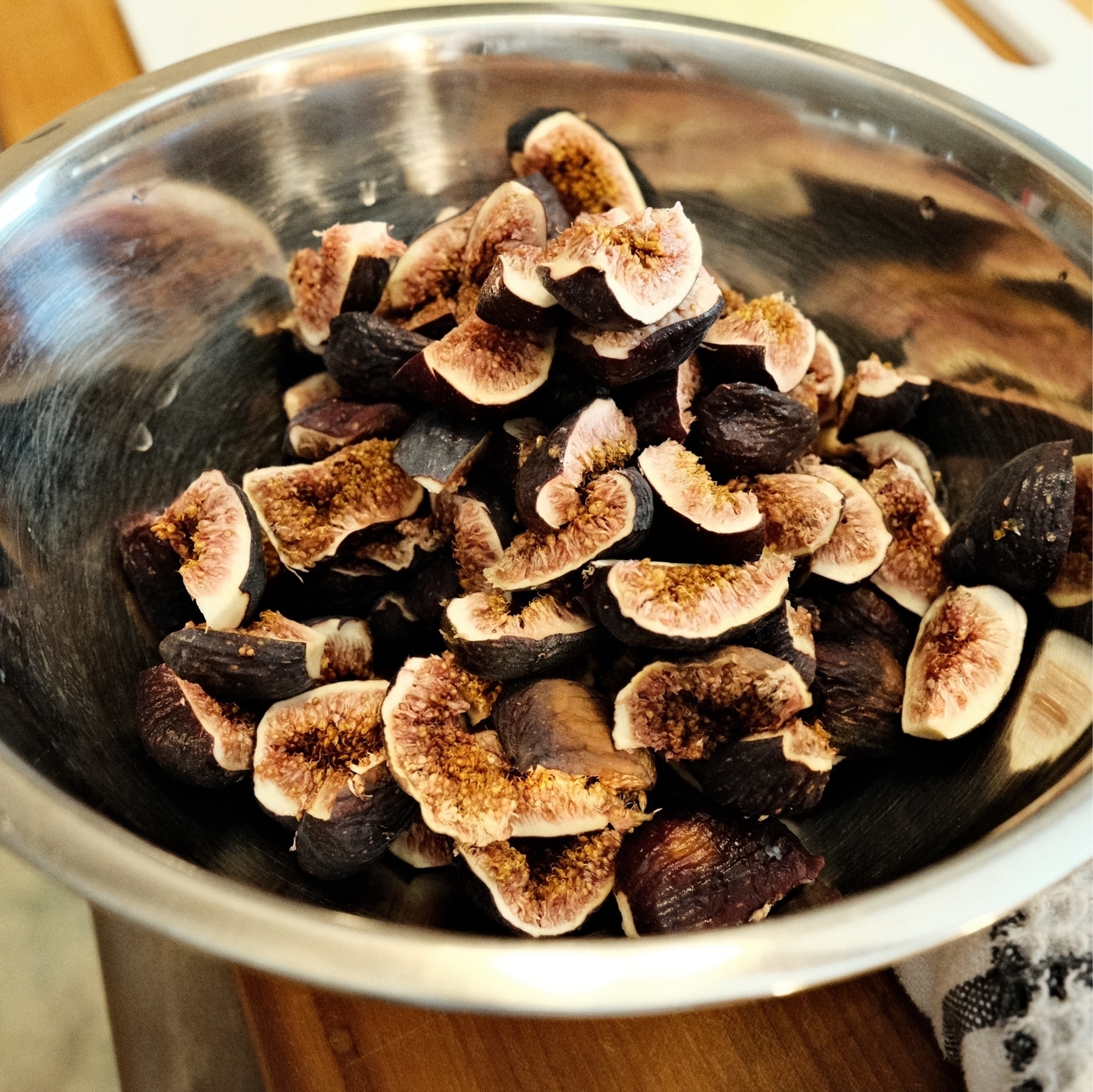
These backyard figs look good but they’re not sweet. We dried them out and plan on using them in a bake in a week or so.
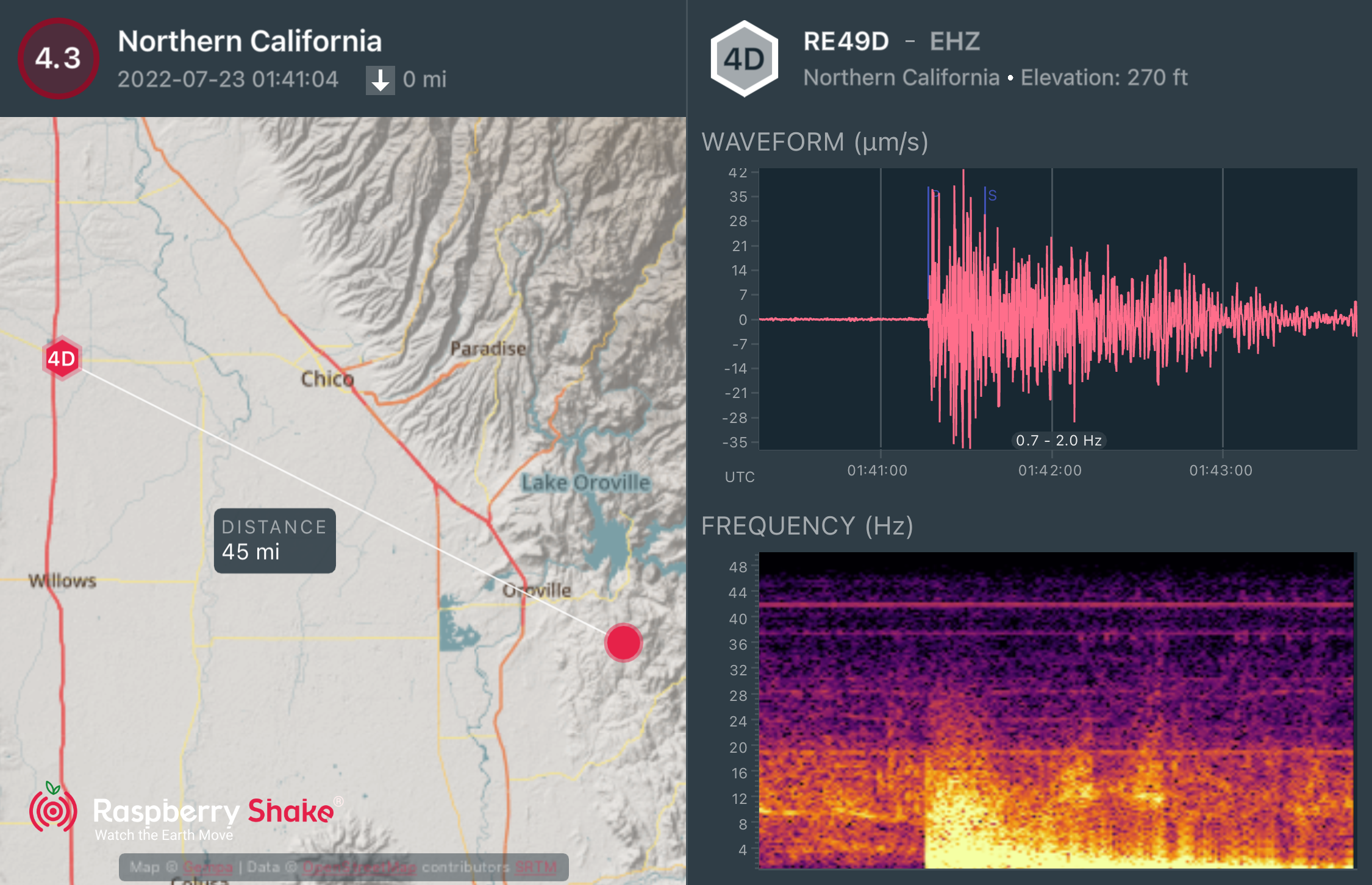
M4.3 earthquake SE of Orovolle, CA occurred at 18:41 Pacific. I didn’t feel it. @raspishake #ShakeNet
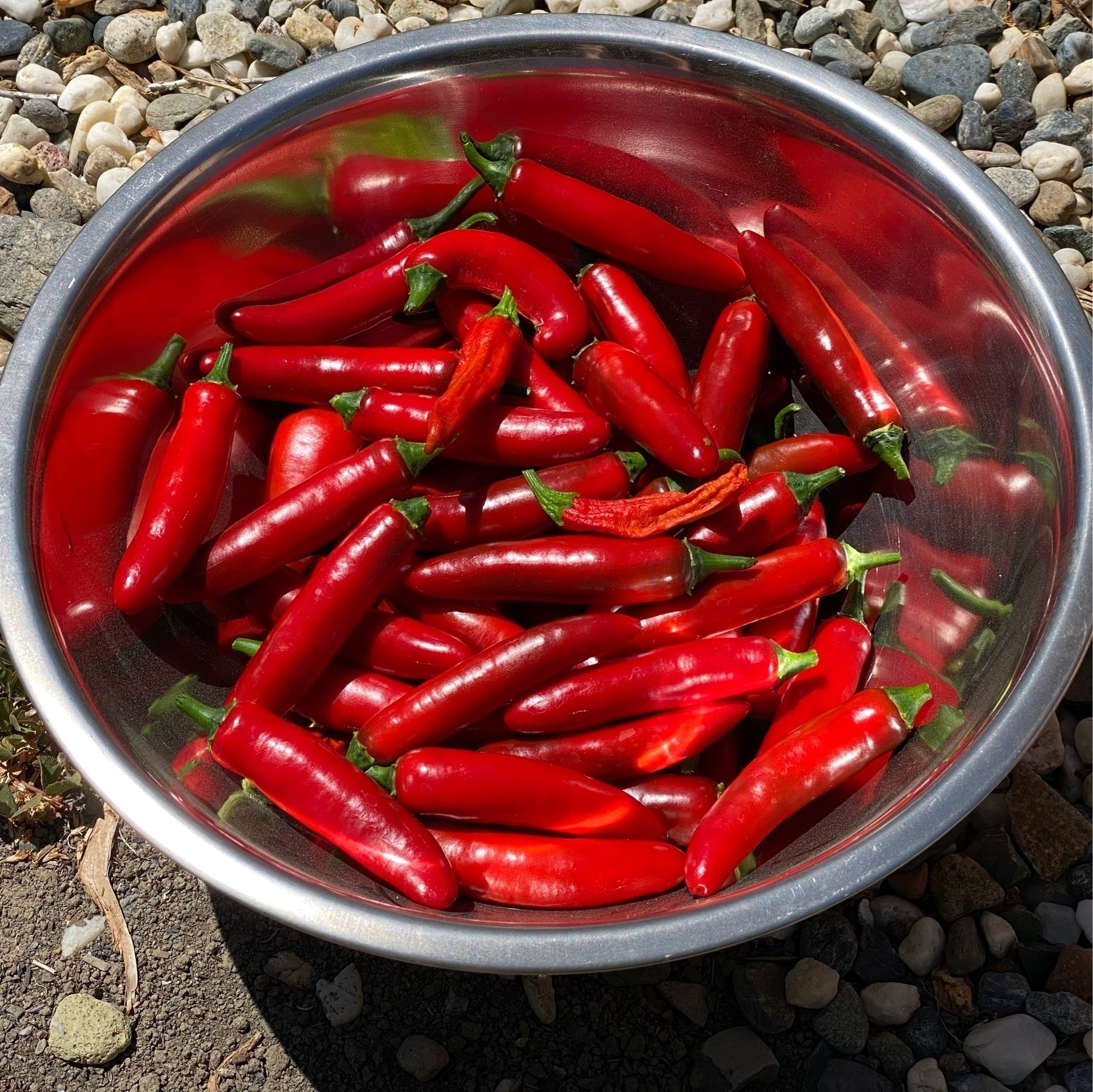
Super happy with our peppers this year. Best harvest ever (and much more to pick). Mostly serranos in the bowl. Love ripe peppers. Can’t get those at the market where we live.

Based on my spreadsheet, it’s time to replace our ~20 year old A/C & nat gas heater with a new heat pump. Nat gas is now almost as expensive as electric per BTU (assumes heating seasonal perf factor of 9.5). No surprise gas cost is rapidly 📈. Just got to get thru summer.
Introverts that have to go to the office at least once a week find fridays amazing. Or at least I do. Fridays in the office: Empty - The Washington Post
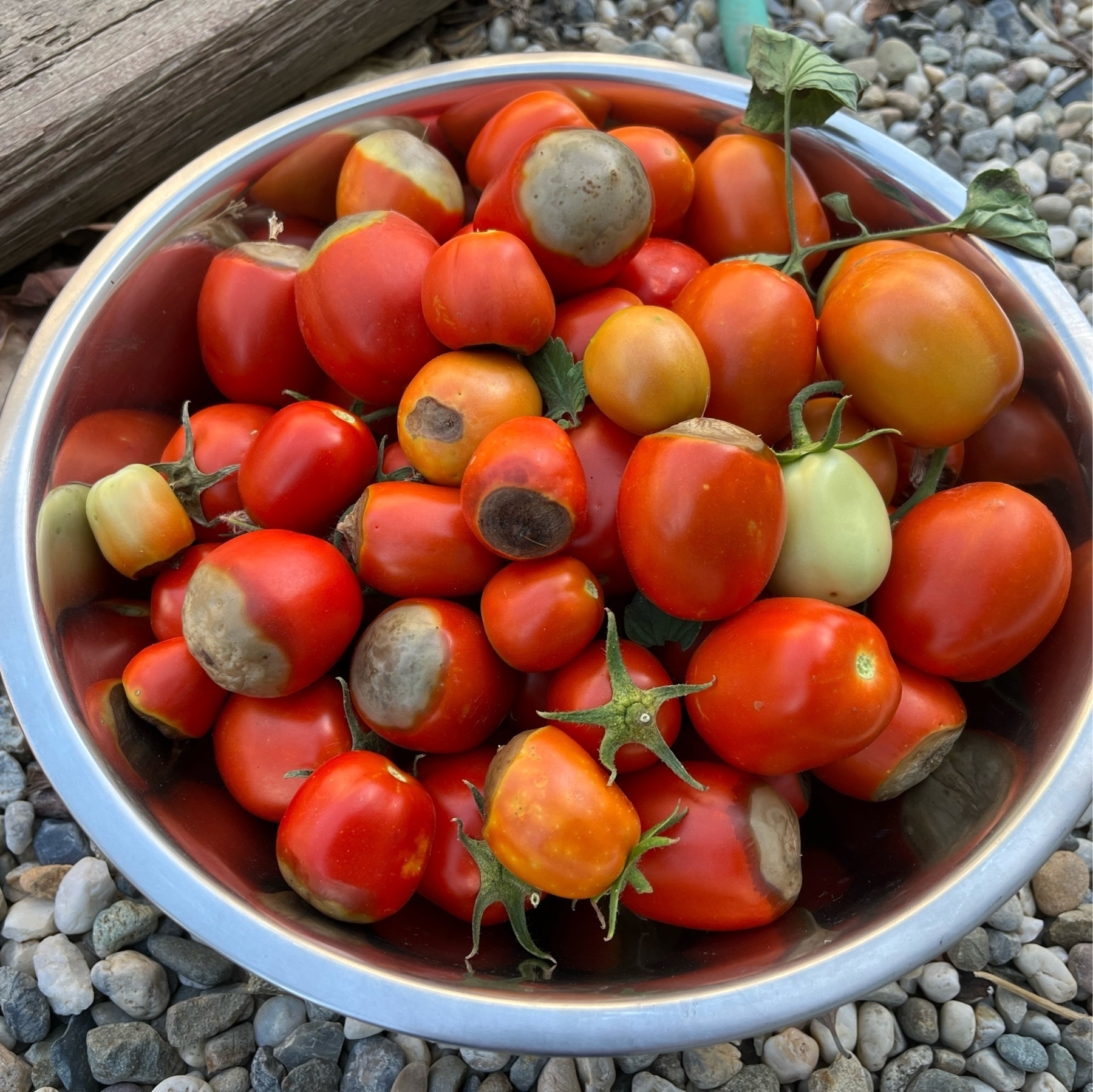
Peppers & tomatoes (fortunately many of the delicious fruit do not have end rot) are ripening and we’re harvesting every few days now.


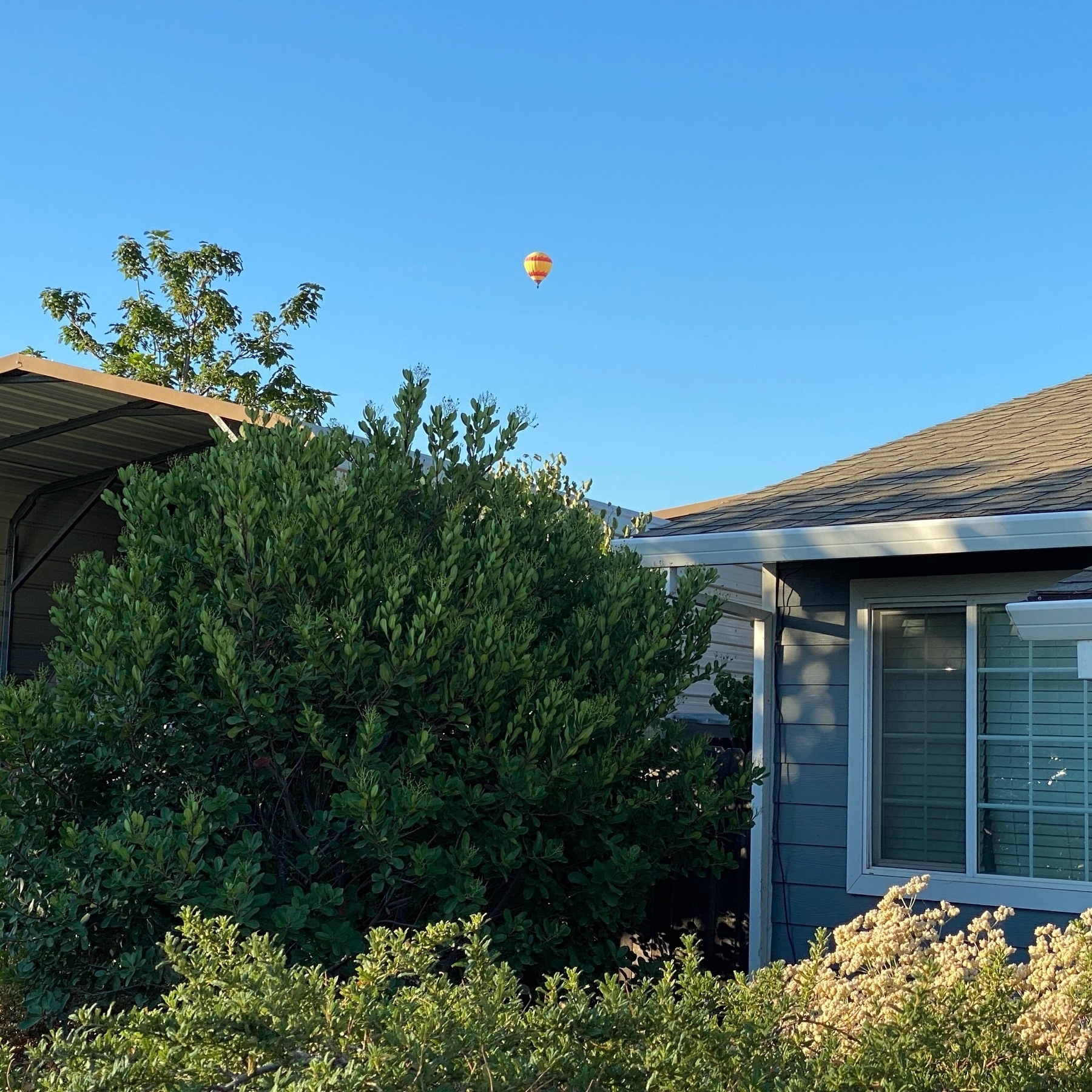
Hot air balloons behind our house this last Saturday. Not common at all & a delight to see.

From early June: rain over Munich’s Olympiapark.

All is not great in our garden though. We still have a heck of a time with end rot on our tomatoes despite amendments with calcium. Into the compost these went! 🌱
Pepper garden update🌱

With insanity at European airports I’m thankful our early June trip to Germany was nearly flawless. We 😷managed to not get Corona (we tested ourselves before leaving though the US lifted that requirement while we were there). Almost 4 years of planning! Photo is Frankfurt Intl

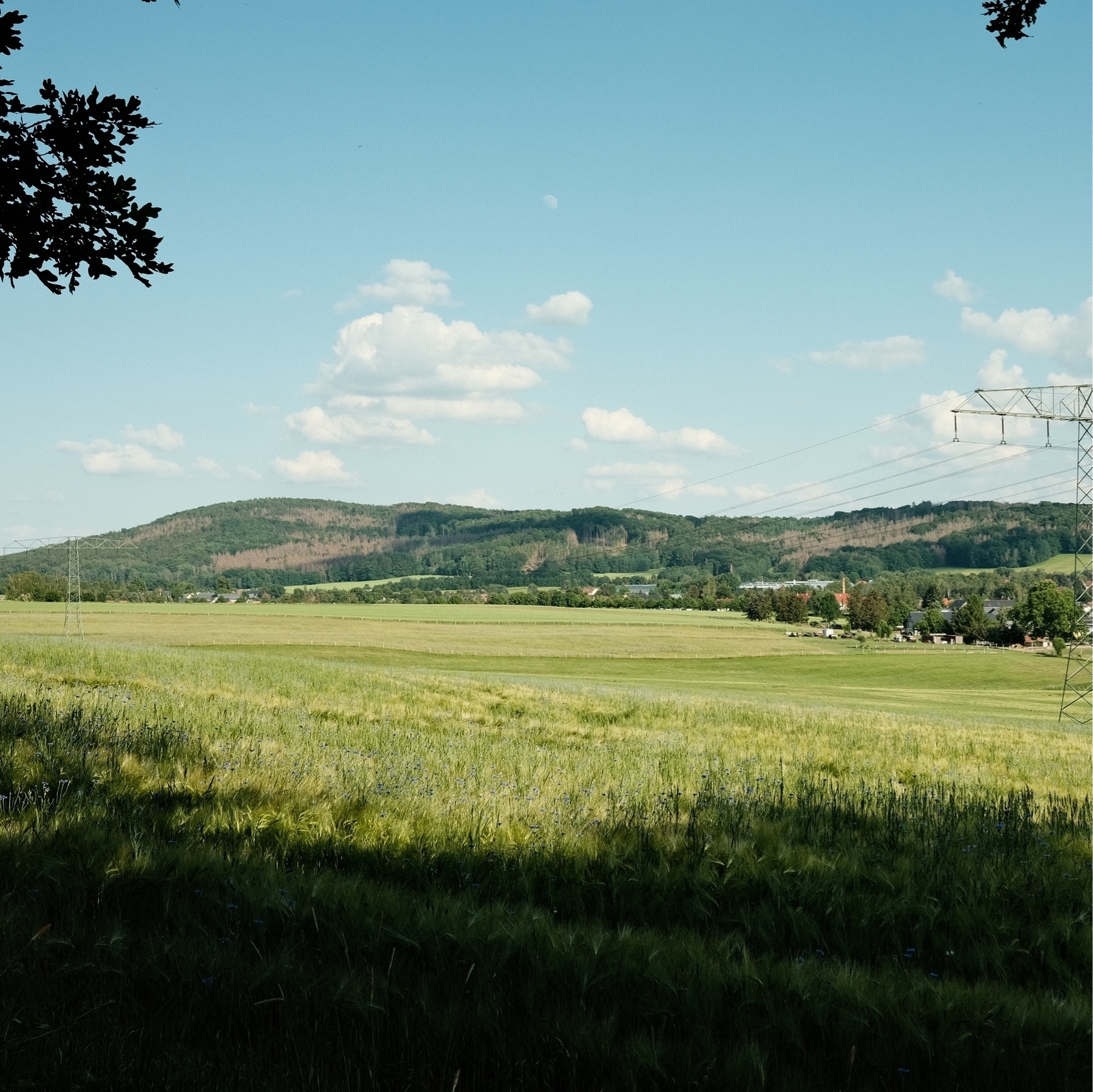
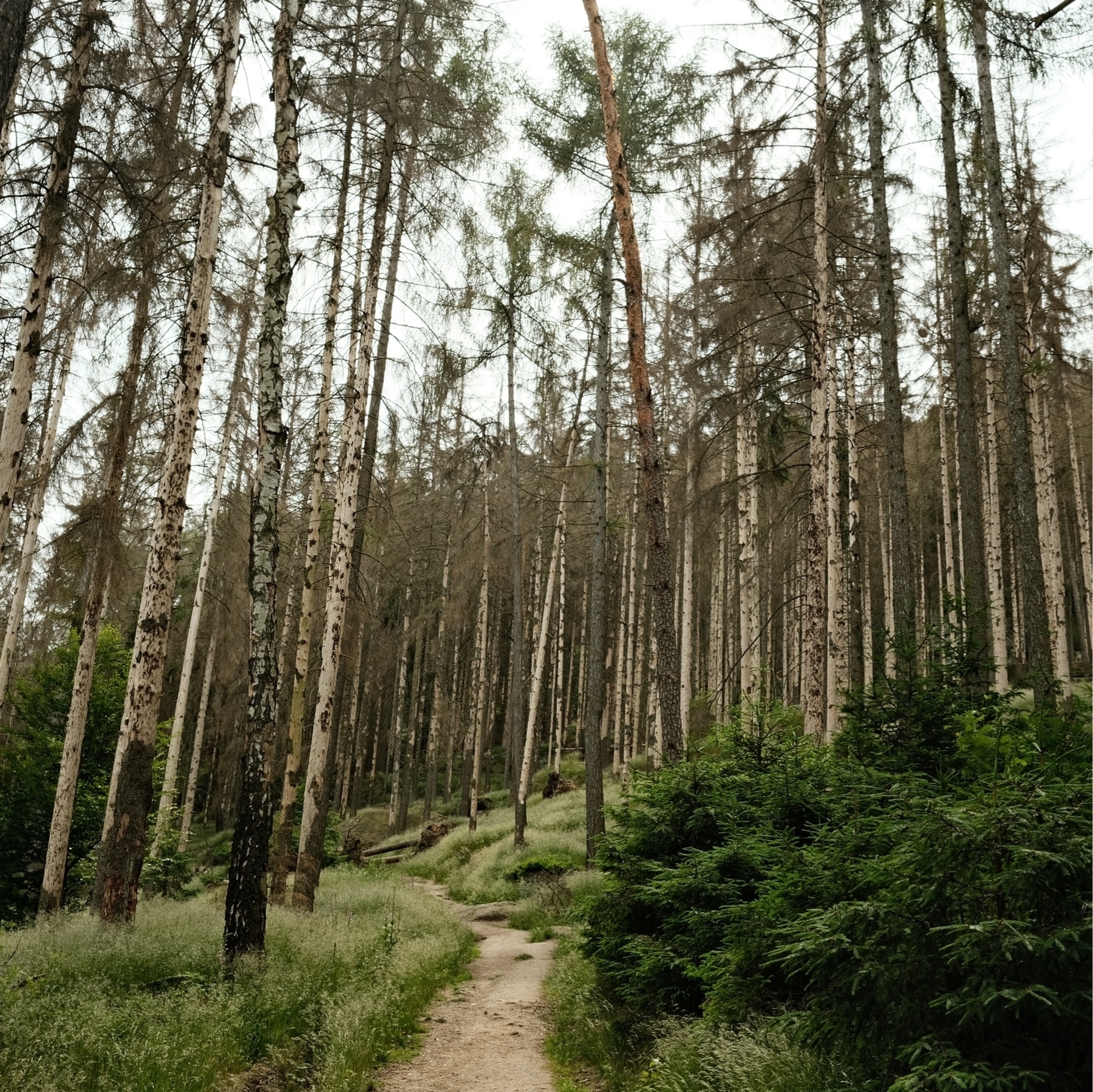
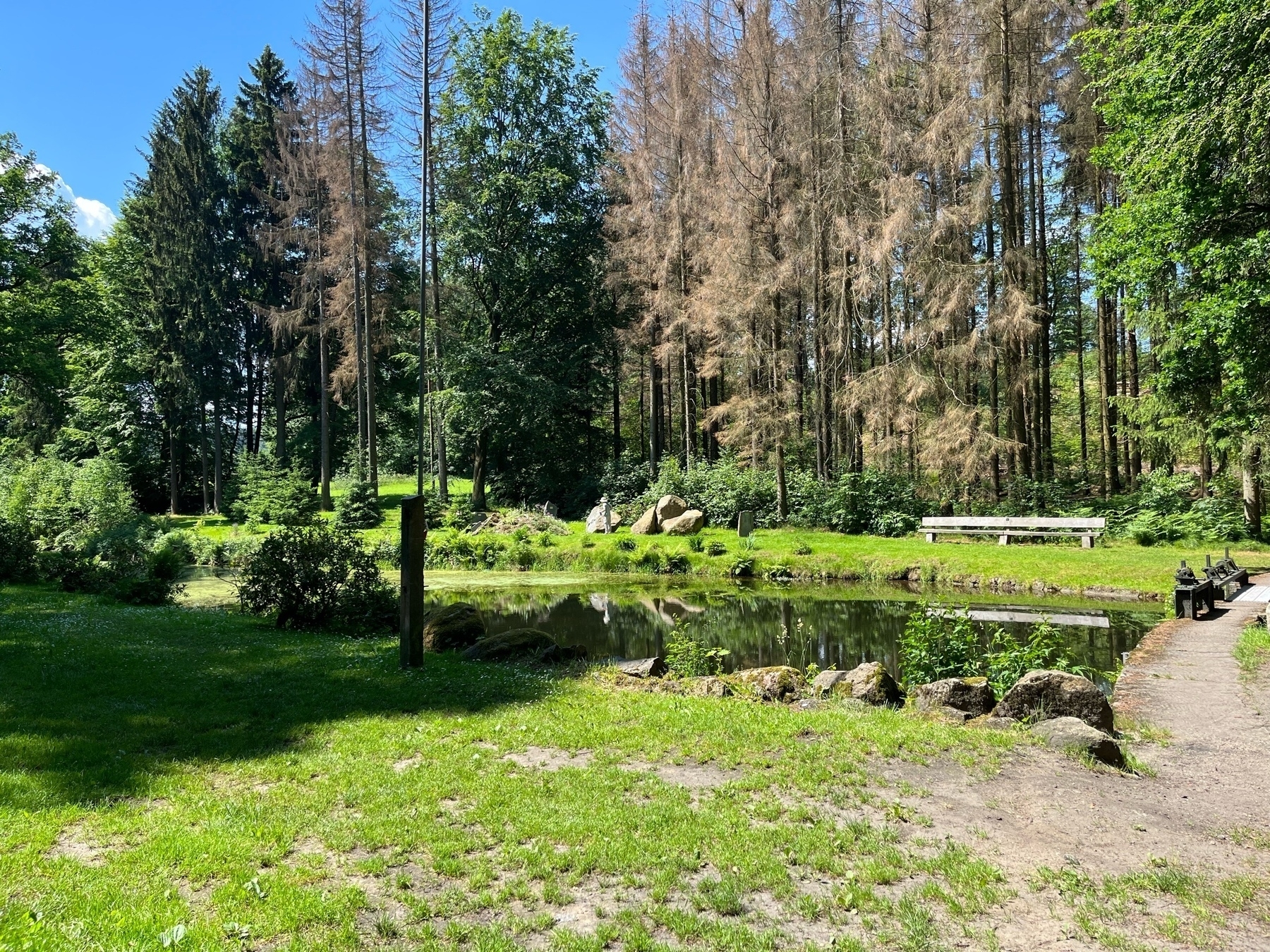
Beetle killed trees in Saxony, Germany.

On my Mac Mini I have NetNewsWire pulling Tweets by specific users. Meanwhile, I’ve set my eero to block Twitter on my mobile devices. With NetNewsWire’s iCloud sync, NetNewsWire on mobile devices gets those tweets for me to read. Terrific way to reduce my Twitter use.
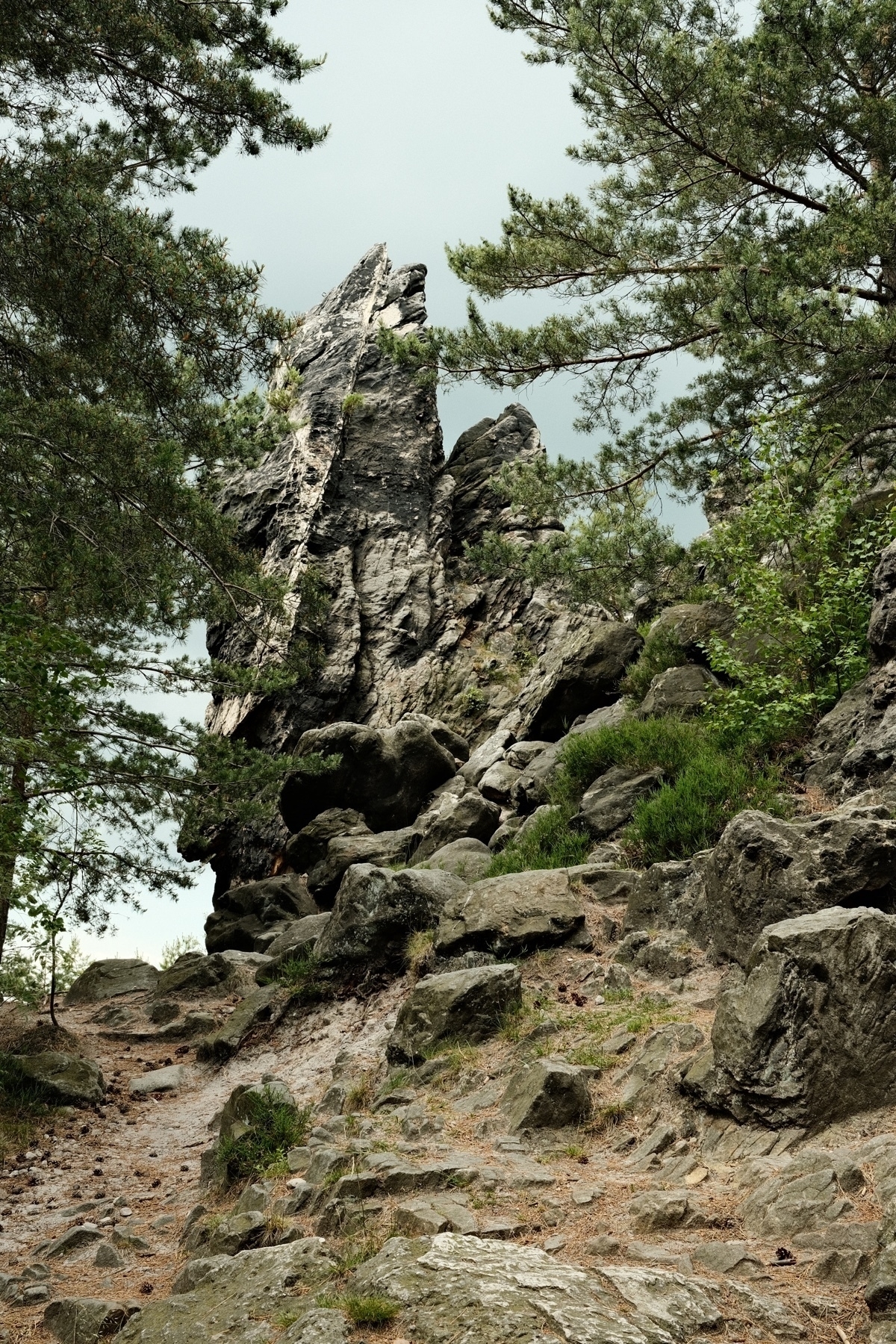
Earlier in June: on a trail to Oybin, Saxony, Germany. Saxony has the best sandstone.
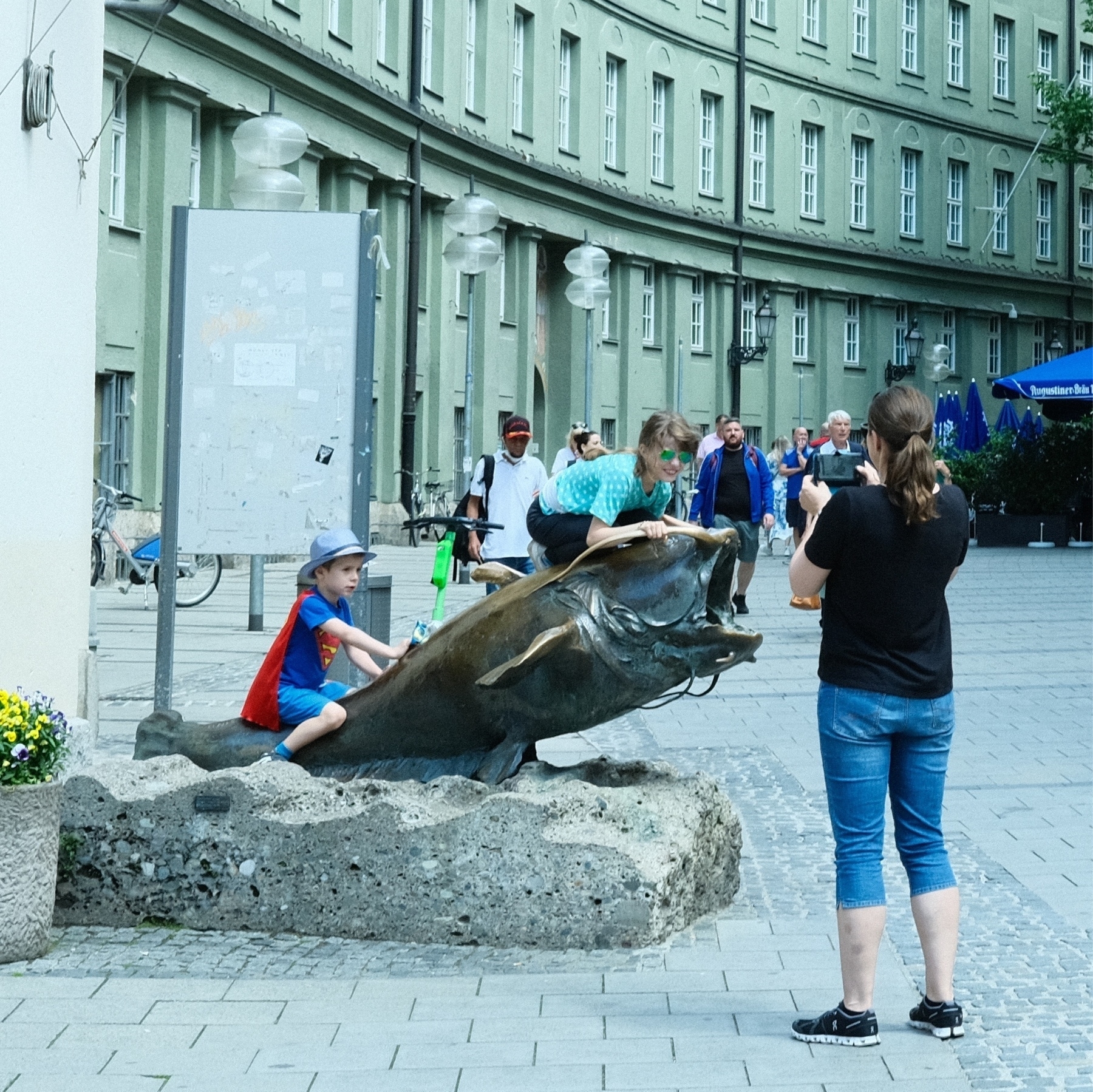
Earlier this month: When in Munich, you must ride the catfish?
Before our trip to Germany, I pruned the first big leaves off a sunflower because they were shading out a pepper. Now the sunflower has a flower near each prune cut. Great for attracting bees to our peppers!


6/12: in a forest southwest of Bautzen, Saxony, Germany.