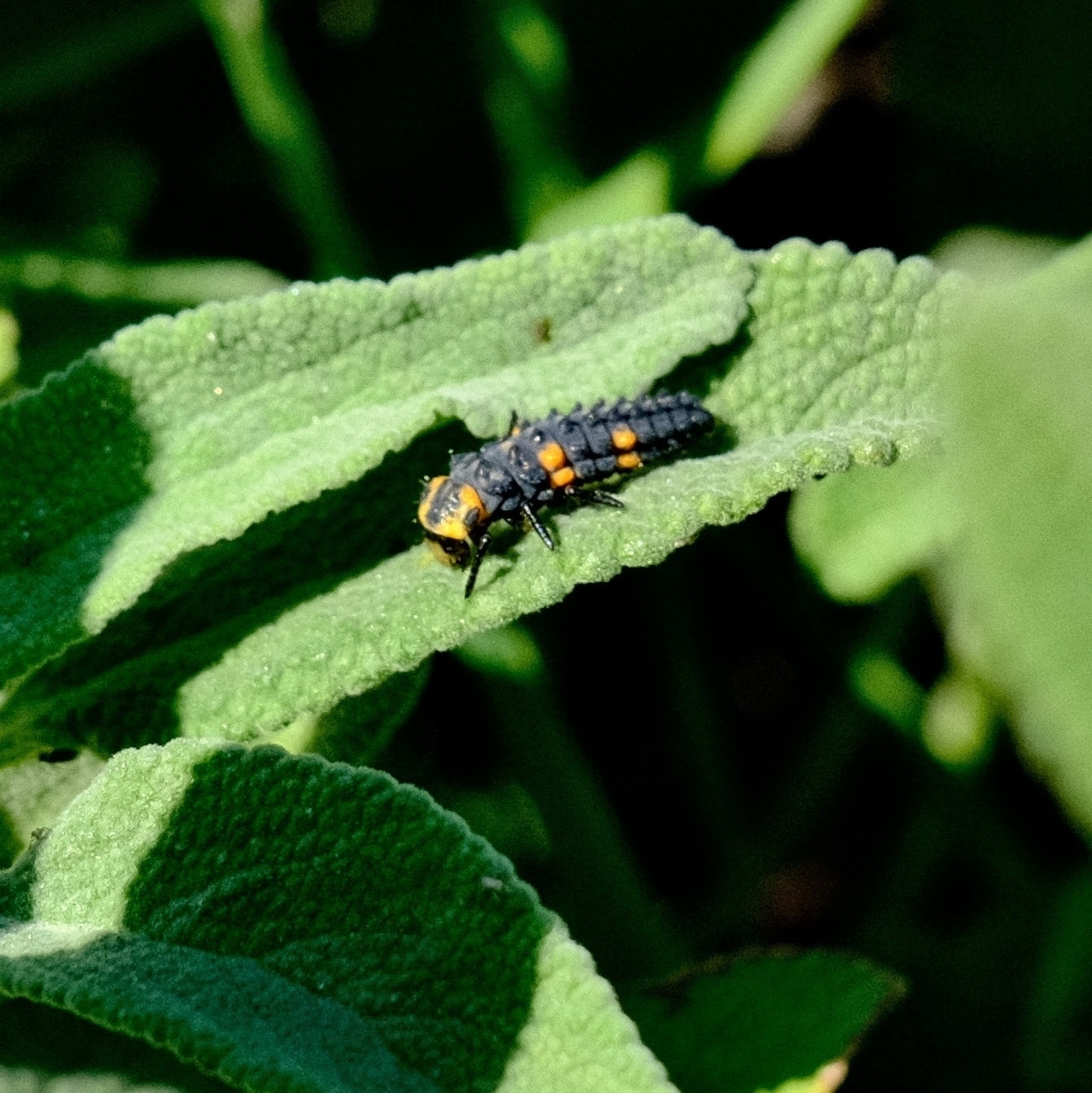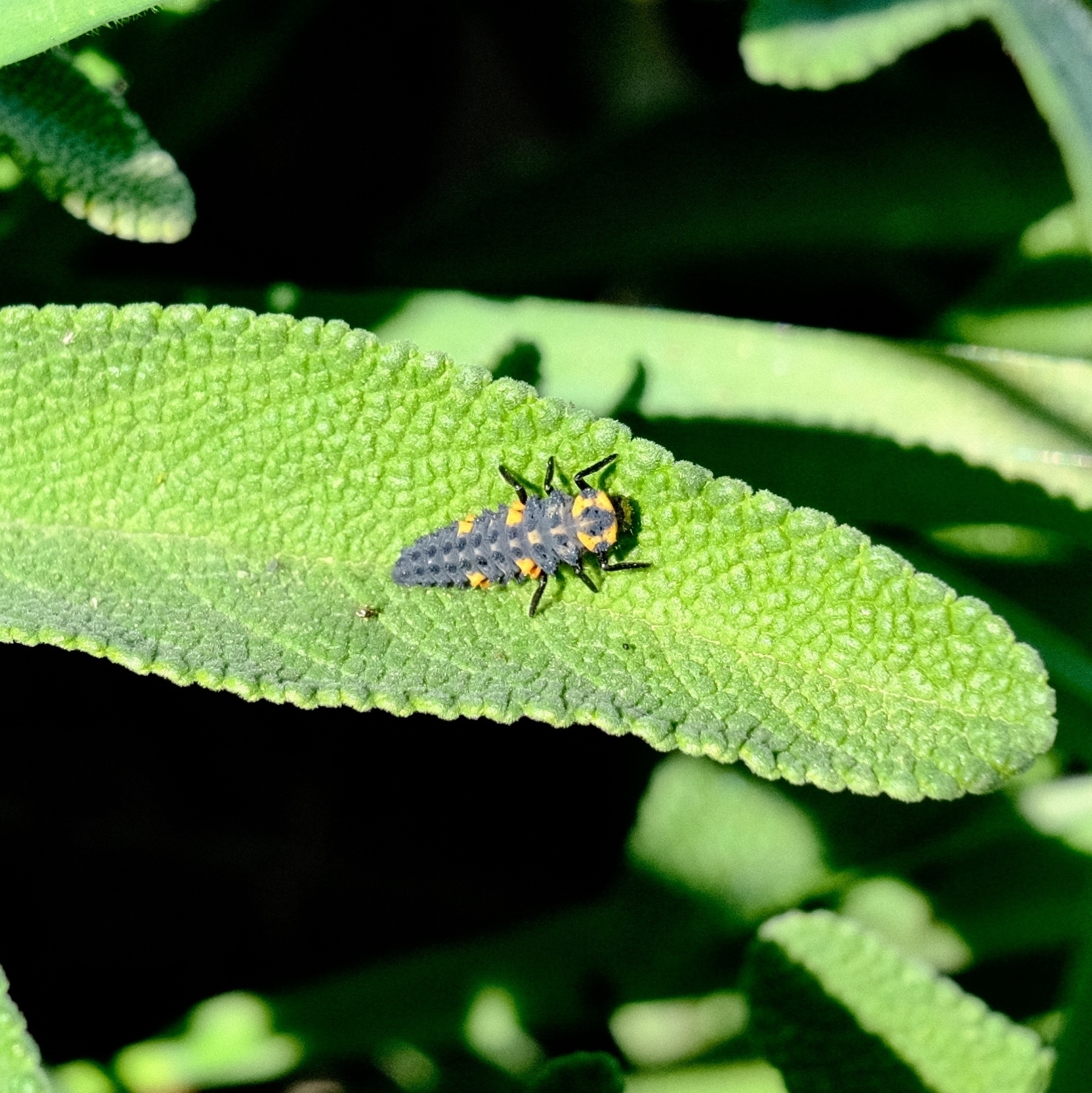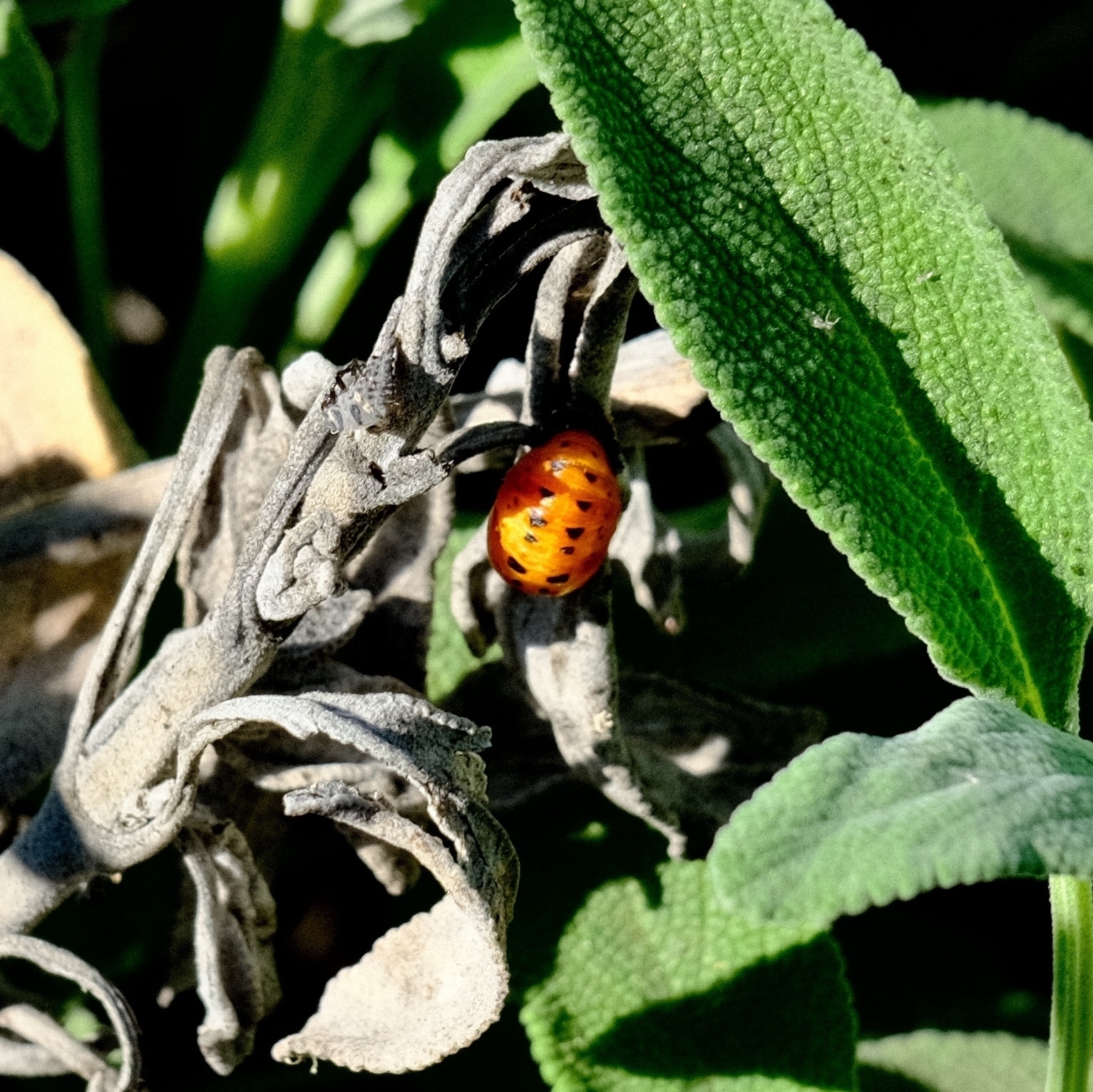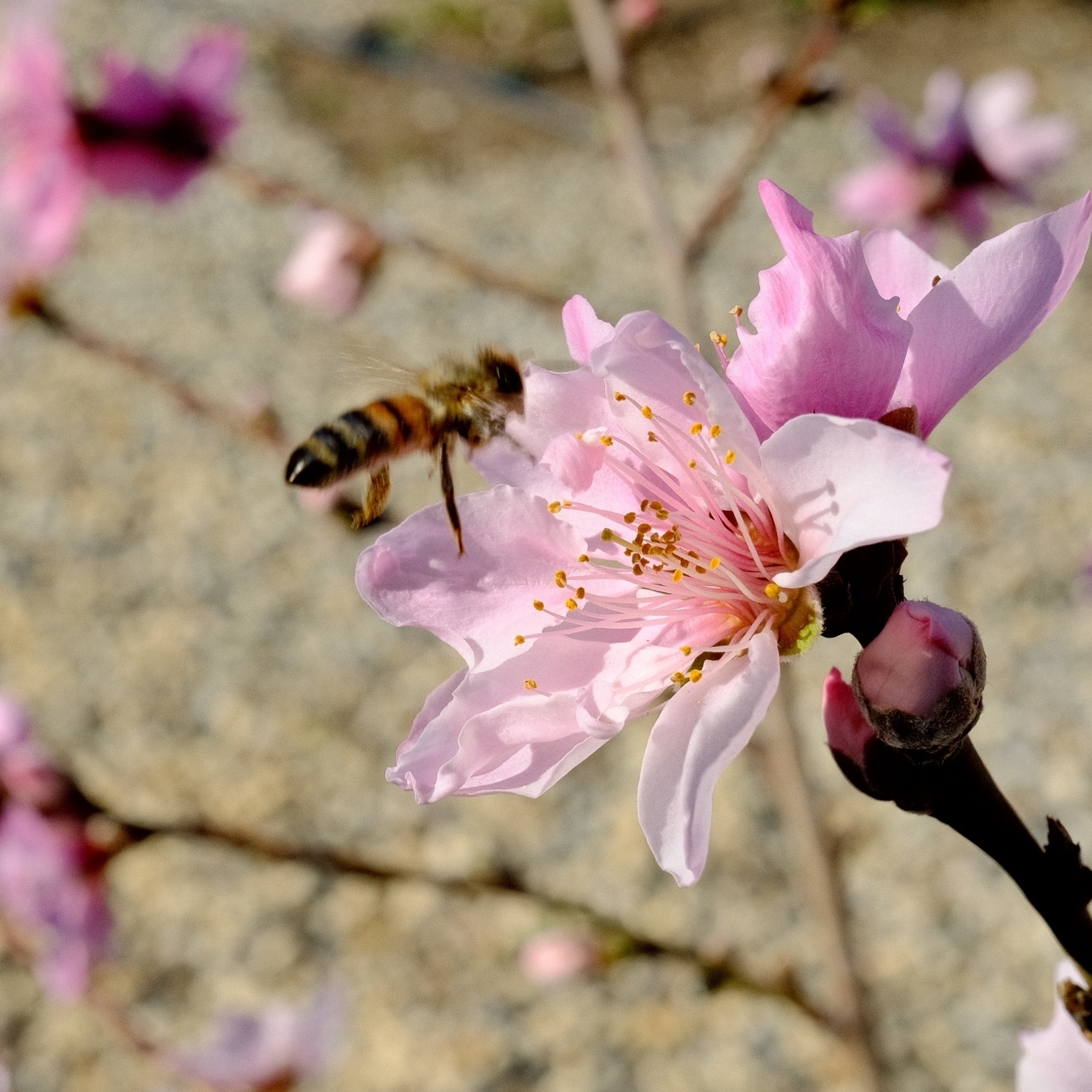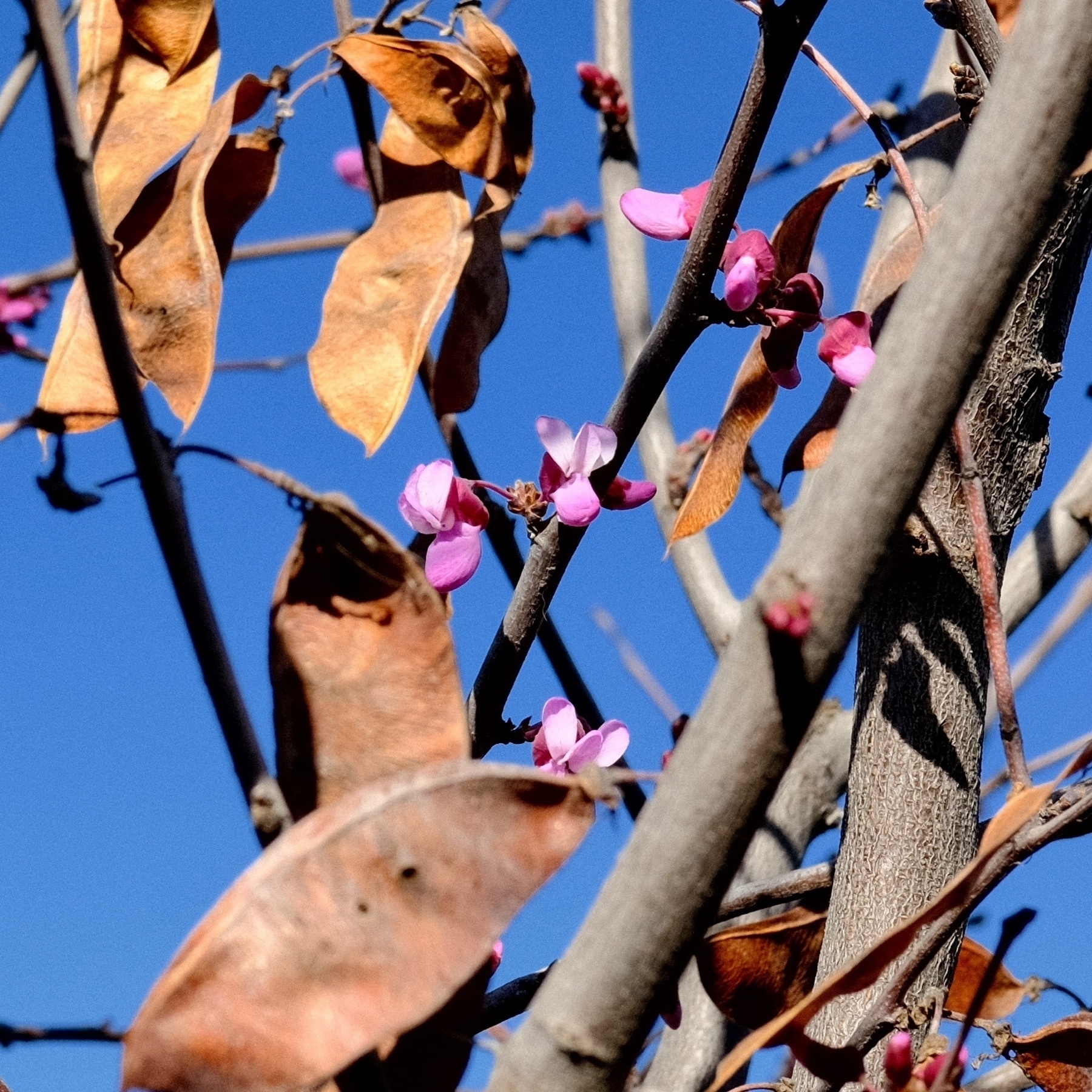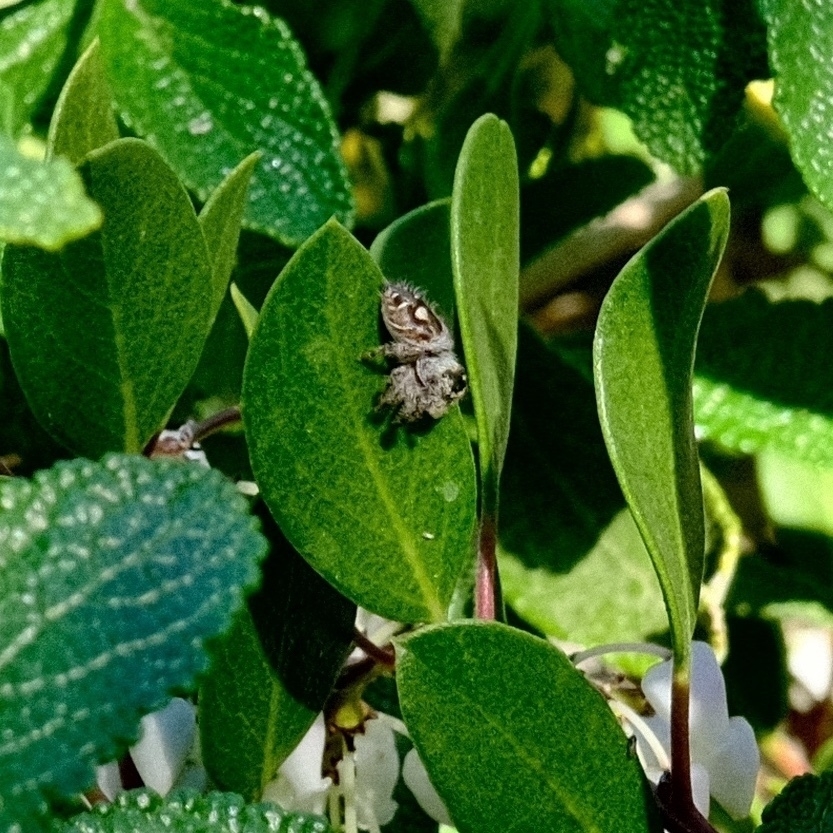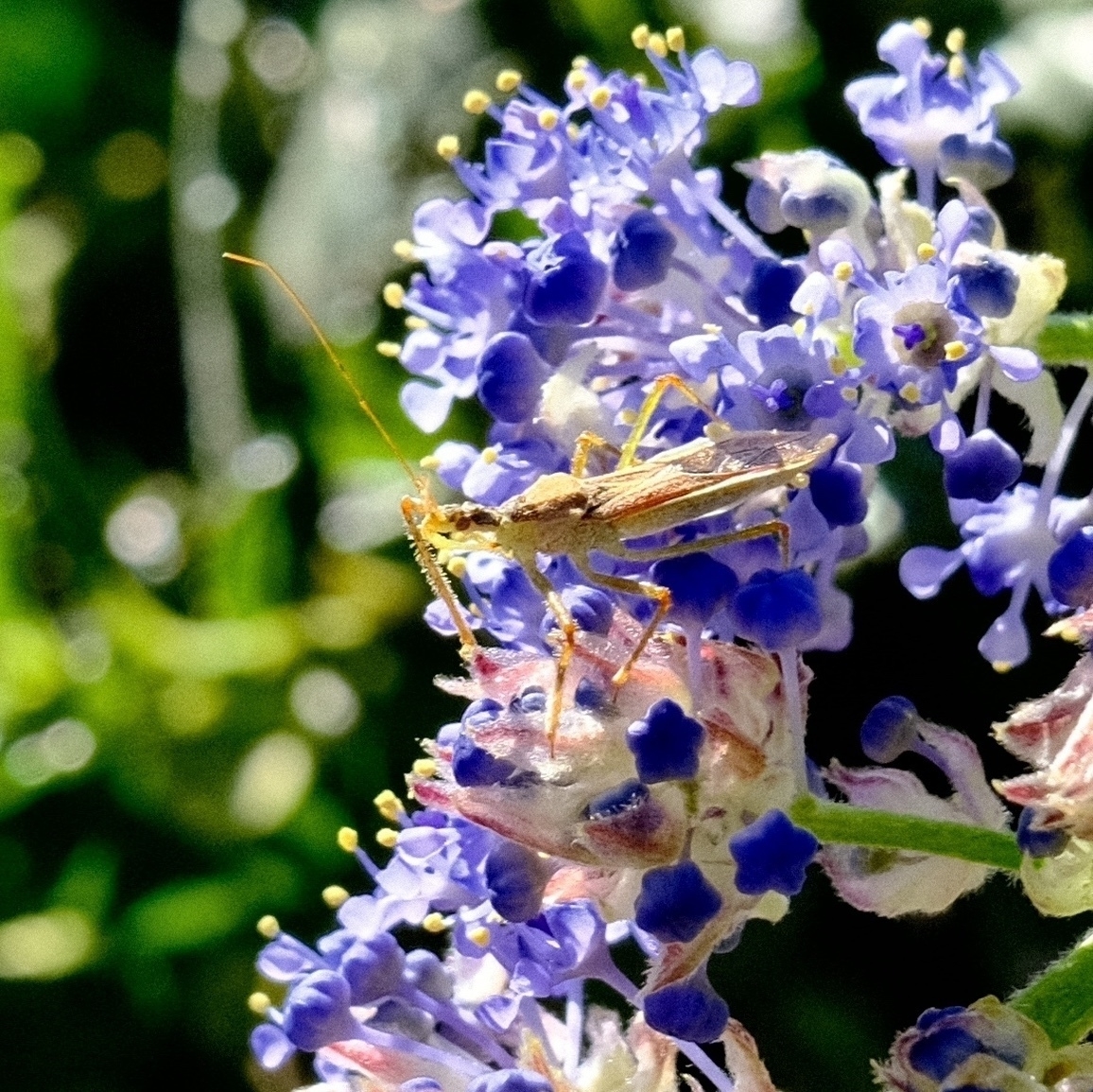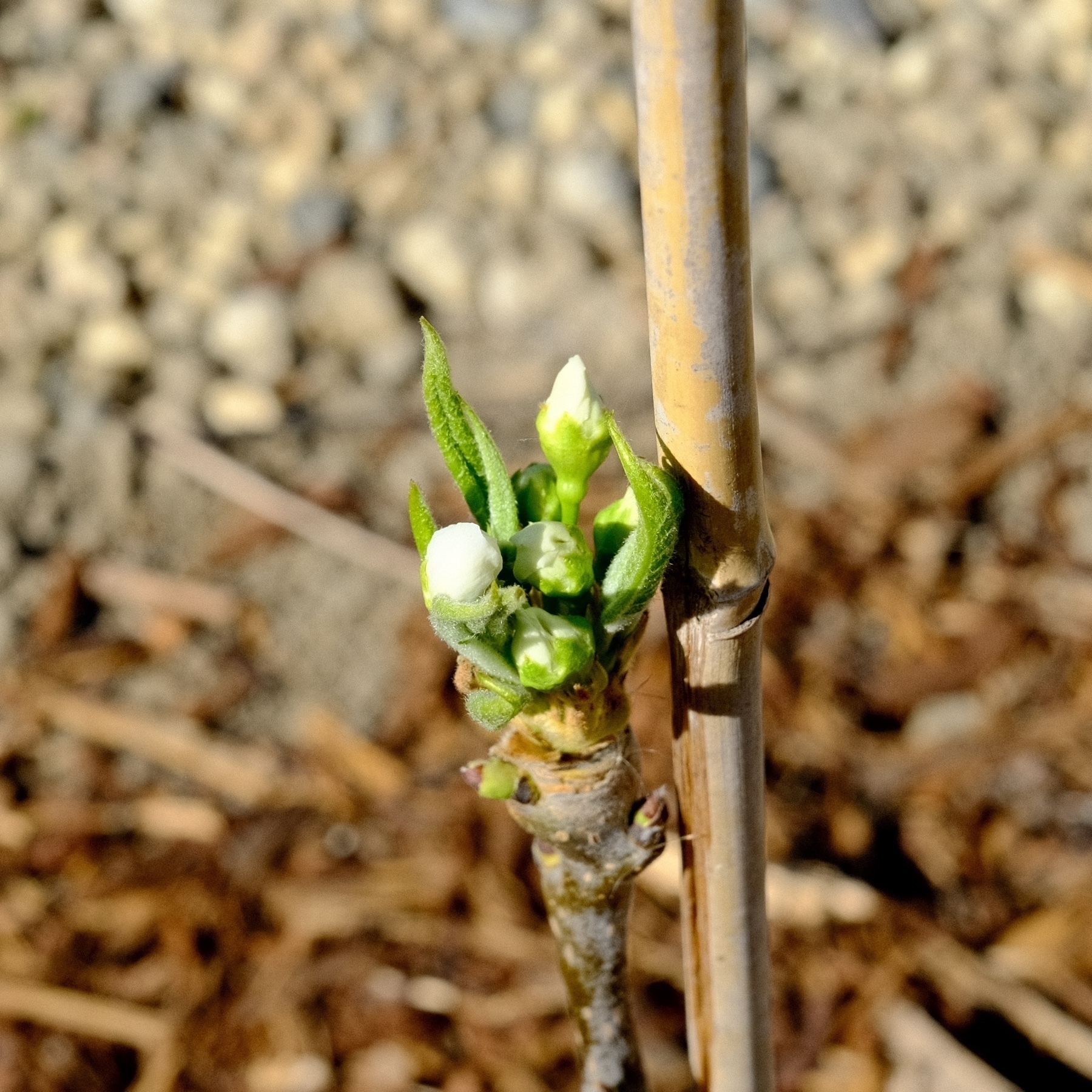
Moravian star - the most festive our house gets on the exterior.

Our front yard cultivated native fuchsias are still blooming. All summer, with minimal added water, and into winter. Amazing plants.

The household chef making sandwich melts. I was just trying out the Kodak T-Max 400 film “recipe” found at FujiXWeekly.

Mushrooms!

Mural at La Corona Mexican Restaurant, Orland, CA.

Better B&W Recipe Detection and exif Keywords added to macOS "What was my Fujifilm Recipe" Shortcut

I know that many people choose Fujifilm cameras for black and white photography. I hadn’t explored B&W photography yet so the original macOS “What was my Fujifilm Recipe” didn’t include one specific B&W recipe ingredient: BWAdjustment (Warm/Cool aka WC). So to better match black and white recipes, I’ve added the BWAdjustment exif tag that includes Warm/Cool (WC). Unfortunately, Magenta & Green (MG) setting for black and white toning doesn’t seem to be available in exiftool. So only WC is in BWAdjustment. Despite that, BWAdjustment with Saturation and White Balance should help make B&W film recipes to be a bit more unique for matching.

Finally, this latest Shortcut now can be silenced and keywords can be added to a photo that has a recipe match. By default, the Shortcut will add to a photo separate keywords “Film Recipe” and the matched Recipe name. During setup you can override this by deleting AddKeyword or changing it to anything else. The shortcut also now allows you to disable alerts in case you need it to be silent such as for scripting/further automation. You can override this in setup by deleting NoAlerts or changing it to anything else.

Go to the macOS Film Recipe Shortcut page or download the updated shortcut here: https://www.icloud.com/shortcuts/eb2aff4ed3654b00a0b3bbf972ebf851

Shortcuts for macOS really makes me want to say many oaths 🤬

Turkey Milanese. A great use of leftover white meat.

Golden brown fries turkey

Turkey Pho (well, inspired by Pho).

Stuffing waffles for post-Thanksgiving breakfast is now 100% a tradition.

My partner in crime sure does know how to cook a golden, juicy bird.

symmetrical golden brown turkey parts

Earlier this month In Lahaina, Maui, two Java Sparrows (Padda oryzivora) silently discussing the two intrusive humans below them.

Two java sparrows in the rafters looking at each other

For the first time, tried a very simple beer brewing. This is Hank’s Hefeweizen. I’m fermenting in the tub because I worry about leaks despite an hours long leak test last night. It’s already bubbling!

From Maui earlier this month: Waihe’e Ridge Trail. A very popular choice these days. It’s in much better condition than the last time we hiked it in 2015. I recall a big storm washed out the trail, closing it for a while. They did a great job!

Was trying to take a casual picture of The Annie Cat and…

Finished reading: Champion by Marie Lu 📚 I read this one pretty dang fast! I returned it to the digital library 9 days early (21 day loan). ★★★★

From Maui earlier this month: a few more early mornings with Haleakala.

sun peaking out from the peak of haleakalaan amazing pink dawn

macOS 12 Shortcut: What was my Fujifilm Recipe?

Screen Shot 2021 11 24 at 12 32 51 PM

NOTE: the link to this Shortcut, and then its changelog, is at the end of this page.

About

I’ve created a macOS 12 only Shortcut to remind me what Fujifilm Recipe or Film Simulation I used for my off the camera photos. It requires exiftool in your path (manually or via Homebrew etc). For some reason I couldn’t successfully compare dictionaries as text in an if statement so I am using hash.

This Shortcut is particularly handy if you use Apple’s Photos app on macOS and iOS. Photos makes searching Keywords easy.Photos Keywords

License

This shortcut, possibly against best practice, is in the public domain for any use. Please use it and adapt it however you wish.

But it’s always so very nice to give people credit/attribution.

Detail

This Shortcut does the following:

  1. Runs exiftool against your chosen photo to get its metadata
  2. Matches the exifdata against a dictionary of known recipes (you can customize this)
  3. If there’s a known recipe match,
    1. it can alert you and/or
    2. use exiftool to keyword your chosen photo with “film recipe”, the matched recipe name, film simulation and saturation mode. NOTE: exiftool will modify your photo’s metadata
  4. If there’s no known recipe match, the Shortcut will at least tell you
    1. what film simulation and saturation modes were used and,
    2. it can also use exiftool to add “unknown recipe” and the film simulation and saturation keywords. Again, exiftool will modify the photo’s metadata.

I’ll update this Shortcut as I make it more sophisticated. I apologize in advance if it doesn’t seem to work for you :-)

Oh, and of course, all built-in or slightly modified recipes come from Fuji X Weekly and Life, Unintended.

Some Instructions for Use

So this Shortcut is tested on Straight Out of the Camera JPEGs from an X100V (X-Trans IV class camera). It requires exiftool as it can add keywords to a matched photo.

Be sure to add exiftool's path in the Shortcut if exiftool isn’t in your system path. There's three different places where you may need to add the path in this Shortcut.

You also need to add your own Recipes using the exact Schema in the FilmRecipe text box. Run this against a photo with a new recipe & get the JSON from /tmp/fujirecipelookup.txt and appropriately add to the FilmRecipe definition text box. Hashing is annoying like that.

By default, this Shortcut provides no alerts and it adds keywords to processed JPEGs.

Hint: if you allow the Shortcut access to Finder’s Quick Access, you can then right click an image in Finder, go to Quick Actions, and use the Shortcut! Or, if previews/column mode is enabled in Finder, left click an image and the Shortcut will show up below the image preview. Handy!

Batch processing: You can call this Shortcut in another Shortcut that uses Repeat with Each to process multiple JPEGs in one go via Finder Quick Actions (example here). You must enable Quick Actions in Shortcut settings. You can even chain additional shortcuts such as with my “What’s my Fujifilm Focal Length” Shortcut.

Download

Download this Shortcut from iCloud.com (you'll need to give the shortcut access during its first run -- the most seamless choice would be Always Allow):

https://www.icloud.com/shortcuts/50fc3355df8743329e29e4de76eaed2c

Changelog (I’ll update the iCloud link for each dated “release”):

Shortcut by Ryan Mikulovsky. [www.distortions.net](http://www.distortions.net)
Only tested on X100V metadata. Requires macOS 12 and exiftool.

v.20220528 - Fixed some errors in settings of various film simulations such as The Rockwall, Optima 200.

v.20220129 - Added support for Dynamic Range Priority & added fujixweekly.com’s Scanned Superia recipe. Use SHA1 hashing instead of MD5. SHA1 is faster on modern hardware. I used MD5 originally just because I was used to seeing it ;-) Added prefix of “Saturation ” to the Saturation tag because it’s easy to figure what that number and parenthetical means.

v.20220122 - Removed Grain Effect since it is unlikely to affect results and it is probably the most likely setting to be overridden depending on the photography scenario (well, at least for me). YMMV.

v.20211220 - With exiftool, use -P to preserve file dates and use -overwrite_original to avoid backup copies of photos. Include film simulation and saturation in keywords for recipe matches and no matches. Split out the film simulation and saturation into their own keywords.

v.20211211 - make sure only JPEGs or JPGs are processed. RAW files are not developed though they can include a thumbnail of the developed JPEG.

v.20211208 - added exiftool keywording to photos with unknown recipes — it’ll keyword a photo with unknown recipe and then film mode/simulation (saturation). Did some clean-up and added more comments.

v.20211204 - added BWAdjustment to better match with B&W recipes. Added ability for shortcut to Keyword processed photos with “Film Recipe” and the determined recipe. As always, run this against a photo with a new recipe & get the JSON from /tmp/fujirecipelookup.txt and appropriately add to the FilmRecipe definition text box. Added setup to configure the shortcut to show alerts or to not add recipe keywords to a processed photo.

v.20211203 - added AlertMode so users can turn off alerts for scripting. Change NoAlerts in text block above to anything else if you want alert prompts. NoAlerts is used to turn off alert prompts. Use NoKeywords in keyword variable to not add keywords to processed images.

v.20211124 - Remove Dynamic Range because there is too much variability. There’s enough variables that removing DR from match shouldn’t result in false-positives. This allowed me to remove recipes that only had their DR adjusted (mostly because I accidentally set the wrong DR :-p)

v.20211123 - Film Simulations that come with this shortcut are mostly from Fuji X Weekly at [fujixweekly.com.](https://fujixweekly.com.) I’ve tweaked some of the simulations and those have parentheticals in the keys in the FilmSimulation text box.
20211123 - added a few more recipes I use, added missing photo file paths, restrict file input to just images.

20211121 - initial release

From Maui earlier this month: sunset on a boat. While we mostly enjoyed the sunset cruise, we learned that we are firmly terrestrial people and won’t bother with boats again. Unless it is a ferry in exceedingly calm waters (like the San Francisco Bay).

With macOS 12.0.1 Shortcuts’ Run Shell Script, Shortcuts often crashes when reading stdout text. After much experimentation, my workaround: send output to a file and then use Shortcut’s File function to read the file into the workflow.