I’d say nationwide telework went very well this last week. Only had a few hours of repeat VPN disconnections. Bandwidth was not constrained relative to my home internet. Good job, CIO staff!
“Hey Siri, play some music.” “Okay, let’s kick things off with Widespread Panic.” 😳
Working from home today - nationwide stress test of VPN.
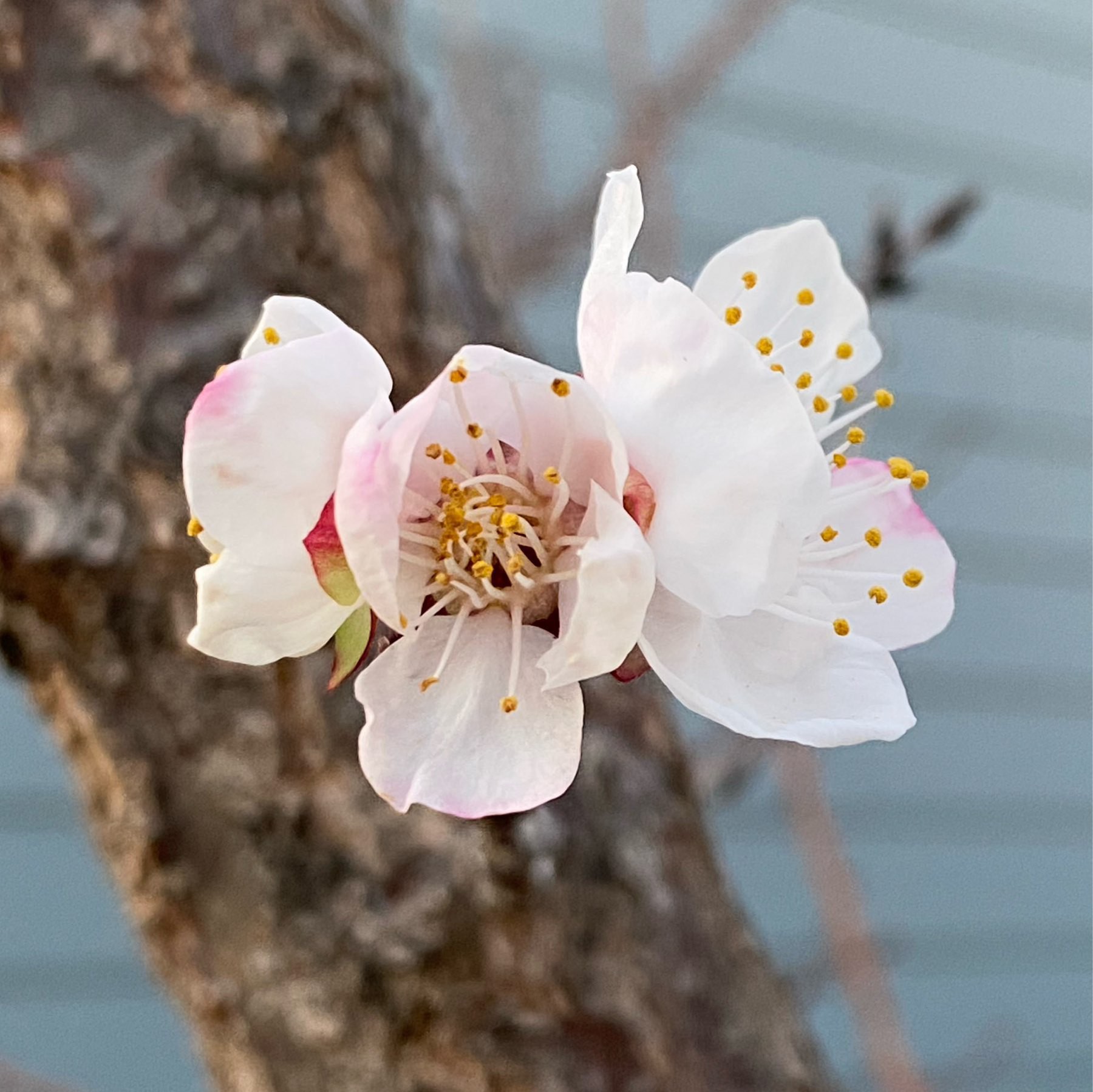
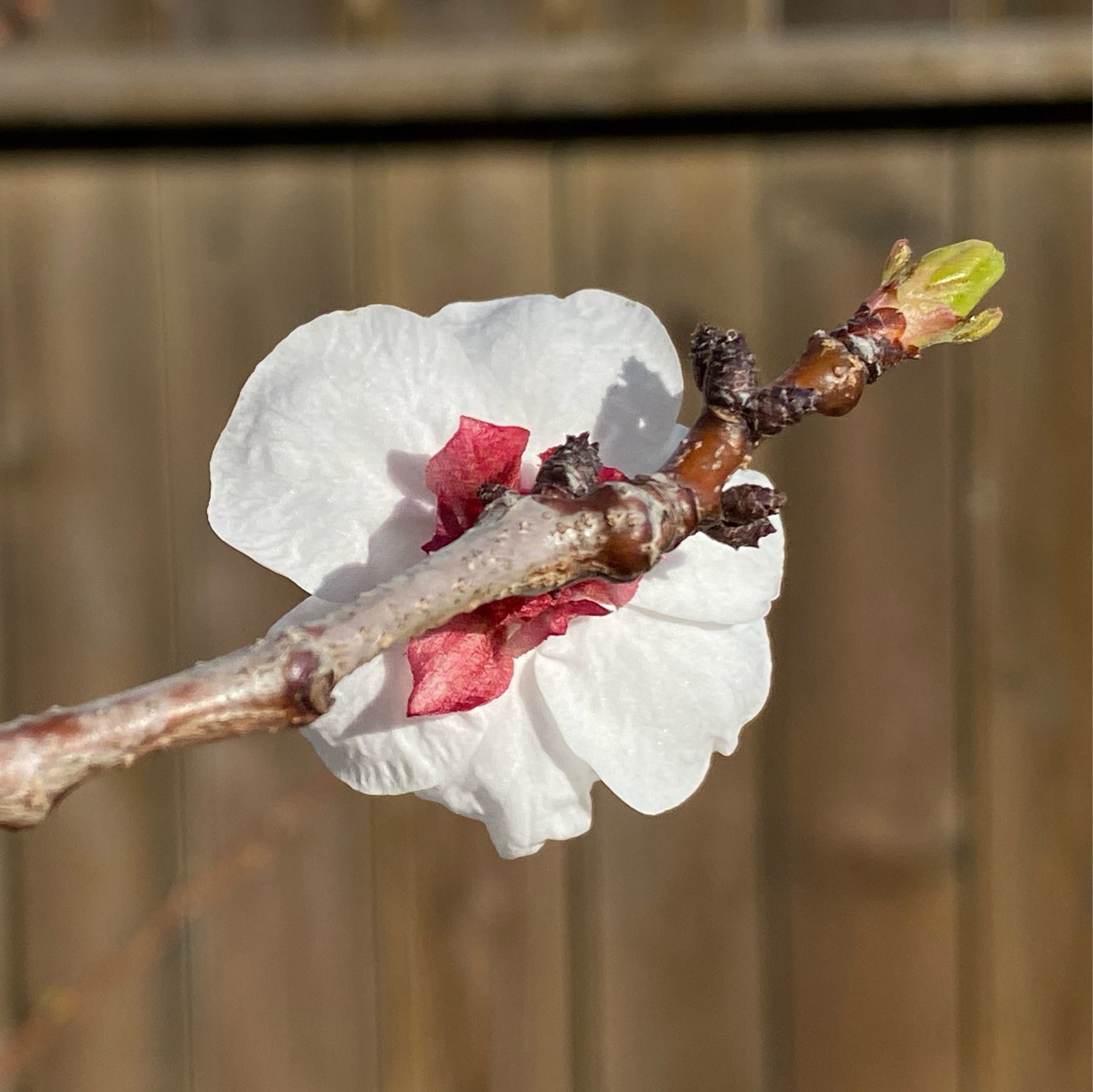
It’s high time we start taking photos behind the flowers. Apricot flower.
Sous Vide London Broil (Beef)
We had a two pound London Broil in the freezer chest and nowhere to go because of SARS-CoV-2. Might as well try Sous Vide!
We did the water displacement method with a 1-gallon freezer bag. I massaged out as many air bubbles as possible. I also pinched the sides of the bag together. The idea is to make sure as much direct contact happens with as much meat surfaces as possible with water.
Straight out of the Sous Vide bag the meat is grey and even more oddly, not leaking juices (which always happens with meat removed from blazing hot cooking environments creating a huge temperature and pressure gradient):
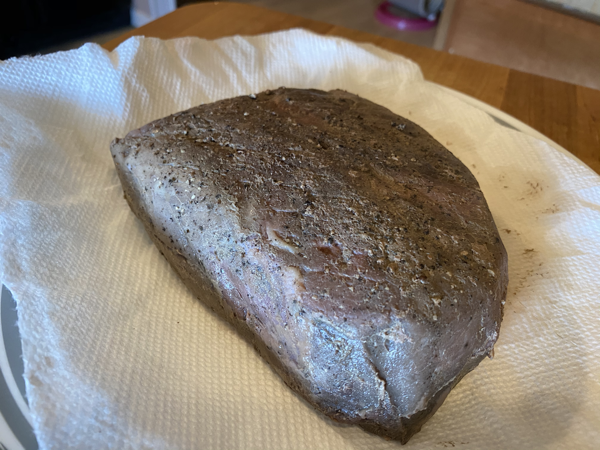
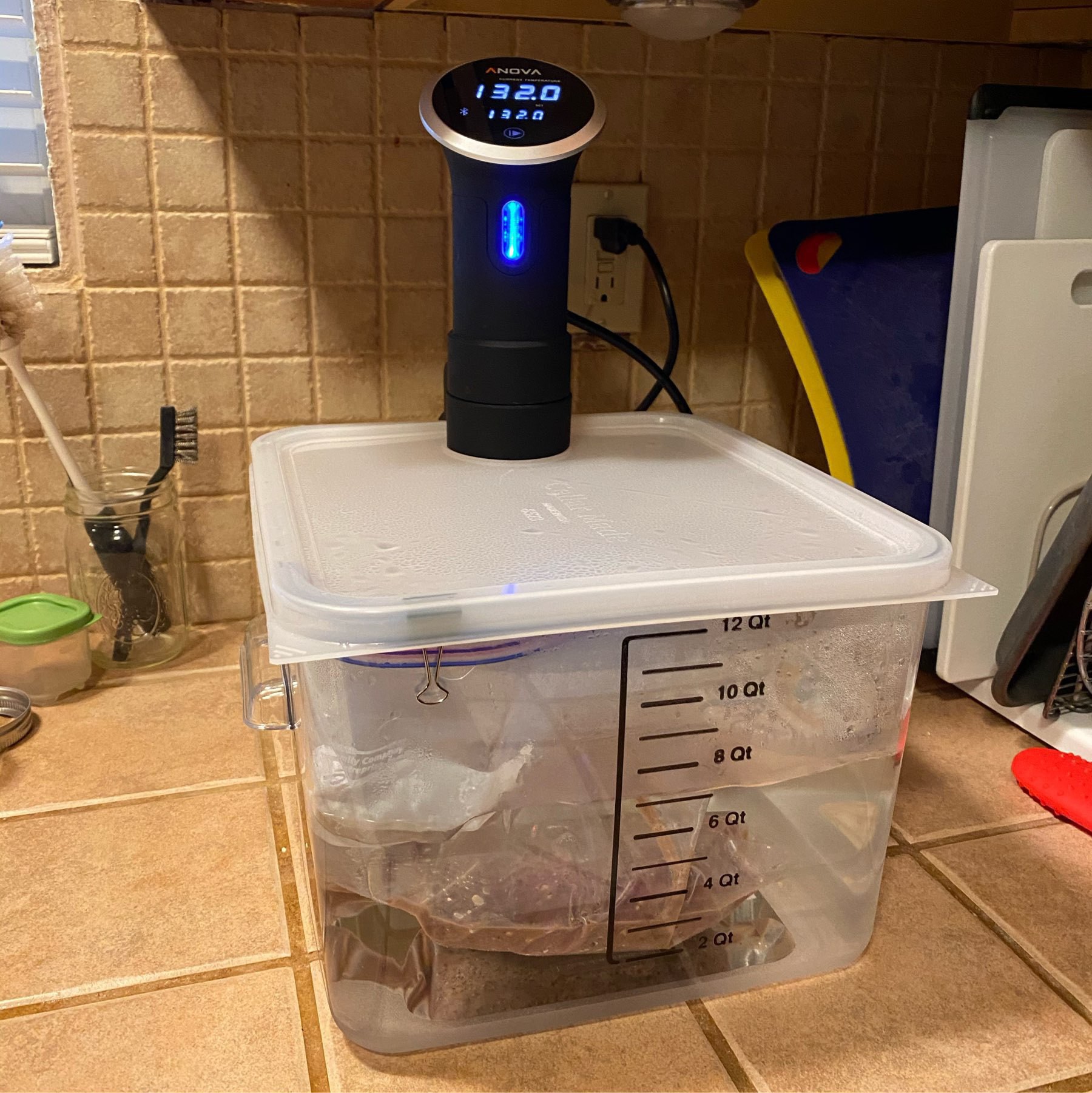
Then we cooked it in the water bath for 8 hours at 132ºF or 55.56ºC for 8 hours. It looked grey straight out of the bath and was as you’d expect after reading Kenji’s The Food Lab.
We seared it off in a smoking hot cast iron on all sides and suddenly it was quite appealing to the eye! (plus actually added tangible flavor at the crust).
Seared off in a smoking hot cast-iron gave the meat some color and delicious Maillard reaction
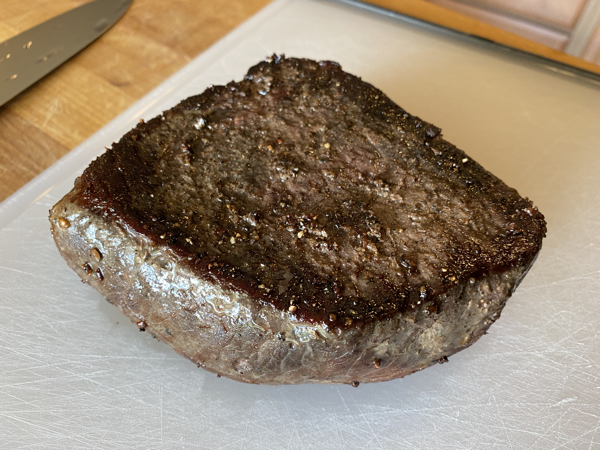
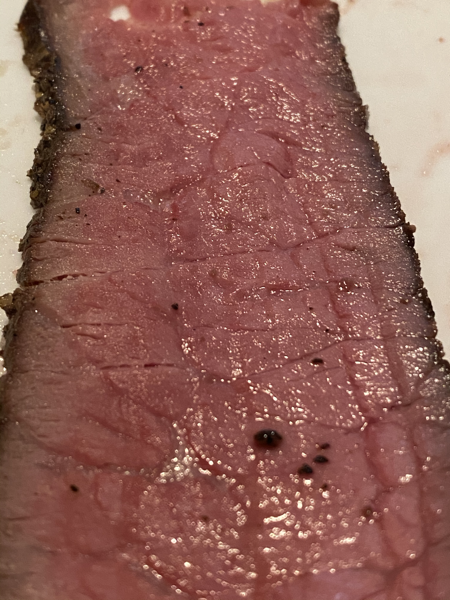
We’ll do this again but next time try it at 131ºF or 55ºC; some of the meat closest to the surface was getting close to over cooked despite still being mid-rare. The meat had just enough chew after being thinly sliced. I doubt this tough cut could get any more tender. I’ll also push the meat down flush against the cast-iron to get better color and take my time searing the sides.
Mid-rare doneness - tender enough and not dried out:
Glad lots of people are learning about public library eBooks. My library in rural California has had them for a while now and I love it. They’re also open saturdays!
Not going anywhere unless necessary so time to try Sous Vide London Broil. Just under two pounds of meat held at 132°F/55.6°C for 8 hours. Just salt and pepper for the beef. Will sear it to finish.
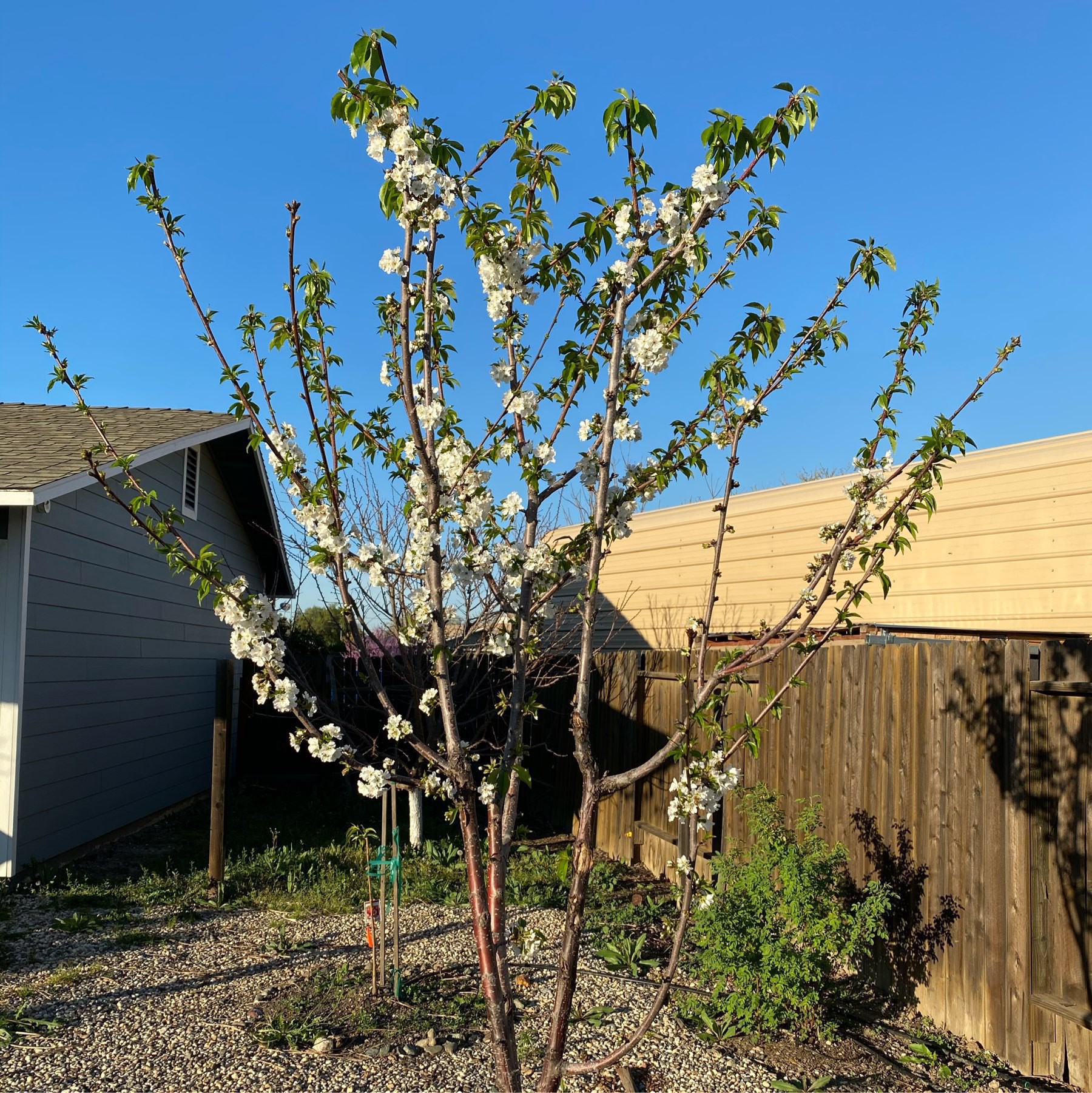
Cherry tree in full bloom.
At the USDA, I’m not allowed to telework as I haven’t been personally affected by SARS-CoV-2. I’m capable of telework and I prefer it. Guess they’re waiting for mass infections at workplaces first. USDA significantly curtailed telework ~two years ago.
There’s a retirement party this Saturday. Could be up to 100 people. So far it’s not postponed or cancelled. I started getting very anxious over SARS-CoV-2 so I’m no longer going.
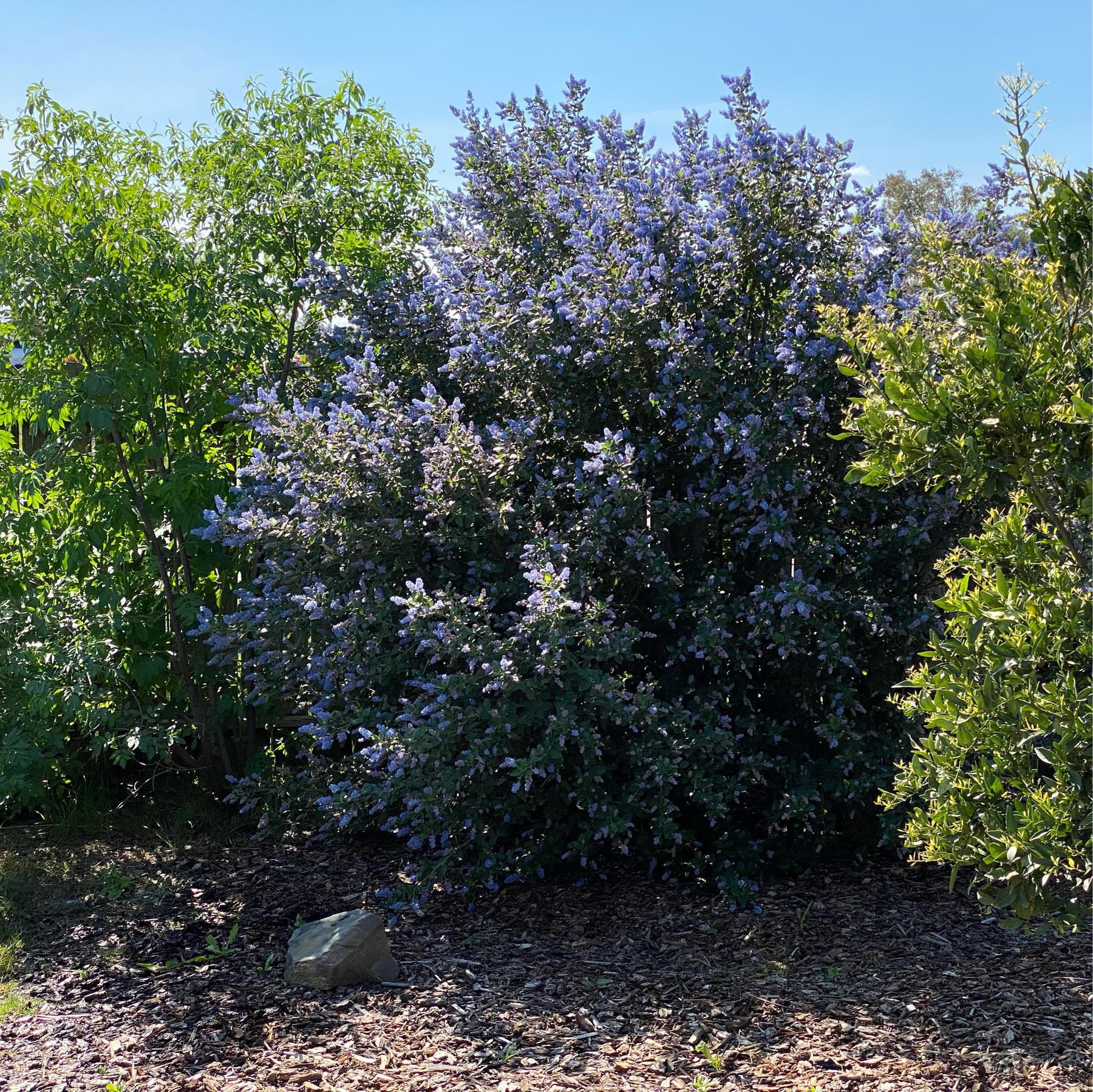
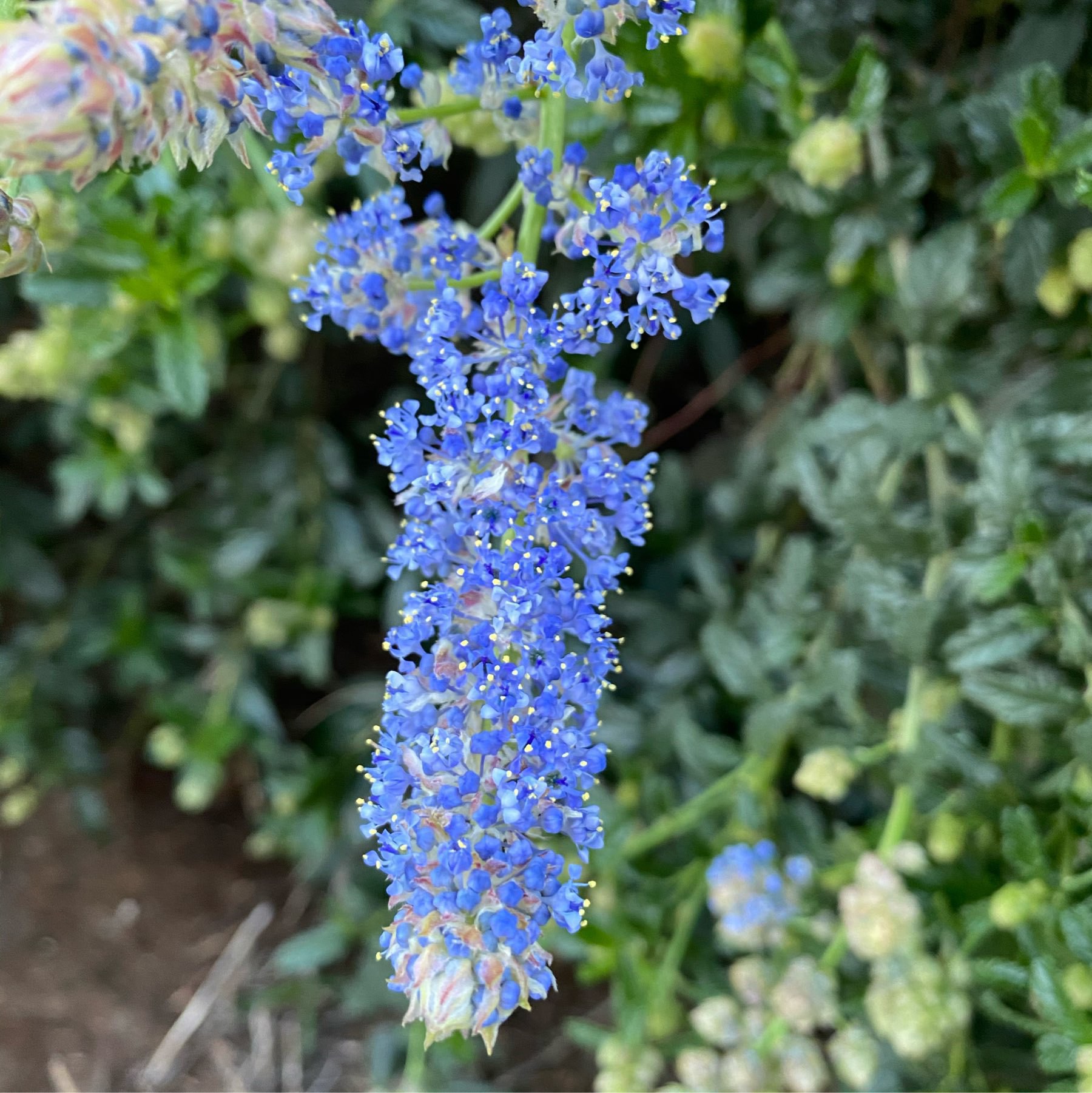
This morning’s view out the backyard window. The California Lilacs (purple!) are out of control. Mandarin in the foreground. Elderberry to the far left.
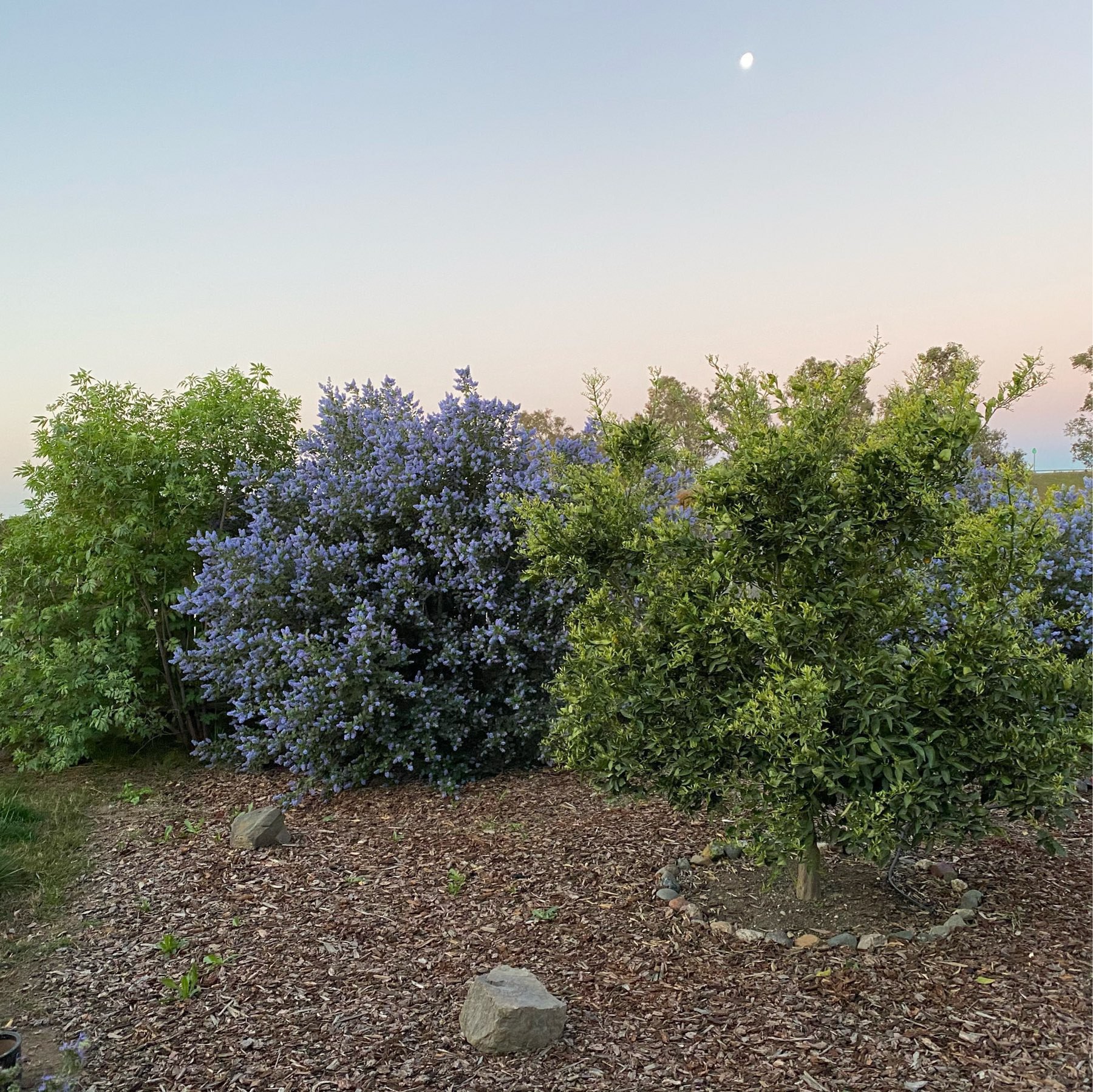
A successful section of our vegetative fence line screen. Elderberry (Sambucus mexicana), California Lilac (Ceanothus), and a Mandarin tree. A few years in the making.
Wow first earthquake I’ve experienced in a very long time. Off Cape Mendocino. It was a slow roll. Made me slightly nauseous and confused at first. Filed Did You Feel It.
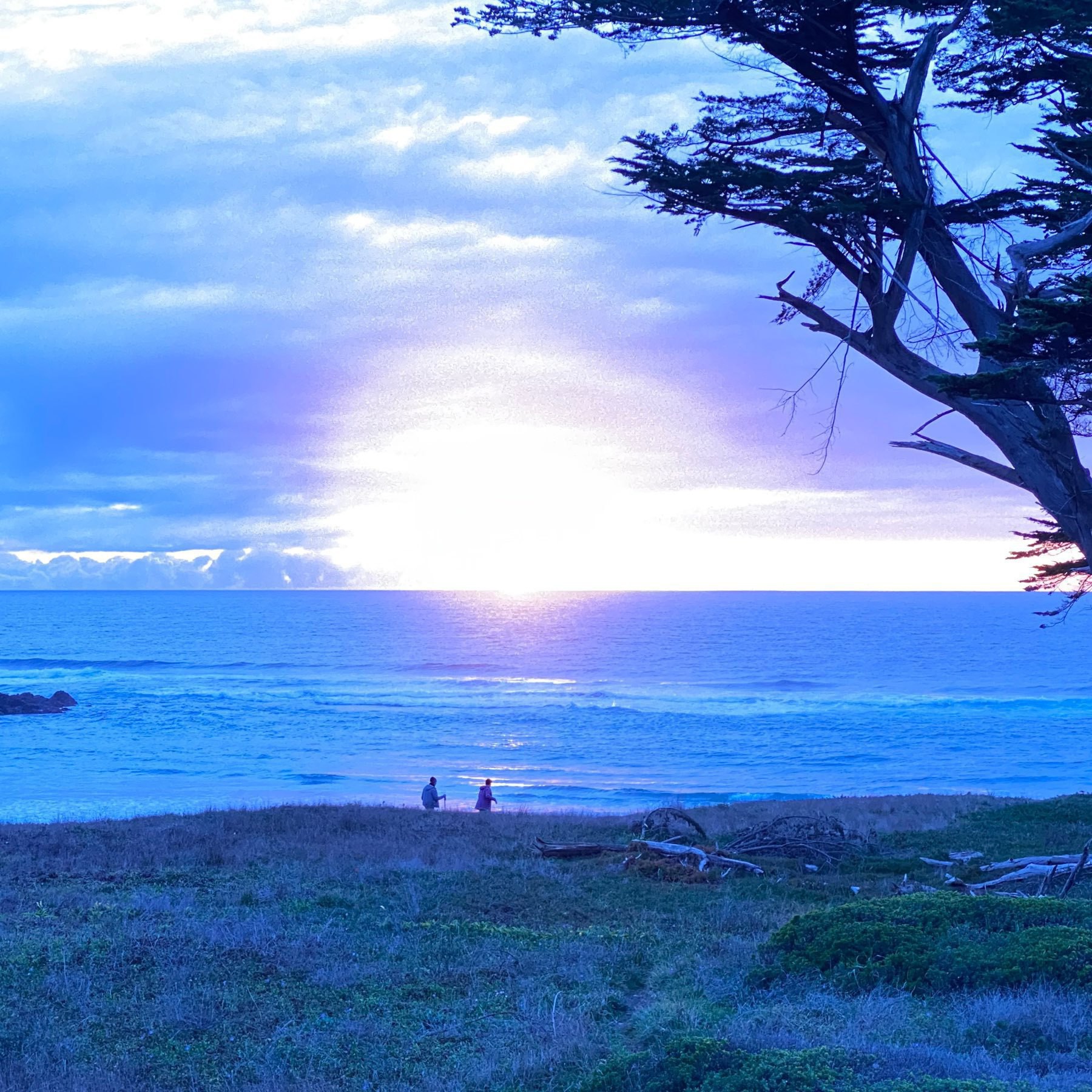
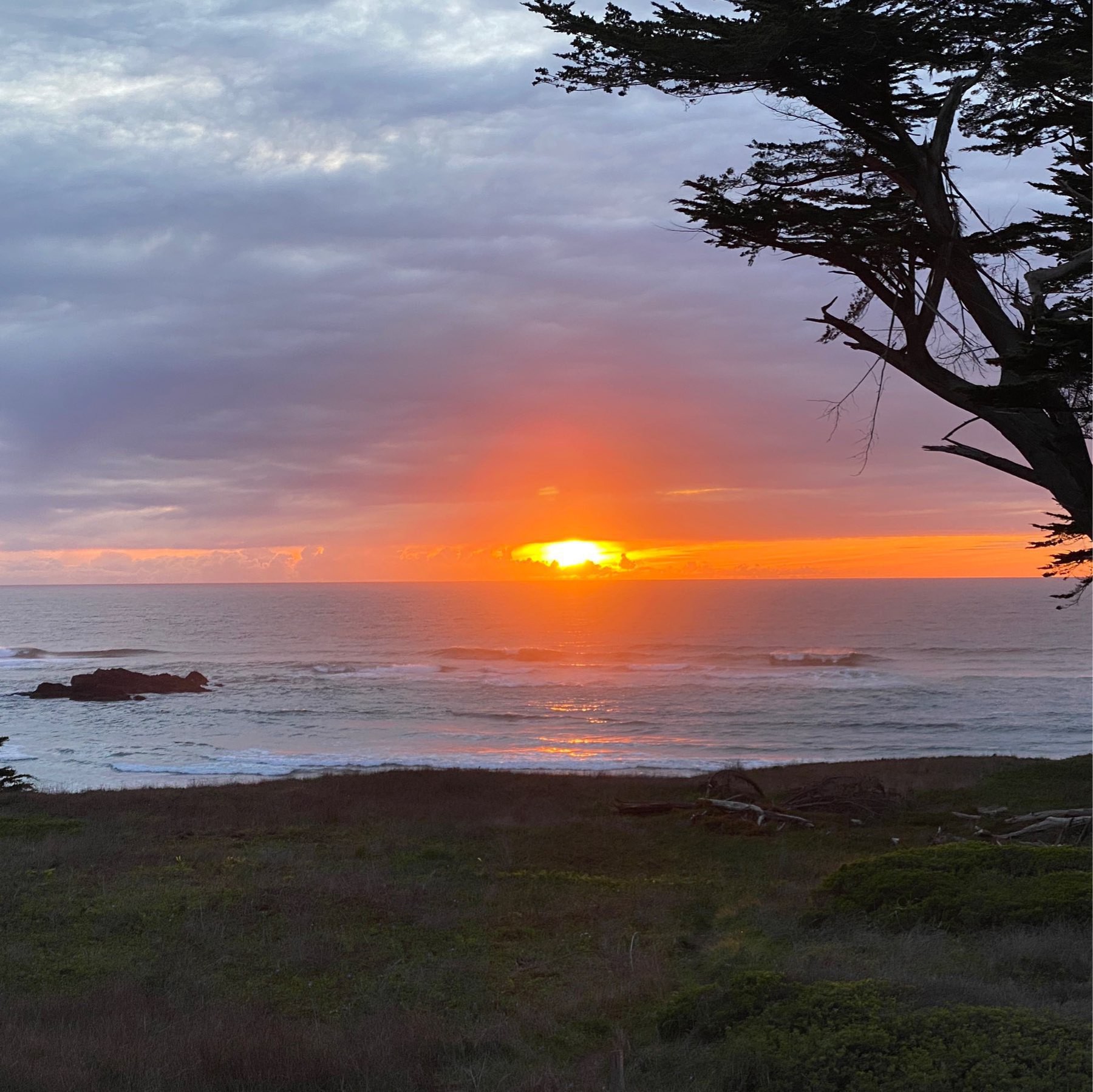
Sunset over the Pacific. Two versions, no filter, just different exposure settings. iPhone 11 Pro 2x. Northern California.
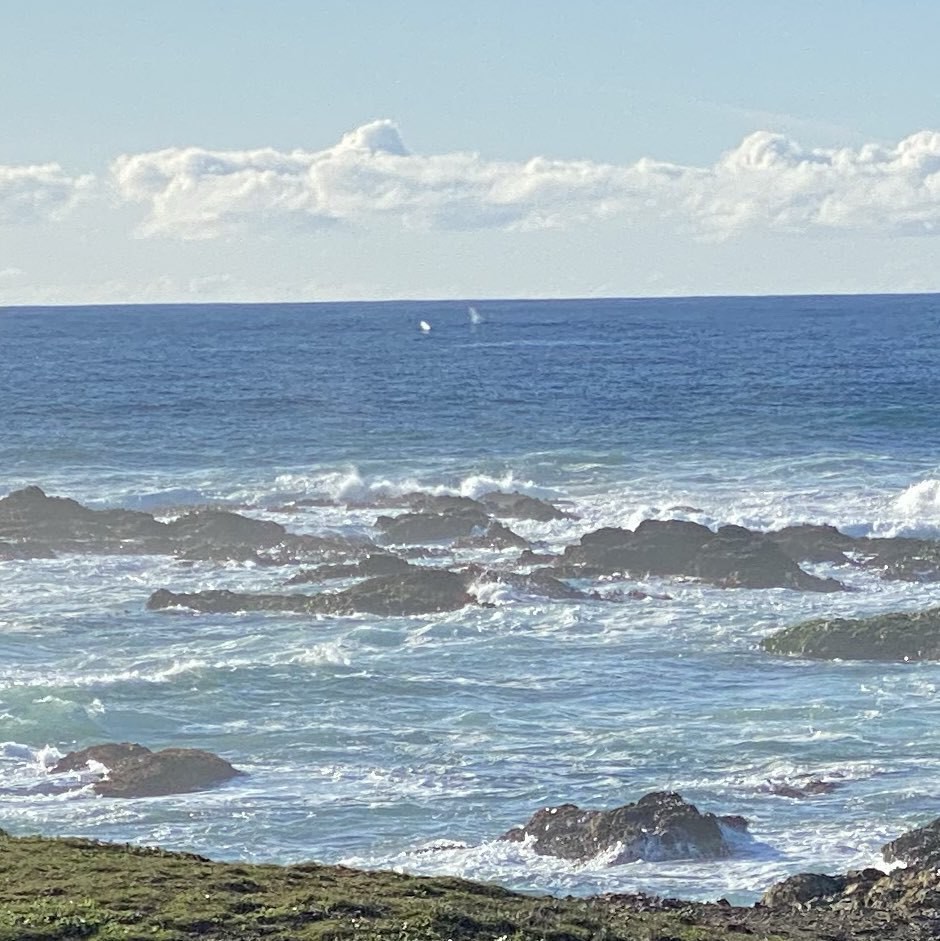
Gray Whale spouts (center photo) off the coast of Northern California.
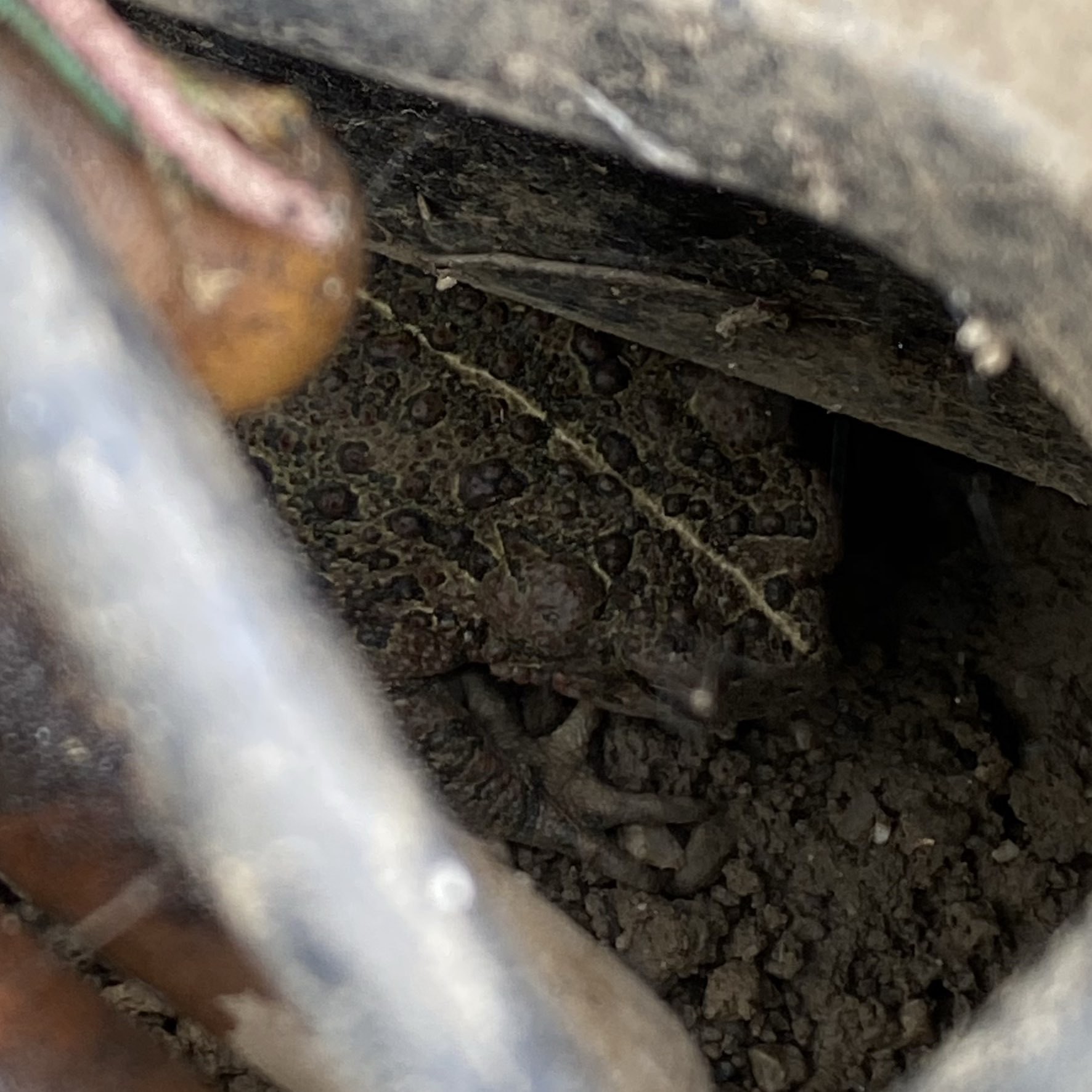
Western toad hanging out in one of our irrigation boxes. We have a wildlife ramp in there for this reason.
A Very Good Overcomplicated Journal Workflow
Our journal workflow is probably more complicated than it needs to be. There’s room to optimize this workflow. It grew out of our moving away from Day One when they went to the subscription model. At the time there were some terrible limitations and we wanted none of it. Instead, we went with a semi-automated method involving iOS Shortcuts, iOS Notes, 1Writer, Homebrew (for Pandoc and LaTeX toolchain), and my favorite Swiss army knife GraphicConverter. The final archival format of each journal entry is a beautiful, open standard and searchable PDF generated by Pandoc using LaTeX (MiKTeX distribution).
The Shortcuts step creates or seeds a range of dated Markdown files with dated headers. The filenames follow the very sortable format of “yyyy-MM-dd HH.mm.ss.md” or, for example, "2020-02-09 19.24.38.md". Of course, with Shortcuts limitations interacting with Files, I have to create the files in the Shortcuts folder and then move them to the 1Writer iCloud folder shared with my partner. 1Writer is thus setup to save all journals to iCloud folder where both my partner and I can write.
If we need to add a photo to a journal entry, we split screen with 1Writer and Photos and drag a photo over to 1Writer. 1Writer puts the image file, with the original filename, in the same folder as the Markdown files. If we need a collage, we create it in Google Photos app (though we don’t actually use it for sync!) because it does a really good job at collages of photos with different dimensions. Google Photos saves the collage to Photos and we go from there.
Once a month’s worth of journal entries (Markdown files) are complete, I then have a workflow to convert the Markdown files to PDFs. This is where Finder, GraphicConverter, Pandoc and LaTeX come in.
Since 1Writer is using iCloud, it’s all downloaded to my MacBook without any effort. So first I copy the files to a non-iCloud syncing folder in my ~home folder or into a folder with .nosync postfix.
Next, some photos won’t be properly rotated, so I use GraphicConverter to Auto-rotate photos by clicking the Rotation icon on a thumbnail in Browse mode.
Next, I finally run a command that I modified from somewhere on the internet. I was not talented enough to put this command together from scratch. This command is why I had to wait on installing Catalina until Homebrew was compatible with it. With the following command, you just need to have a working Pandoc and LaTeX environment with a subfolder named Archive:
cd ~/Journal-compile/
for f in *.md; do pandoc $f -o ./Archive/${f%.md}.pdf -t latex; done
Then I load GraphicConverter, and in Browse mode, use the “Set Exif Date from Filename” tool on all the freshly minted PDFs. This sets the file date to the date of the journal entries. The format I use is YYYY-MM-DD. Then I copy the PDFs and source files (with images) to various Cloud and NAS folders. Of course, I keep the PDFs separate and that’s what we always reference back to. PDFExpert is currently our choice app for viewing journals since it has excellent file content search and SMB syncing.
Now, a lot of this is broken up so the workflow isn’t onerous. But I admit for most people, this is just ridiculous. But the benefit of this workflow is our memories are in a open format where it matters with no proprietary nonsense.
Since you likely read through all of this, here’s the Shortcut for generating blank journals. I bet it is also more complicated than it needs to be. But it works well.
11/15/2020 - edited to reflect that we now use iCloud Shared Folders to edit journals directly in 1Writer. Previously we had to use Notes first, then transfer to a Markdown file, complicating things a bit. It also now reflects that zsh, the shell that MacOS started using since Catalina, no longer cares about path or filename spaces. But realize, there is still a very powerful Rename tool in Finder in the right click context menu,
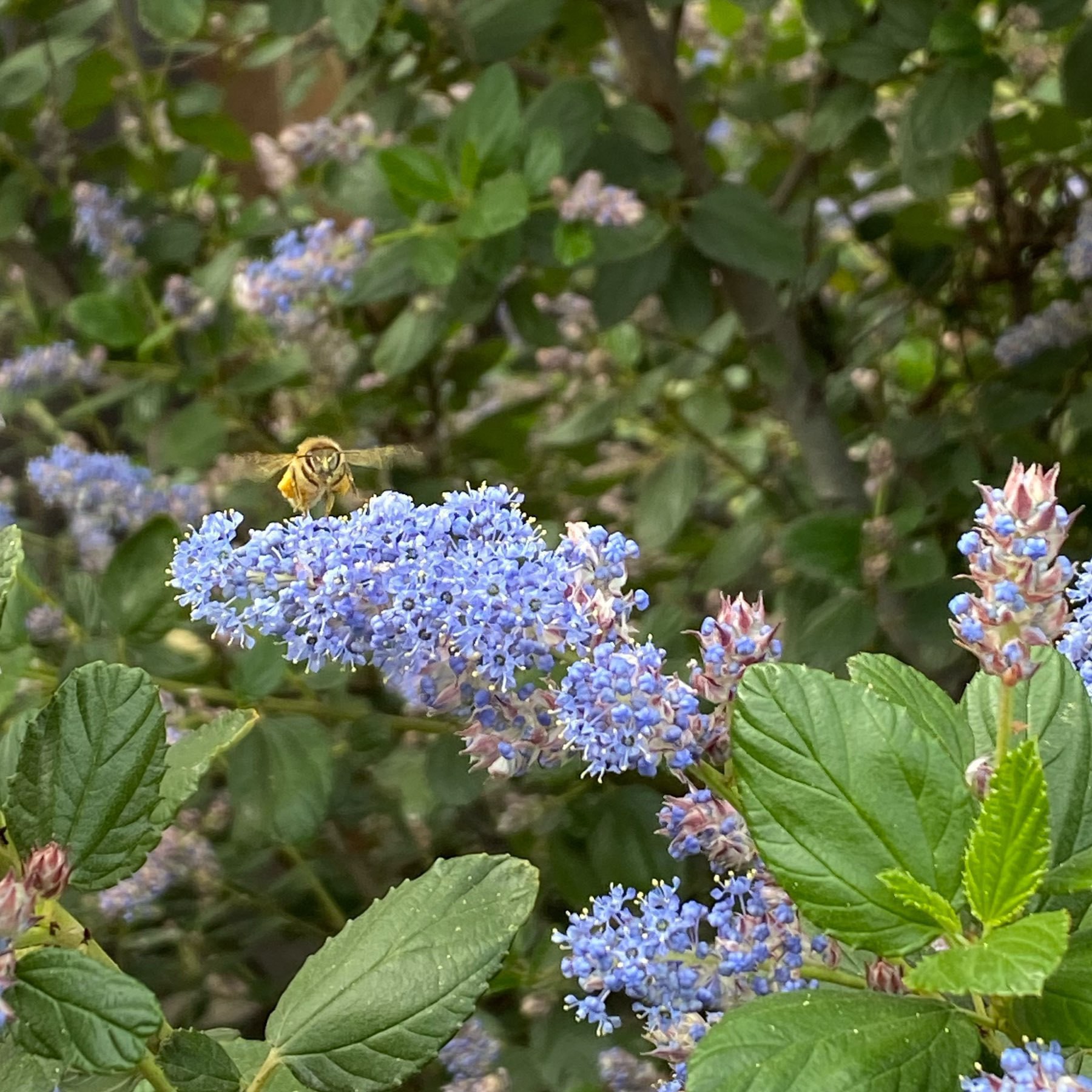
European honeybee on a California Lilac (Ceanothus). 🐝
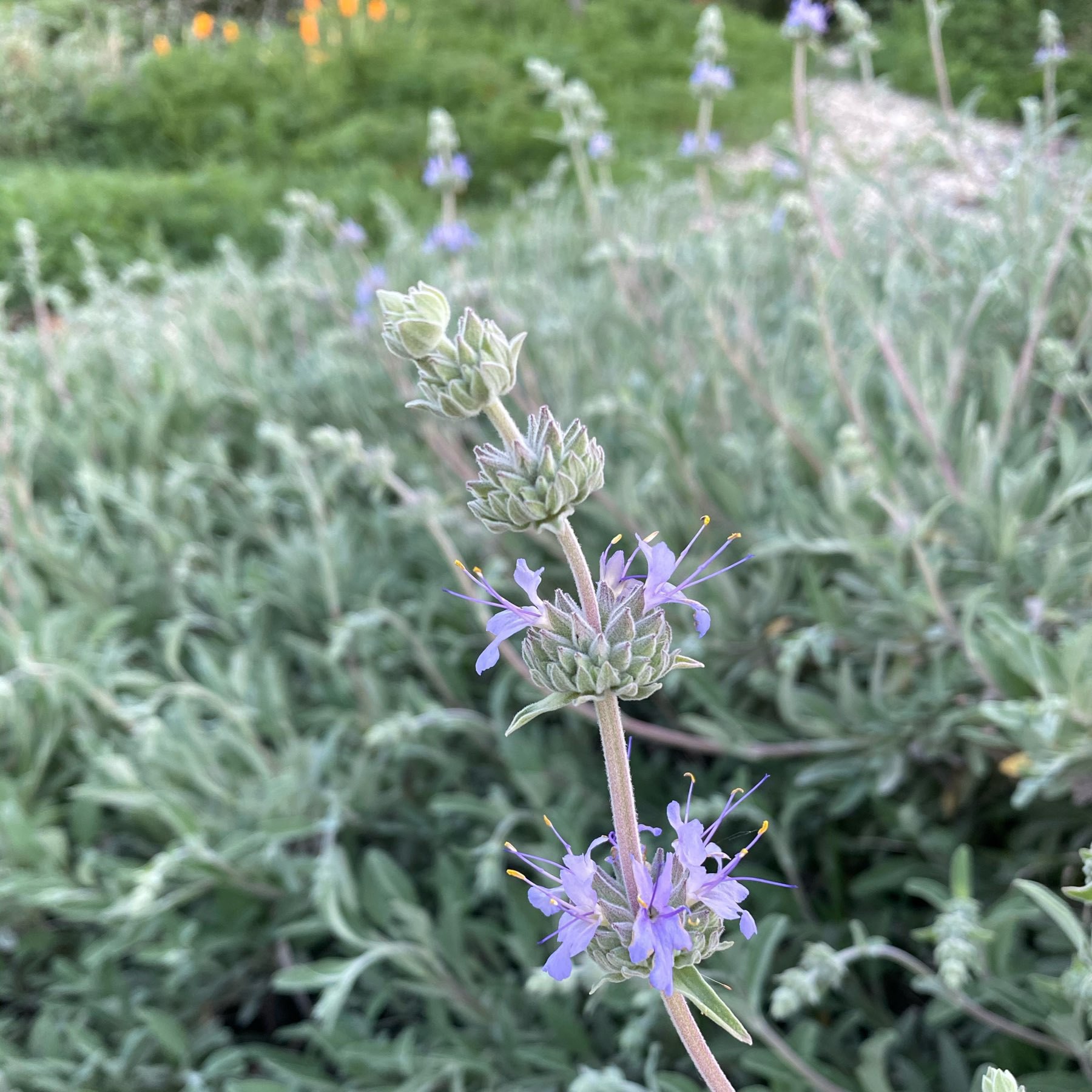
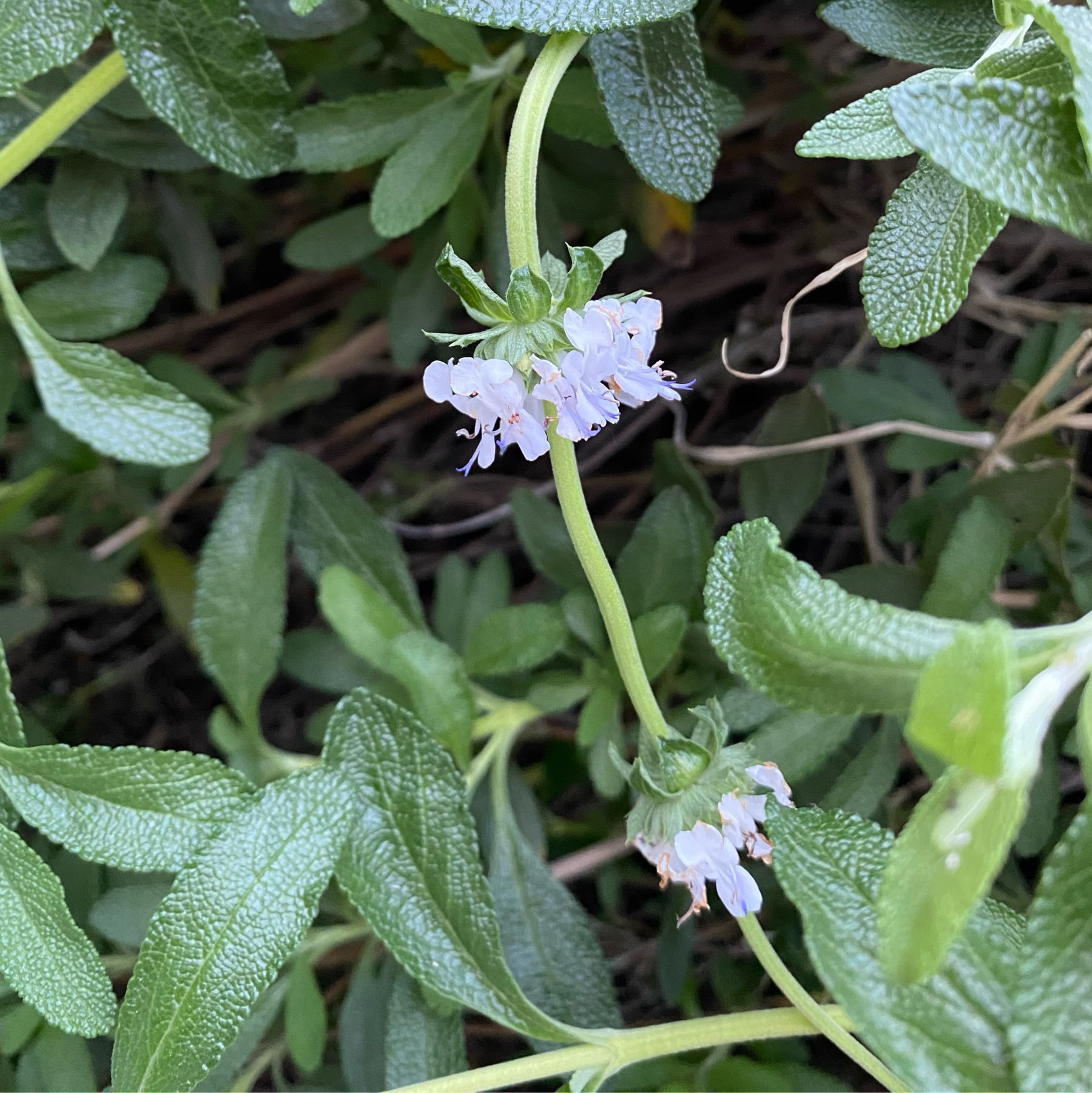
Our front yarden sage plants (first two photos) and all the Ceanothus are now flowering.
Our apricot had its first bloom today. A few weeks ahead last year. This tree has rarely yielded fruit. 🤞🌳