iOS Shortcuts
I’ve always loved listening to entire albums, as is evidence by my iOS Shortcut to randomize complete albums in track order. I don’t need that anymore. The Albums app is everything I always wanted Music.app to be. Shoutout to MacStories for letting me know about it!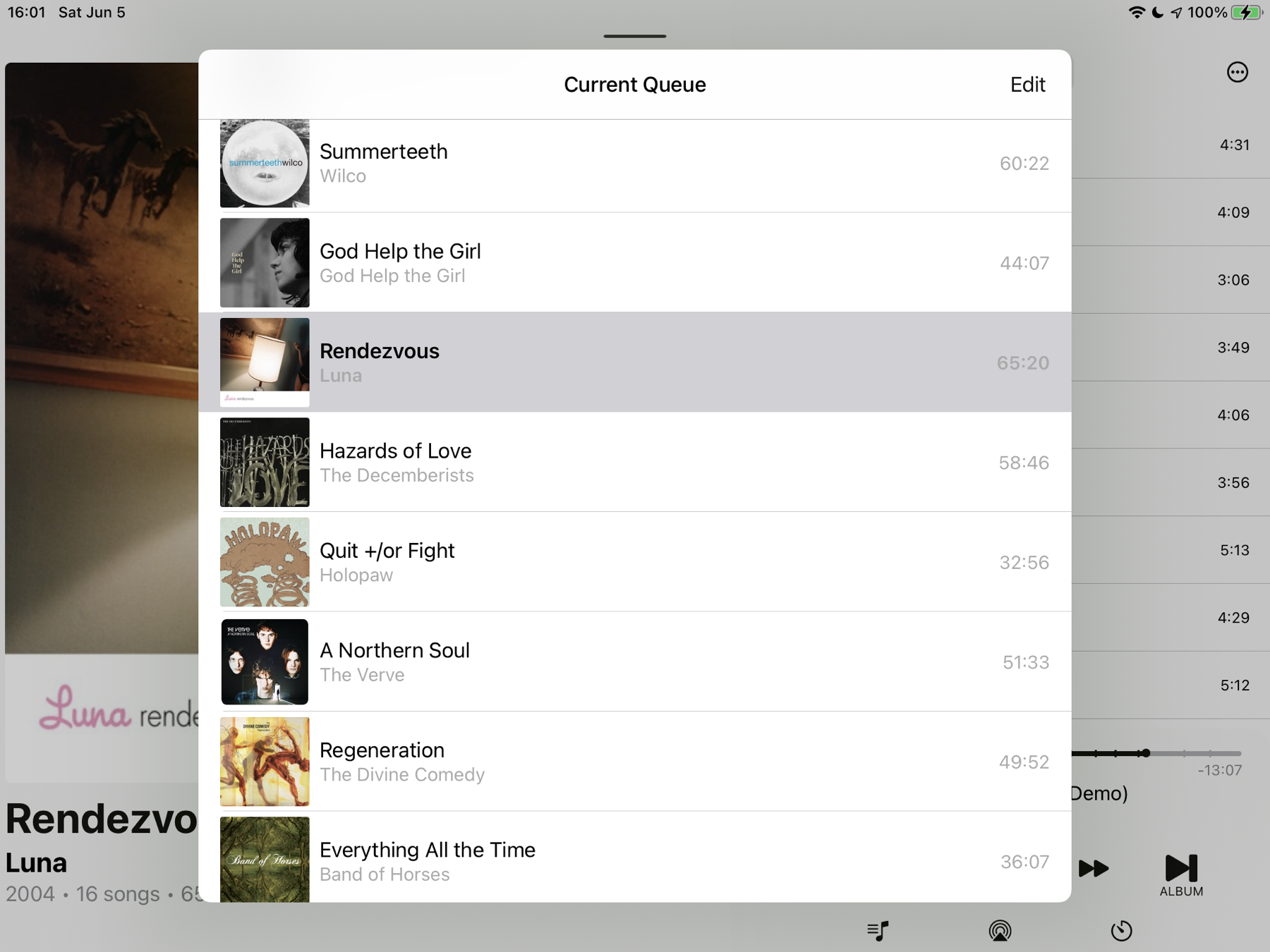
I created a shuffle albums Shortcut a while back. It’s now retired for the iOS Albums app. It’s great with its focus on albums and I love its insights. Album’s new releases section isn’t polluted with artists from Apple Music’s Radio.
iOS Shortcut: RaspberryShake Helicorder 24 Hour Plot
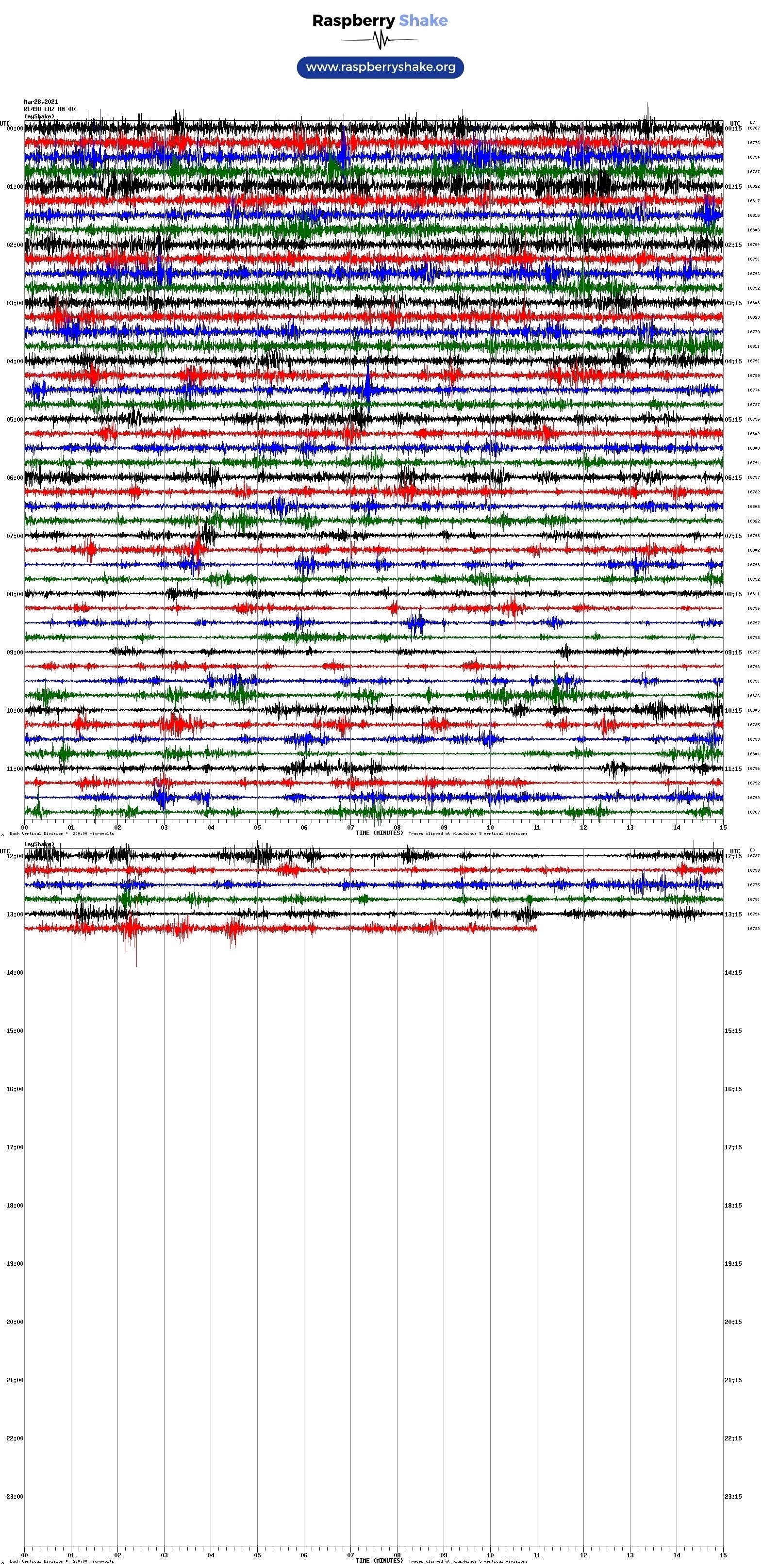
I rapidly made a iOS 14 Shortcut that automatically pulls the last 24 hours of helicorder plots from your #RaspberryShake (it assumes a rs.local hostname). Handy to have on the Home Screen. Let me know if there’s any problems. If you’re not in the US west coast, you’ll need to adjust to UTC from your time zone (look for Add 7 hours). Get it here.
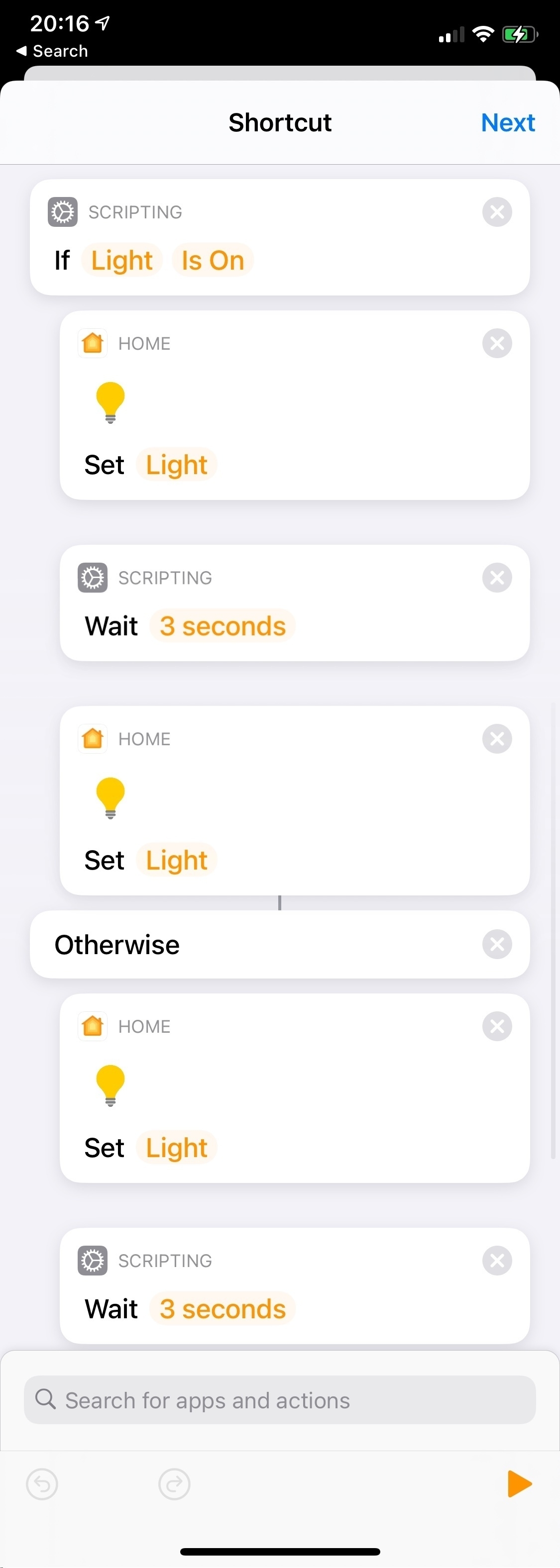
I used the Controller app to create an automation that triggers upon press of my Logitech doorbell button. Then I converted it to a Shortcut so that upon doorbell press, my dining room lights will flash. Real cool. So the light is Set on or off and then reversed depending on the light status.
I’m experimenting with HomeKit Automations converted to Shortcuts. This one, when a Home member arrives, will turn on a welcome light if the Logitech doorbell reads < 200 Lux. Otherwise it’ll flash the living room lamp to indicate an arrival.

Here’s my iOS Shortcut that uses ShellFish App to show all journals over the years written “On This Day”. I’m pretty pleased with it. You’ll see it relies on good file management!
Secure ShellFish for iOS is wonderful. Its shortcut functions allowed me to create a Shortcut that shows all journals written “On This Day” from my SSH server. Slick.
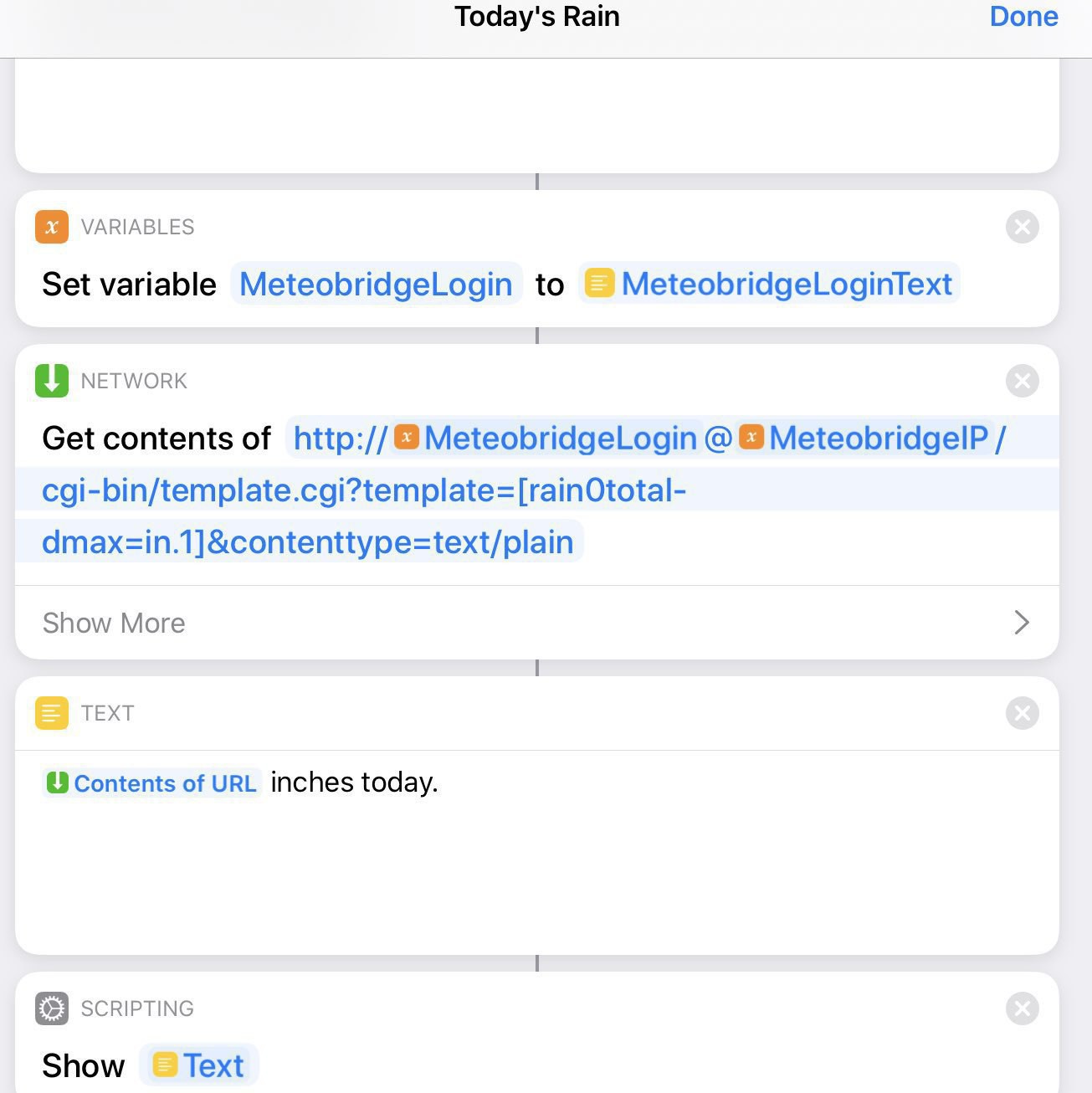
Siri Shortcut for Meteobridge Weather Report
If you have a weather station with Meteobridge, I’ve made a iOS Siri Shortcut so Siri can tell you about current conditions. You can tweak the weather report using variables on Meteobridge’s template page along with other small shortcut adjustments.
By default it reports current temperature, humidity and gusts in the last hour.
You’ll likely want to change the shortcut’s name. I chose simply “Yard” since Siri on HomePod finds it unique enough to not do something else. And my station is in the yard.
Upon import, It’ll ask for your Meteobridge IP address and credentials. Those are private to your device! Then be sure to go to the shortcut’s details screen to enable Internet access. Test it out on your handheld device then try on your HomePod. If you’re using HomePod, it may need a power cycle to see the shortcut……
For iOS 14 Shortcuts, seems the volume control function for AirPlay devices is only reliable after the audio begins. So for a DarkNoise shortcut, it switches to an AirPlay device, then DarkNoise plays, and finally after a four seconds wait the volume is controlled.
I’m experimenting with Meteobridge Templates and Siri Shortcuts so Siri can tell me about the weather just by pulling data off the local network data logger. Works pretty good!