Comcast/Xfinity internet at my home has some kind of network issue that sure feels like throttling. For customer service, it’s literally impossible to get more than a chatbot and a chat-based live support agent. The live support agents are 100% scripted and they do the same troubleshooting flows as a chatbot.
The issue is that my internet is operating at 0-5 Mbps unless I’m on VPN. I’m supposed to get ~1 Gbps and usually get 700 Mbps on Wifi 6E.
I have Windows 11 on my work PC now.
What does not work for me:
File Explorer's simplified right-click context menu where useful file interaction & application extensions, like Box, are hidden under a More button (UGH). Fix by pressing Shift when right clicking. I’m not yet sure if I like the copy/paste buttons. Guess Microsoft wants to turn Windows into Teams and make finding necessary features really difficult. Taskbar is glued to the bottom of the screen -- I need it on the left!
The weather chilled enough that our new Fujitsu 36LMAS heat pump is fully operational transferring outdoor heat into the house (during the cooling season it does the opposite). Our equipment continues to be amazingly quiet, quite unlike the natural gas furnace the heat pump replaced. It’ll be interesting to compare costs with last winter, though heating a house with a fully variable heat pump doesn’t work the same as a single cycle furnace.
So Slate is suddenly increasing their subscription from $59 a year to $119. And I can’t find the cancel button fast enough. Oh wait, it is missing despite the FAQ saying it exists! Poor form, Slate. I’m sure there’s another news org not doing shenanigans to customers.
Used to be ddclient for dynamic DNS updates required
web-skip=’IP Address:’
when checking the web for the WAN IP. But uh, seems like that’s been breaking my ddclient updates for a while now. Troubleshooting showed that removing web-skip in ddclient.conf fixes the problem.
There’s a thoughtful post on Fuji X Weekly. After spending several weeks with a X100V, I’m in agreement with the utility and power of Fujifilm
Film Simulations. As a hobbyist, it is liberating embracing Fujifilm out-of-camera JPEGs. I barely need the RAW Power app.
I just tried Fastmail’s and 1Password’s Masked email. It’s pretty great especially since it worked with a custom domain on day one!
Because of Safari’s new clearly bad UI changes, I’m not installing the public iOS and MacOS betas. Just listening to people talk about the new UI makes me cringe. I’m super excited about Focus though.
Windows 11 requires UEFI firmware. I use VMWare Fusion 12 Player (free) for Windows 10. Seems only VMWare Fusion 12 Pro can change firmware from BIOS to UEFI. Maybe VMWare will be nice and enable the UEFI option for Windows 11’s reqs. firmware = “efi” works not.
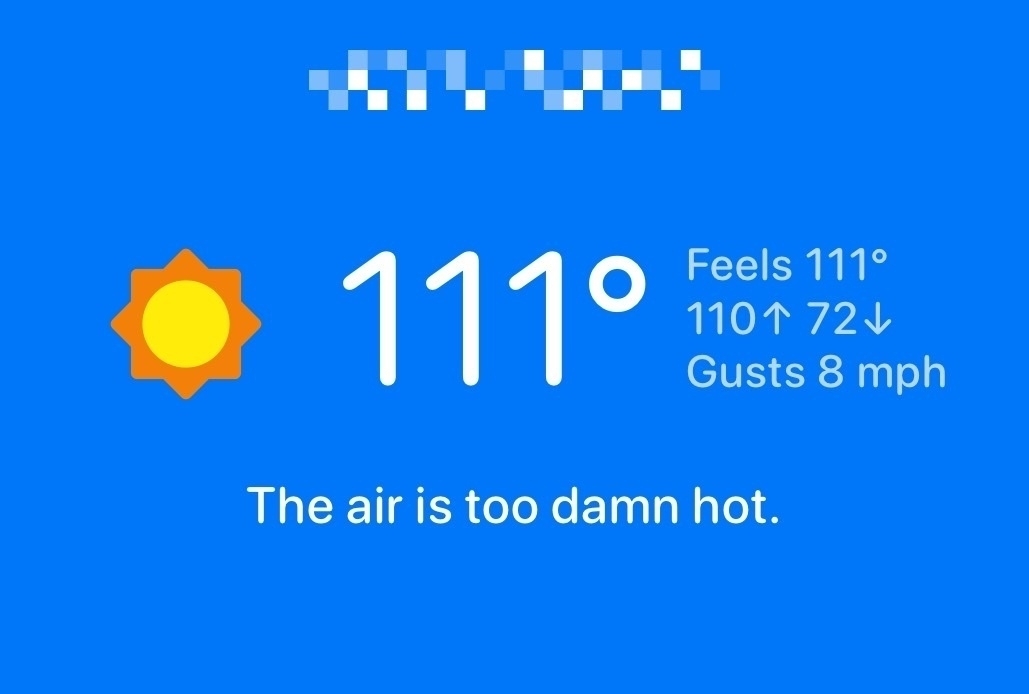
No surprise why I spent today processing raw photos. Cool that Carrot Weather can report on my weather station.